Zotto: An AI Assistant for Xojo - Buy Now

Hi all,

After a long beta test (thank you everyone) I’ve finally launched Zotto and I’m really proud of it.

You can read about it some buzz on this previous post.

If you know about it and want to buy it - here’s the purchase link.

What is Zotto?

Zotto is a cross-platform desktop app (built entirely in Xojo) that connects directly to the Xojo IDE. It’s designed to be a true “pair programmer” that actually sees and understands the project you are working on.

How is this different from Xojo’s Jade?

It’s all about context.

Zotto doesn’t just guess about your project; it uses a custom-built AST parser (XojoKit) to read your open project structure in real-time. It knows your class hierarchy, your method signatures, and your properties.

Zotto detects the running IDE, open projects and can connect to one project at a time.

It can search through your project to find code snippets and suggest refactoring.

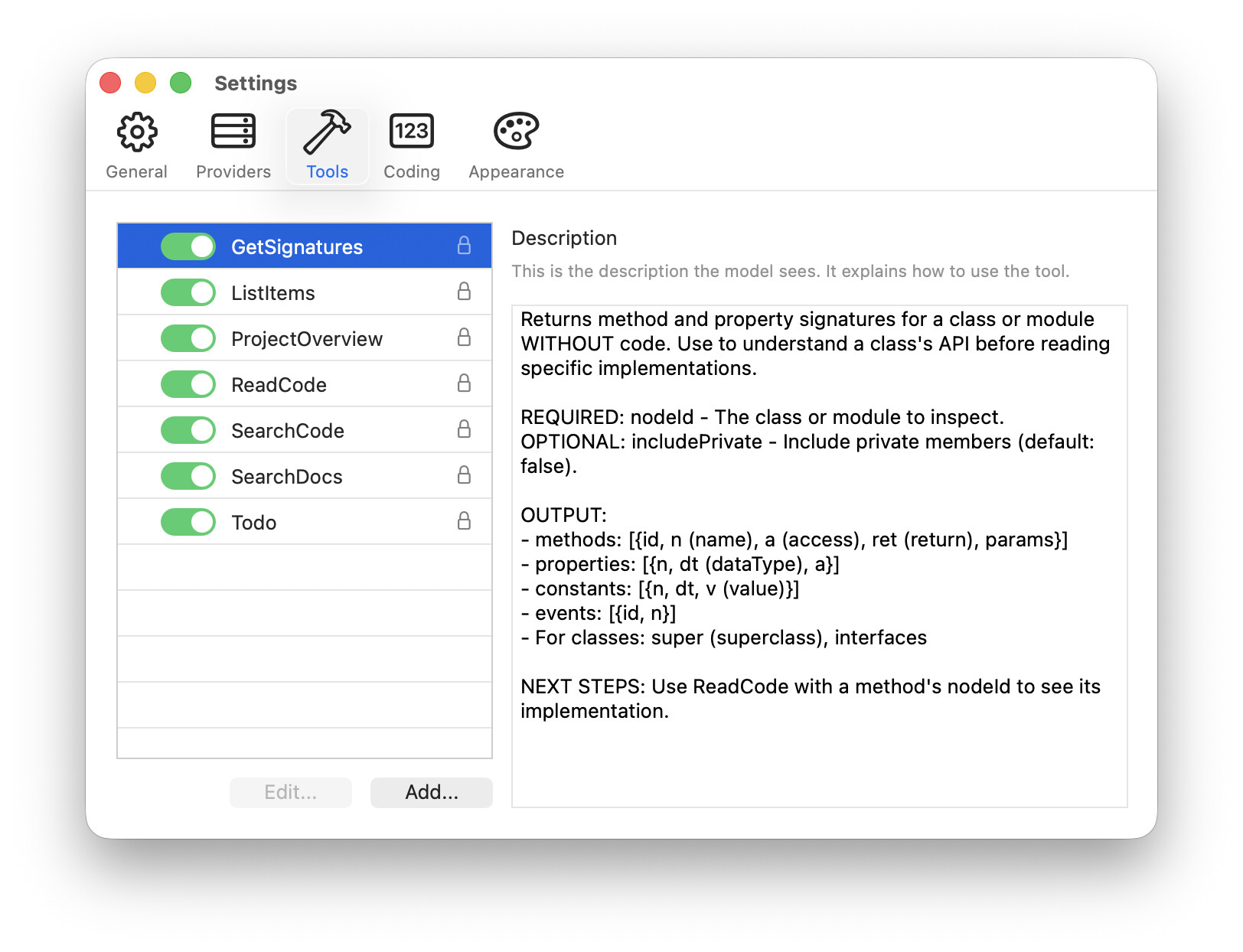
Zotto comes with several built-in tools for interacting with an open Xojo project and even includes a custom tool for offline searching of Xojo documentation to reduce hallucinations.

Because Zotto is context-aware, you can ask, “How do I implement the interface defined in MyCore.Utils?” and it knows exactly what that interface looks like without you pasting it.

I know many developers here are protective of their source code. Zotto is intentionally designed as a read-only assistant. In part due to limitations with Xojo’s IDE scripting (principally speed and the inability to refresh a project from disk without closing the project), Zotto is “read-only” by design. It suggests copy-and-pastable changes you can implement in the IDE. Whilst a little slower than directly writing to disk, it has the benefit of giving you complete control of the code. You remain in full control of what gets implemented.

Models

Zotto is model agnostic. You plug in your own provider. You are not just limited to Anthropic like you are with Jade. Zotto currently supports the following providers:

  • LM Studio & Ollama (running either locally on the same computer or reachable over your network)
  • OpenAI
  • Anthropic
  • Google Gemini
  • Any OpenAI-Responses API compatible provider (e.g. Grok, OpenRouter)

Major features

  • Cross-platform: Runs natively on macOS and Windows.
  • Built 100% in Xojo.
  • Can be used 100% offline if desired.
  • Supports all major LLM providers, both local, on-device and remote proprietary.
  • Read only access to your projects - no destructive activity.
  • Supports custom MCP servers - supply your own tools if you like.
  • Comprehensive built-in tools to read and understand a connected project.
  • Full theme engine. Supports light and dark mode and allows customising many aspects of the UI.
  • Syntax highlighting of Xojo code (again, colours are customisable).
  • Renders the Markdown output by models in realtime.
  • Automatically compacts conversations to keep the flow going.
  • Lightweight: Uses about 60 MB of RAM on Mac - leaves plenty of space for on-device models.

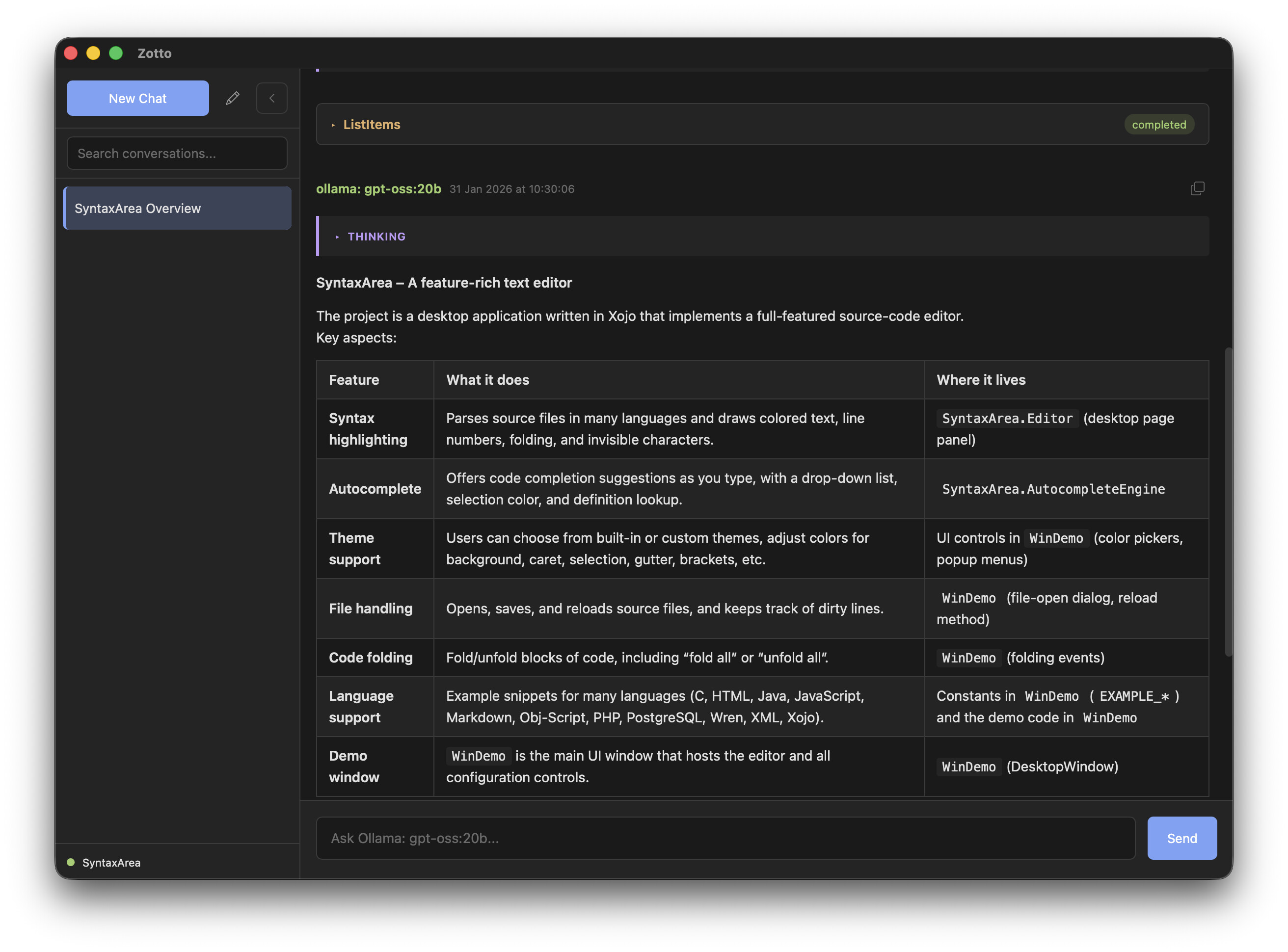
Screenshots

Purchasing

Zotto can be used free of charge with some limitations (one conversation, no custom tools and a few other limitations).

All features can be unlocked for £69 plus local taxes.

This is not a subscription . You can use any version released during your update period forever, even after the update period ends.

9 Likes

Minimum IDE version?
Minimum OS versions?
Accepted project format(s)?

You can test out the free trial to see if it’s a good fit but should work on any Xojo XML or Xojo Project file format.

Any chance that you could partner with @Thomas_Tempelmann in the future to add support for reading .xojo_binary_project files with his experience writing Arbed?

I’m not against the idea.

The challenge has been Xojo doesn’t document their file formats so it’s involved a lot of reverse engineering.

I’ve been using the .xojo_binary_project format for years. Honestly, I’m not even sure why at this point — probably just habit. I never really bothered to switch. It seems simple.

With tools like Zotto coming along, though, I’m starting to wonder if it’s time to rethink that.

For those of you who still prefer binary — what’s your reasoning? What keeps you there?

Are there hidden dangers to moving to Project File?

I have multiple project files for an app which share a lot of code. Therefore, I use xml and not text.

And the new libraries in Xojo does not make you think? I share code with them in Desktop projects using even password protected modules with success in text projects. And using Git, of course.

Using Git alone you can also check Git Submodules for code sharing.

So far I’ve seen absolutely no value for the libraries. I’ve read about submodules but didn’t find anything better than using external shared items in xml.

1 Like

Any chance for the linux version?

I’m struggling to fix a listbox bug that I think is in the Xojo framework on Linux…

Really interested in seeing a Linux version. Please keep us informed.

Willingly throwing away source code is the most destructive thing you can do to your future self. The only thing libraries are good for right now is distributing commercial packages. You should not use them for your own projects.

1 Like

Version 1.0.1

Bug fixes

  • Fixed a graphical glitch on the tools panel in the settings window on Windows.

Enhancements

  • It is now possible to specify the maximum context size for Ollama and LM Studio providers. If not set, the maximum context window is set to the model’s maximum.

Doing a Check for Updates or just re-downloading will get you the newest version.

1 Like

I thought I’d test it on my current project using CHatGPT API. I just added US$10 to a Plus license.

It responded with: Request too large for gpt-5 in organization org-xxxxxxxxxxxxxx on tokens per min (TPM): Limit 10000, Requested 26994. The input or output tokens must be reduced in order to run successfully. Visit https://platform.openai.com/account/rate-limits to learn more. You can increase your rate limit by adding a payment method to your account at https://platform.openai.com/account/billing.

Is there something I’m missing or will each use cost me more?

Jup, I had the same experience. Looks like Zotto sends the whole project with every single prompt. My cash flown away in 4 minutes.

The challenge is mostly around how the models choose to interact with the tools they have access to. I do everything possible in the API to limit the number of tokens and requests made but ultimately if a model chooses to utilise loads of tool calls it’s hard to stop that.

If you aren’t using a local model, I would recommend OpenRouter.ai. You can access some pretty powerful open source models (e.g. Kimi K2.5, MiniMax 2.5) which are a bit more reserved with token usage plus their costs are a lot lower.

I can see the challenge here. For ChatGPT you’d probably want a Project into which you load the app’s data as a file or set of files. But then, when you change the app, you’d have to replace the relevant files again. Tricky. Is the solution to have the files in a GIT somewhere so that when changed they are automagically seen in ChatGPT?

Having my project consist of a zillion text files scares me, probably irrationally. I understand that version control is a good thing, though, and I’d love to be able to search those text files, which I can’t do with binary.

You can’t have shared items with the text format?? That’s a deal-breaker for me.

I havn’t tested it completely, but it seems that with binary files, if you modify a common external item it is also modified in the other opened project, so you can save from any opened project it will be fine
in a text project, if you modify one item it is not reflected in another opened project
so you can have common items between projects but you should not open more than one at a time
if you modify one item, you must close and reopen the other projects that use that same item
that’s what I understood.
but I don"t see any difference between xml and text projects in usage ?
@Beatrix_Willius ???