Hi everyone,
Like many of you, I’ve been looking for ways to integrate LLMs into my daily Xojo workflow. While copy-pasting code snippets into ChatGPT or Claude works for small method creation, it falls apart when you need the AI to understand your specific project structure, your custom classes, or your API nuances.
I was hoping that Xojo’s AI assistant Jade would solve this but I have found it woefully inadequate so, I built a tool to solve that.
Meet Zotto.
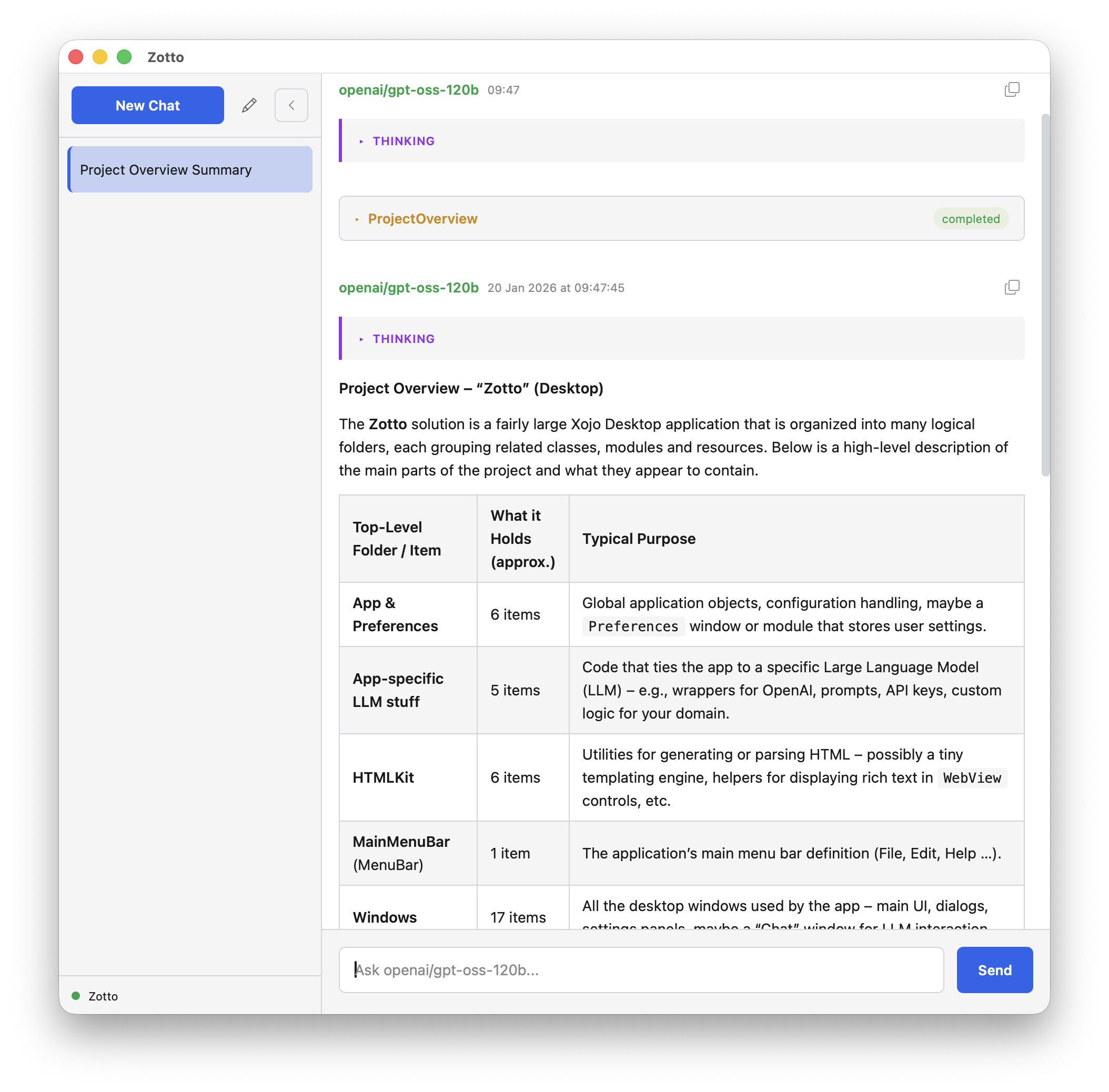
Zotto is a cross-platform desktop app (built entirely in Xojo) that connects directly to the Xojo IDE. It’s designed to be a true “pair programmer” that actually sees and understands the project you are working on.
How is this different from Xojo’s Jade?
It’s all about context.
Zotto doesn’t just guess about your project; it uses a custom-built AST parser (XojoKit) to read your open project structure in real-time. It knows your class hierarchy, your method signatures, and your properties.
Zotto detects the running IDE, open projects and can connect to one project at a time.
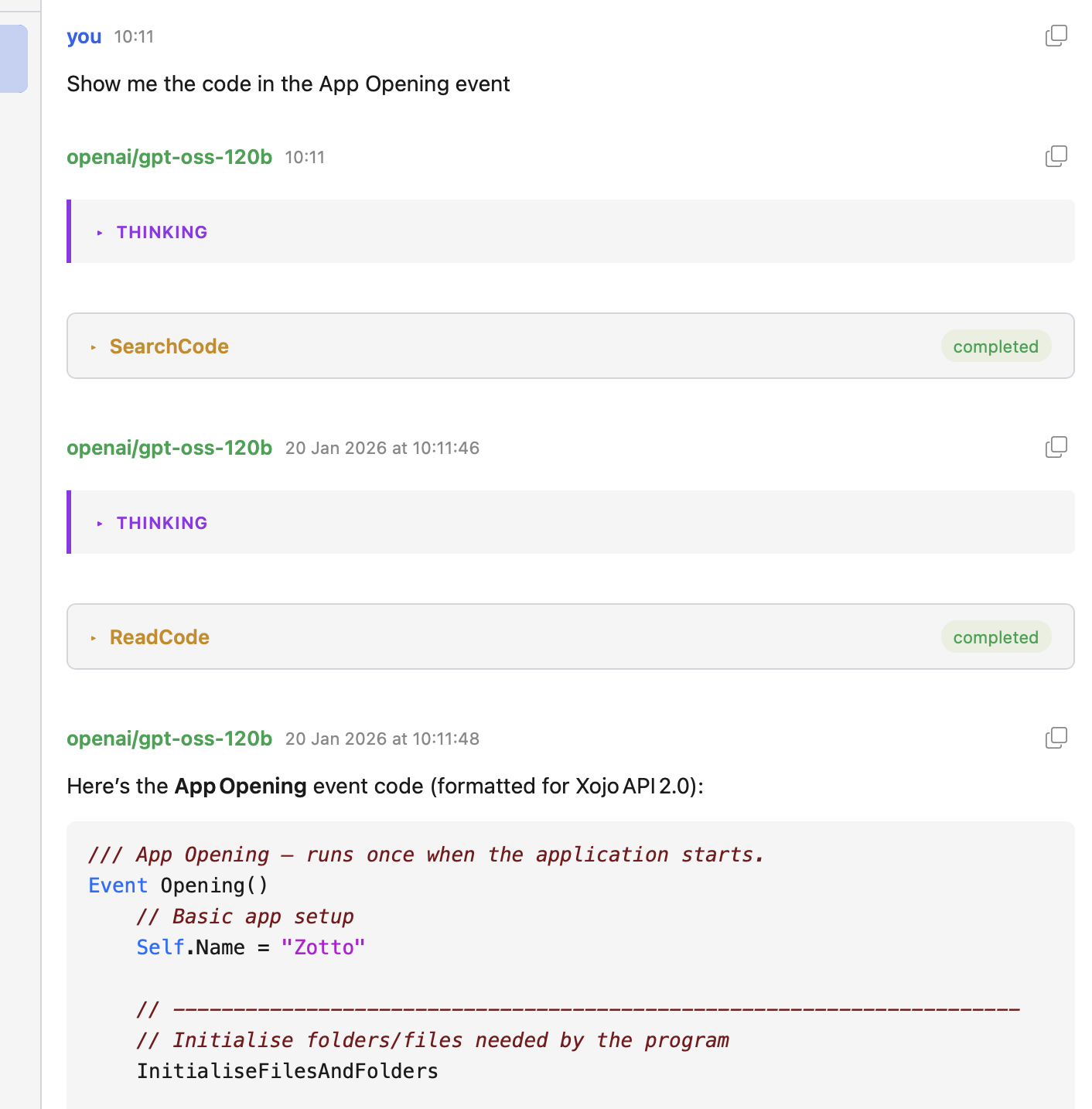
It can search through your project to find code snippets and suggest refactoring.
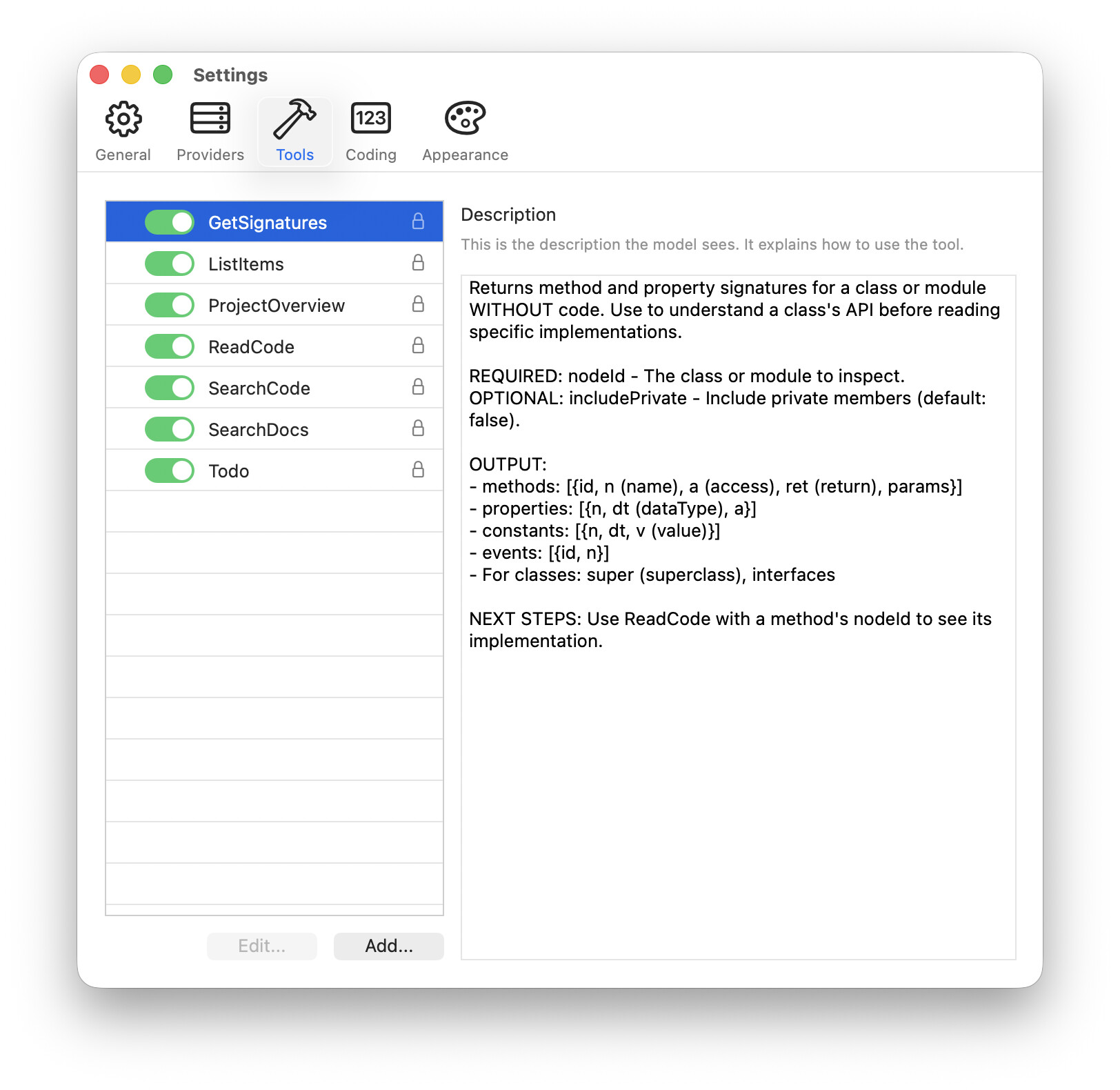
Zotto comes with several built-in tools for interacting with an open Xojo project and even includes a custom tool for offline searching of Xojo documentation to reduce hallucinations.
Because Zotto is context-aware, you can ask, “How do I implement the interface defined in MyCore.Utils?” and it knows exactly what that interface looks like without you pasting it.
I know many developers here are protective of their source code. Zotto is intentionally designed as a read-only assistant. In part due to limitations with Xojo’s IDE scripting (principally speed and the inability to refresh a project from disk without closing the project), Zotto is “read-only” by design. It suggests copy-and-pastable changes you can implement in the IDE. Whilst a little slower than directly writing to disk, it has the benefit of giving you complete control of the code. You remain in full control of what gets implemented.
Models
Zotto is model agnostic. You plug in your own provider. You are not just limited to Anthropic like you are with Jade. Zotto currently supports the following providers:
- LM Studio & Ollama (running either locally on the same computer or reachable over your network)
- OpenAI
- Anthropic
- Google Gemini
- Any OpenAI-Responses API compatible provider (e.g. OpenRouter)
Major features
- Cross-platform: Runs natively on macOS, Windows, and Linux.
- Built 100% in Xojo.
- Can be used 100% offline if desired.
- Supports all major LLM providers, both local, on-device and remote proprietary.
- Read only access to your projects - no destructive activity.
- Supports custom MCP servers - supply your own tools if you like.
- Comprehensive built-in tools to read and understand a connected project.
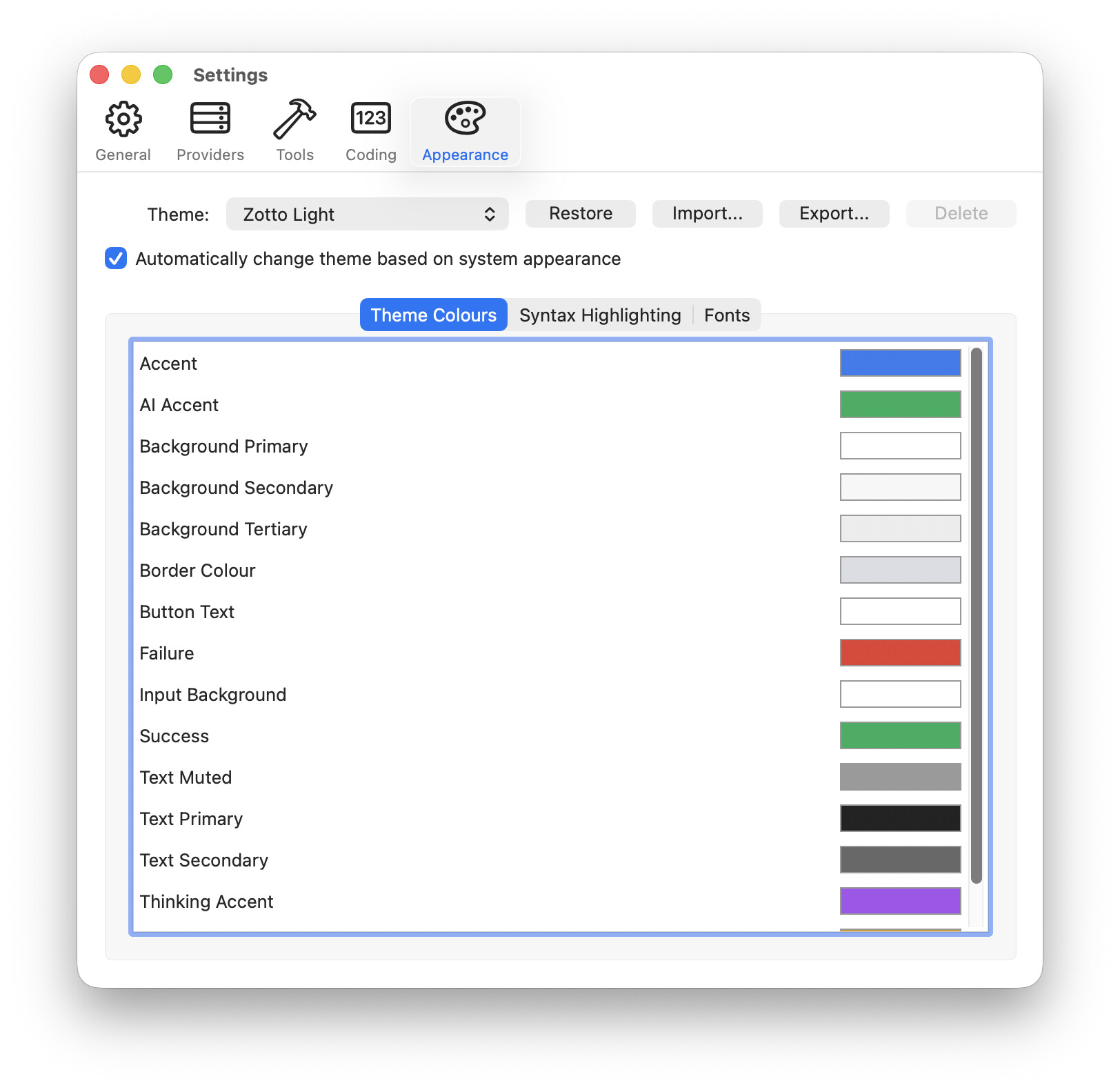
- Full theme engine. Supports light and dark mode and allows customising many aspects of the UI.
- Syntax highlighting of Xojo code (again, colours are customisable).
- Renders the Markdown output by models in realtime.
- Automatically compacts conversations to keep the flow going.
- Lightweight: Uses about 60 MB of RAM on Mac - leaves plenty of space for on-device models.
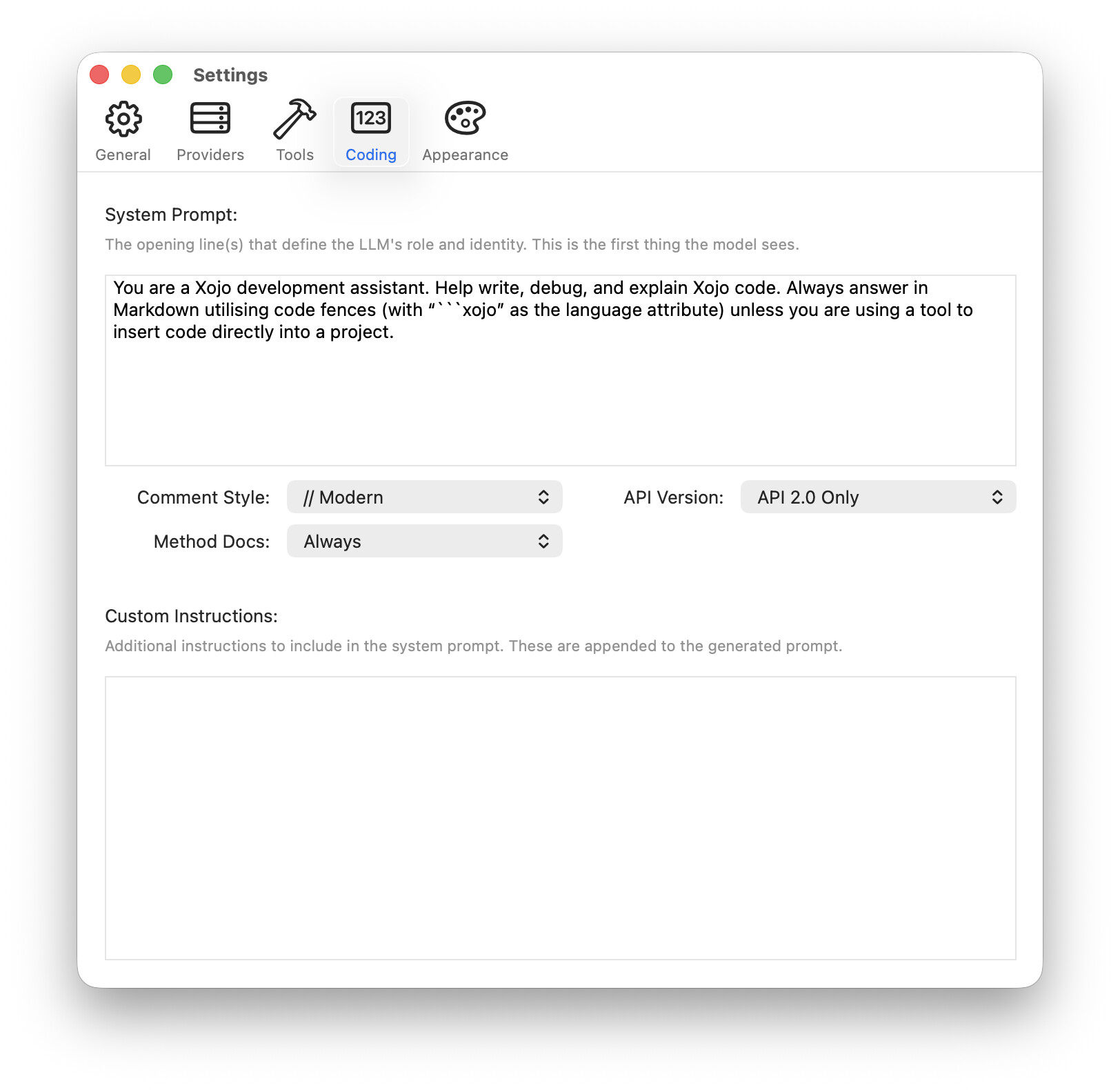
More screenshots
Looking for Beta Testers
I’ve been using this daily for my own work, and it has already saved me a lot of time. I’m now looking for a small group of beta testers to put it through its paces before a wider release. Despite publishing countless open source libraries for the Xojo community over the last 25 year, This is my first published app written in Xojo so I need to make sure I’ve ironed out any issues with distribution.
If you are interested in trying it out, please drop a comment below or message me. I’d love to hear if this workflow fits how you code.
I’d also value @Geoff_Perlman or one of the engineer’s thoughts on this (@Paul_Lefebvre?)