Are you having Claude/ChatGPT etc write Xojo code in a development environment that’s not copy paste back and forth with a chatbot?
What’s your setup? How well’s it working for you?
Does it have contextual awareness of your project structure?
Are you having Claude/ChatGPT etc write Xojo code in a development environment that’s not copy paste back and forth with a chatbot?
What’s your setup? How well’s it working for you?
Does it have contextual awareness of your project structure?
Yeah, Garry built an app for that.
Edit: Oh, I misunderstood his app, you still have to copy & paste. Nevermind 
I am using XMCP ( XMCP – Control the Xojo IDE from your AI assistant ) with Codex desktop and it is working great. Someone else is using it with Claude CLI and seems to be having success as well.
Codex desktop (and Clause Code) already has full contextual awareness of your project because you point it to your xojo project (which should be saved as text or xml). What XMCP gets you is Codex can now have some control over the IDE. With a little prompt tuning, whenever Codex wants to make changes to my code, it:
XMCP is a console app, so you’ll need the right Xojo license to build it, but it makes my work with Codex very easy and natural.
Currently using Codex without XMCP. Just re-did XMCP in Node.js but this will need more testing.
Codex is the best productivity improvement ever.
What was in the past a very iterative process is now way more waterfall-ish. I let myself interview by Codex until I have a good understanding what the new feature is going to be. Then I let Codex make an implementation plan. Along the way I always check if the new code is doing what it should. But it knows my code and how I develop. If it makes mistakes then I tell it to analyse the problems and the result goes into the agent.md file.
Codex finds really tricky bugs and has saved my behind in the last months multiple times.
I even use Codex for writing blog posts which makes that task a lot better than it was before. The skill for that is still in progress somewhat. I also automate other tasks with Codex like updating my regression testing from the list of new features.
using claude code directly on a folder containing a xojo project saved as text (“.xojo_project”)
works also if the project is saved as xml (but it makes only one big xml file you must externalize the items inside or it will consume a lot of tokens each time it accesses it)
completely awesome. will never go back !
For easy to medium difficulty tasks, I use Google Antigravity with access to the code on disk. It is extremely fast. I have the $19/month plan and so far have not exceeded the usage allowed. Compared to Claude Code, it is night and day in terms of speed. Antigravity is much more aggressive and sometimes I have to tell it not to modify any code before allowing me to review.
I also have Claude Code, primarily Opus 4.8 and use it as an extension with VS Code. It works with the files on disk too. It is slow but smarter. I tried Fable the other day and it took about 30 minutes but the results were incredible. With a Xojo Desktop app, I had a Window designed but with very little UI elements on it. It added buttons, labels, everything and created the complete UI as well as all of the code. It compiled the first time and worked perfectly. I reviewed all of the code and it looked very similar to my own code. It used my custom ORM and helper classes where needed. Shocking actually.
The pain point of using AI this way is having to reload the Xojo project. It is not that bad, but I still tend to break my projects into smaller sections or modules and have the AI do all of the work and then copy back to my larger project when it is ready.
One tip I have found is that having the AI create a new module or window can be problematic. It is more reliable to create a module, add a method or property and give it that for a starting point. If you do that, you almost never have issues.
Cool.
Have you used both XMCP with Codex and XMCPStudio which used XMCP?
Is codex creating new classes, methods, etc? Does it understand the Xojo project format well enough for that?
When you give an existing module with a method as a starting point, is it able to add more methods, properties to it, etc?
Are you modifying existing code or adding new classes, methods, etc?
I haven’t used XMCPStudio yet, and not sure if I will. I don’t really see a use case for me.
Is codex creating new classes, methods, etc? Does it understand the Xojo project format well enough for that?
Yes and yes.
I started by letting codex make sweeping changes to the entire project, but it would reach into all the dark corners of the code and refactor things that were secondary to what I has asked it to do and when it was all done I couldn’t really get even a high level picture of what the code was doing.
I solved all that by being very specific in the system prompt about only changing what I asked it to change, when I gave it permission to change it, and if it thought more changes were needed to ask me first. And I had Codex write the system prompt after I told it how I wanted it to behave.
You just need to try it. You won’t go back. For me it is almost the equivalent of hiring another programmer.
most of the time starting from an empty xojo project, but also modifying and optimizing my own older code
Yes. It can add methods, properties, computed properties, basically anything. I have allowed Claude Opus 4.8 to create modules from scratch but on a few occasions it took a couple of edits (by claude) to fix minor issues causing it not to load in the IDE.
Creation of classes and methods is okay. Creation of interface elements usually makes Xojo crash so I have to do that myself. But I use xml and not the text format because I need to shared code between projects. I hoped that Codex would get better but so far it has not.
I find Claude very good at coding, and also at user interface.
this is a project I’m working on with Claude, rebuilding an old xojo app.
I wrote almost no line of code
and Claude did the user interface. I only described precisely what I wanted.
Visual Studio Code and Github Copilot Pro.
Writing xojo_project format files from scratch.
Still need the IDE to build and debug of course.
Works very well.
And great for keeping development and user documentation in line with the code base.
“AI is a great new tool, but it’s a tool, and when I see people saying, ‘Hey, 99% of our code is written by AI,’ I literally get angry, because those same people — I can pretty much guarantee — that 100% of their code is written by compilers. But they never say that.”
— Linus Torvalds
I’ll leave this thought in the forum.
I loved it.
It emphasizes seeing AI as a tool.
Torvalds’ point is an interesting one: he sees AI as a productivity tool, much like assemblers and compilers have been in the past. He believes it is misleading to claim that “AI wrote the code,” since developers remain responsible for understanding, maintaining, and architecting the software.
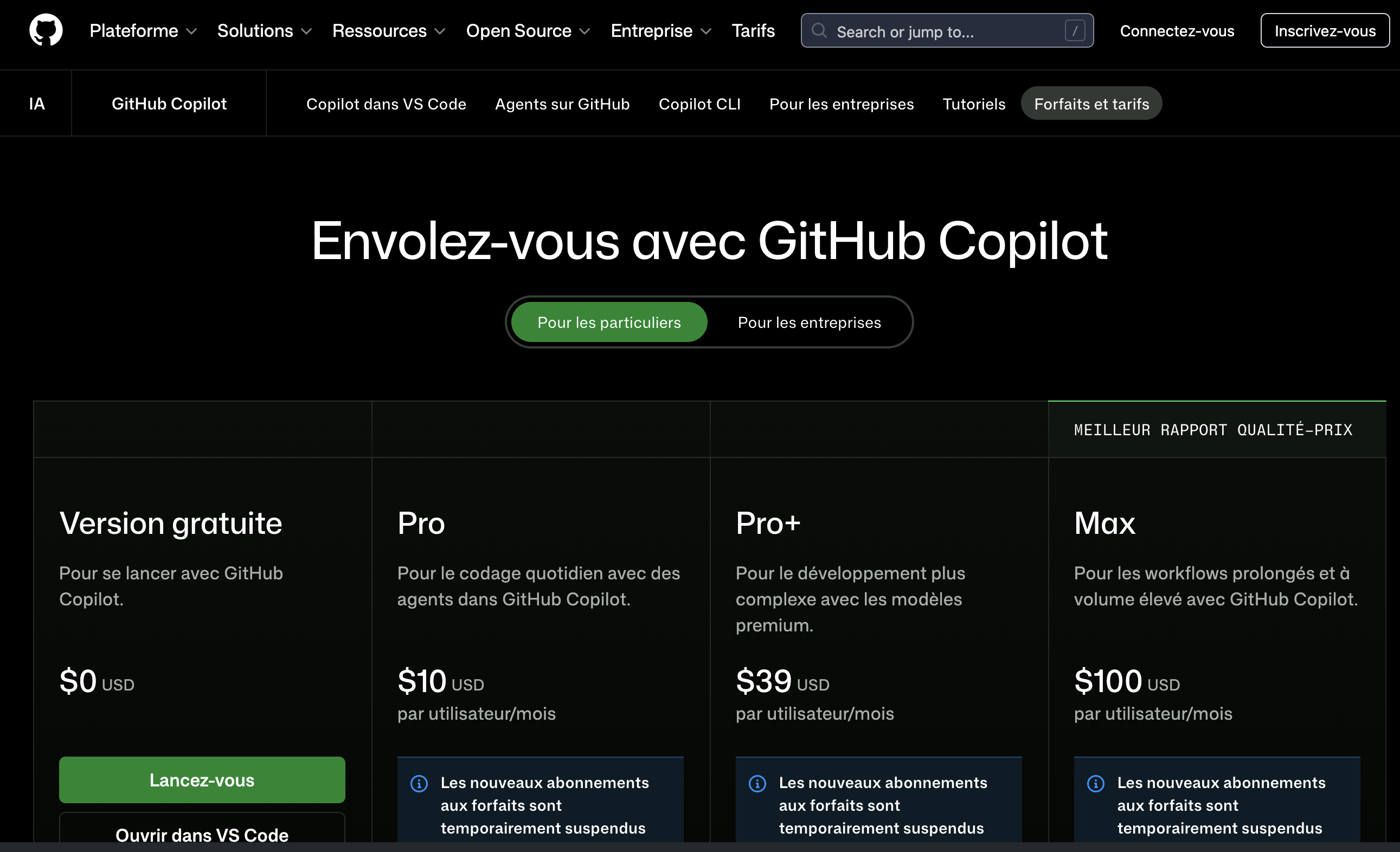
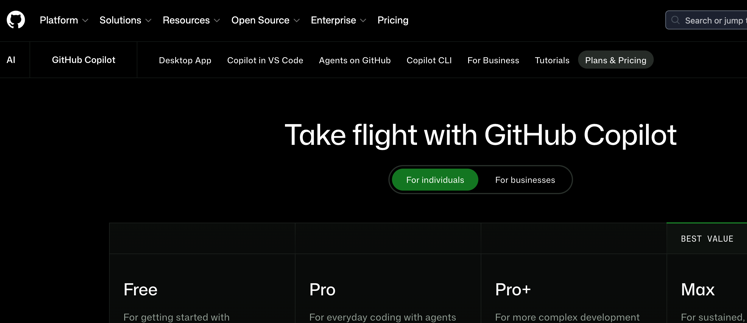
@Emile_Schwarz funny, your screen shot doesn’t include the Desktop App option. I think what you’re seeing is a plugin that integrates into other IDEs, so OS is moot. When you select Desktop App on the US site you’re given a choice of OS.