I have a large project that benefits from aggressive compiler optimization, it has been compiling for over 12 hours now. That part is fine, I can wait for it.
However, this keeps Xojo tied up and I’m not able to work on or debug other applications in other Xojo windows at the same time. My other Xojo IDE windows technically respond, but they are incredibly slow. Like, click on something and wait 20 seconds for the click to register. And I’m not able to debug them, clicking the “Run” button has no effect, probably because the compiler is already in use.
Is there any workaround? I would love to be able to lower the process priority of the compile and keep working. I have 128 GB of RAM and plenty of CPU overhead so the system can definitely handle it.
How about a Virtual Machine - you could easily spin up a second VM on your machine, and limit the # of virtual CPUs so that it wouldn’t hog all of your processing power.
We didn’t figure out exactly what causes the slowdown - the answer doesn’t seem to be “Don’t use variants at all” but rather “Don’t use variants in a particular way” - there are some code examples in the Issue you could look at.
If you are lucky, it could be one Function or Method which is causing the entire slowdown, and if you could find and fix it, compilation speed would return to normal..
Windows or Mac?
For these cases I always have at least 2 Xojo Versions (original and copy of the release) in use.
Most of the time there is also a 3rd Version - the latest Beta.
If one of them is compiling or running, the other ones work totally fine.
Our ultimate goal (which is on the roadmap) is a command line compiler that can be quietly compiling in the background so that by the time you hit Run or Build, it’s likely already finished.
And FWIW, every time you renew your license, you’re contributing to us reaching that goal.
So it would compile anything unchanged in the background so that all you end up waiting on is for newly-changed items to compile? Someone’s been using their whole brain over there at your office.
That’s the idea, yes. And given how much of the time we are staring at our code, it may have nothing left to compile by the time you press run or build, just linking. We can’t do that in advance.
I have the same problem with a large project;
I reported it via the tracker I sent to support,
and they tested it and reproduced the issue.
It’s been confirmed as a bug, but I’m still waiting for a definitive answer…
Try joining my tracker entry maybe that will help.
I personally would have preferred that the IDE became responsive as a whole rather than going to a solution involving the command line, which I rarely use (and normally dislike and avoid).
Sorry for being pessimistic.
If the compiler was a separate command-line application, the IDE would shell to it asynchronously and would remain responsive since the heavy lifting is done in a completely different process. We also would be able to write our own compilation scripts, run regular automated compiles on a schedule, etc. It would be quite nice.
Granted, if the new command-line implementation isn’t just for the users but the IDE also uses it, it would certainly be a huge improvement.
It remains to be seen.
What I find shocking is, that XOJO takes 12h+ for his project to compile! Command line compiler will change that not much - I fear.
His Windows laptop with 128GB RAM - which is really , really much for an laptop - even for an Desktop PC will have also a fast, newer Intel Mobile CPU - in such case of 128 GB RAM.
I would accept such long times for an 16 GB with older Intel Mobile from before 2020, but with 128 GB RAM and new fast cpu?!
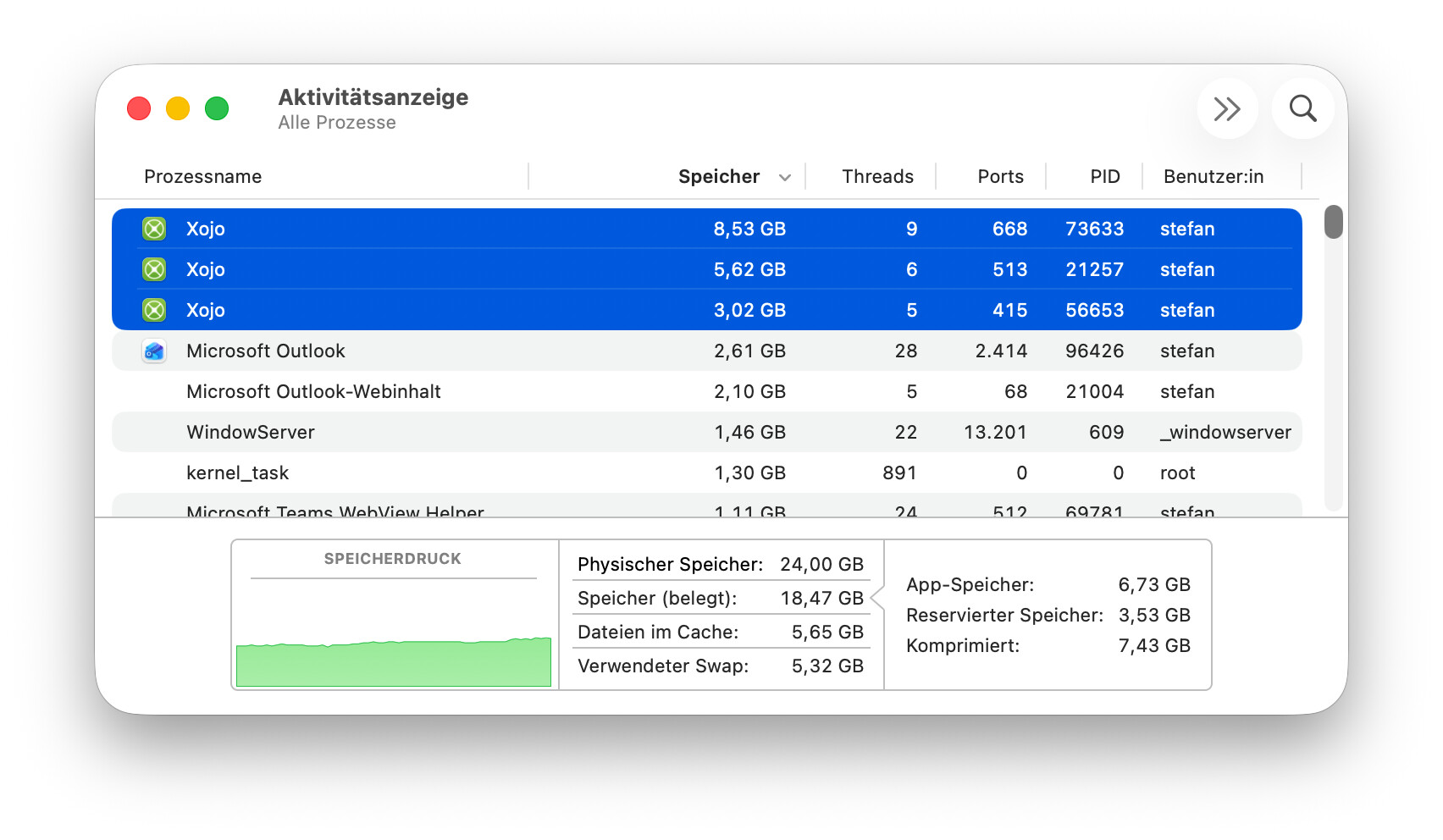
I must be doing something different. Even on my 32 GB iMac I have to restart now and then. On my old 8 GB MacBook Air I get “computer ran out of memory” and then I see Xojo with 30 or 40 GB.
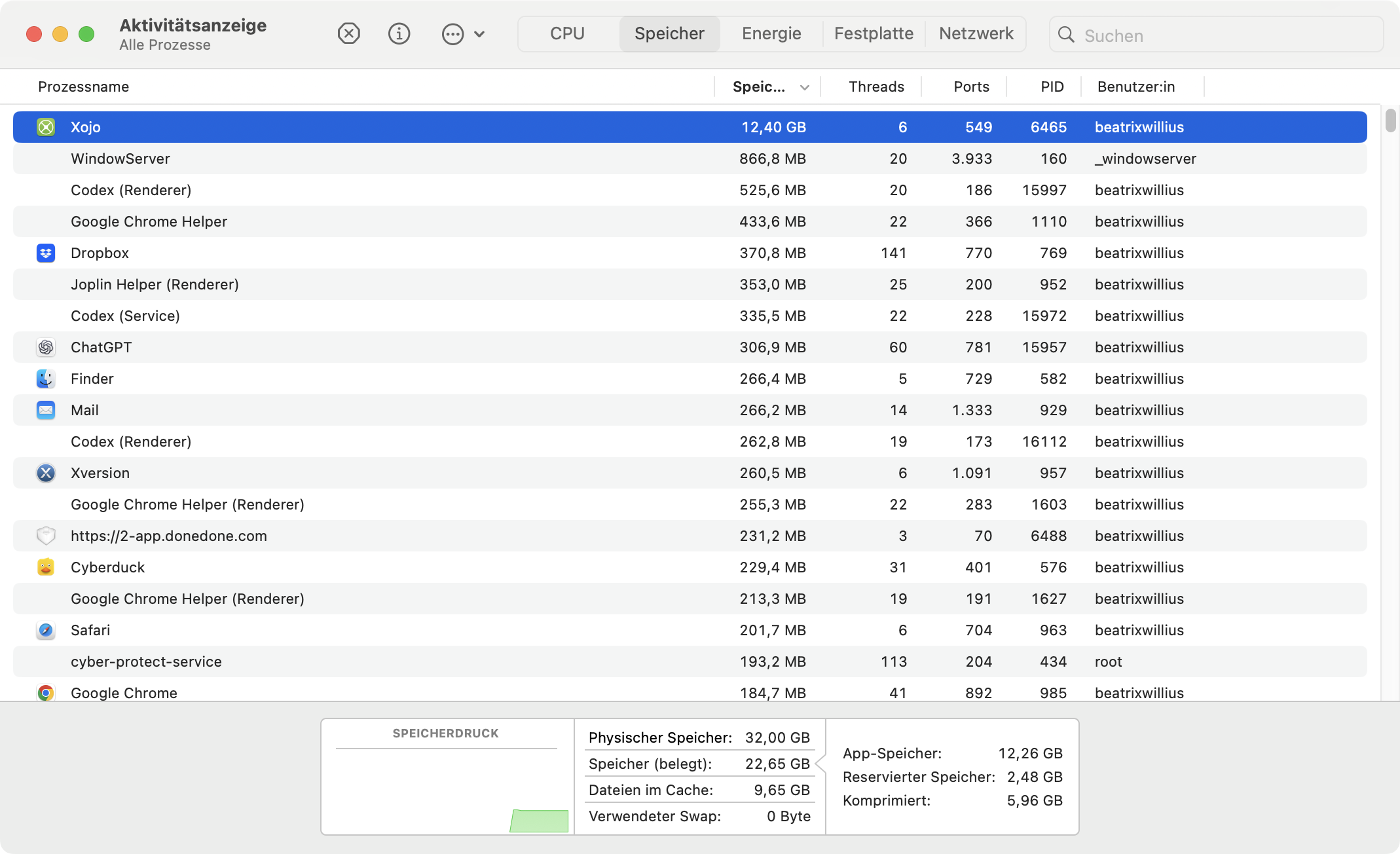
I did a release yesterday with another Xojo version so the 12 GB is from one single day: