The setupstring prior to macOS 26 is not read now

My app saves PrinterSetup.SetupString (now Settings) for reuse in printing, and it’s worked for many years.

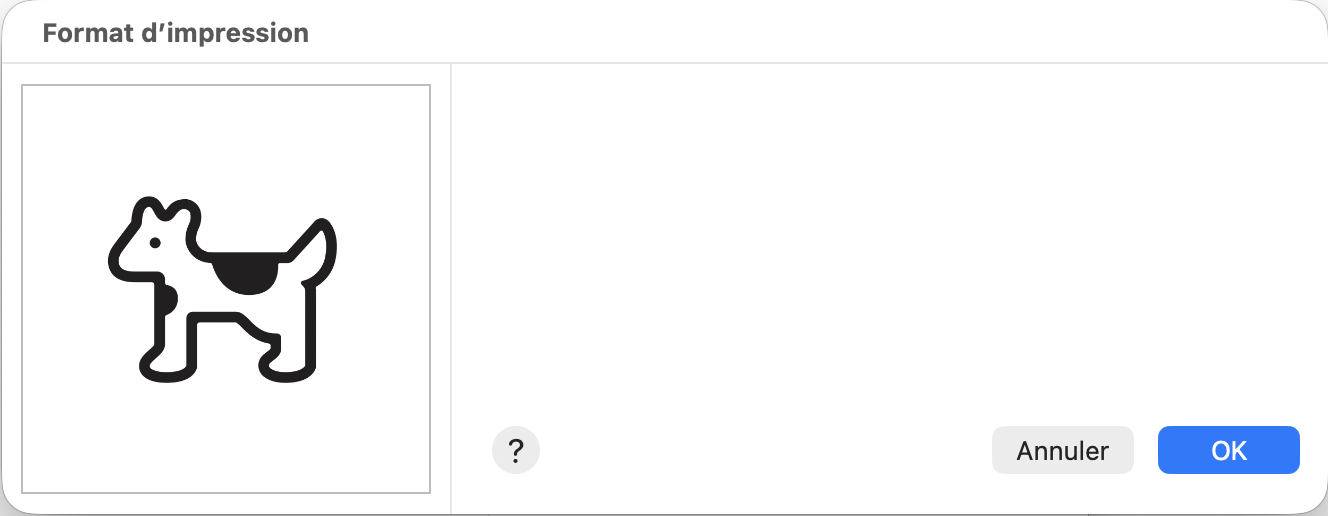
Since macOS 26, the SetupString is incorrectly read, and the ShowPageSetupDialog dialog appears but is blank; the only visible information is the portrait/landscape orientation.

Has anyone ever seen this before?

Thanks

how do you save it?
You can’t assume anything about the content, so treat it as binary data.
If one byte changes or is modified, the data cut, it won’t work.

How do you save / restore the Settings ?

A simple project is welcome if you want some advised help.

Marc’s project is 8Sens, a huge french accounting app (and sub apps)
so he may not have a “simple” project to upload here !

He can certainly make a demo app of just how he is using printer Settings and zip and upload it here

1 Like


This is the contents of settings as seen in the Debugger.

As you can see, its Encoding is Nil, and it holds a mix of text and binary data.

As Christian wrote, you have to save / open as Binary. A set of .Write / .ReadAll is what have to be done.
Share just the save / restore settings if you prefer.

Indeed, I read and write it in binary.

Save:

dim lg As Integer
lg = LenB(SetupString)
thebs.WriteInt32 lg
if lg > 0 then
thebs.Write SetupString
end

Get:

lg = thebs.ReadInt32
SetupString = thebs.Read(lg)

Thank you for your replies, and hello Jean-Yves!

1 Like

Check the BinaryStream entry in the Documentation…

Use Write / Read instead of saving a defined length / load a defined length data…
Look under Open(file As FolderItem, readwrite As Boolean = False) As BinaryStream

for the example / and look same for Write…

Yes, but it’s very old code (20+ years old) that has always worked. I’m happy to switch to a newer version of my app now, but I still need to reread all the print templates saved with this setupstring!

Why ?

That said, in the new version, you can display the PrinterSetup to the user, then do the process.

There’s your problem. You should be using base64 encoding and saving as text. I did it this way everywhere and never had a problem.

He writes and reads it binary. That is fine.

Base64 is not needed here.

Putting the length before the data is also fine.

@Marc_COURAUD, you could of course check if the amount of bytes you read it correct after reading to verify it.

e.g.

lg = thebs.ReadInt32
SetupString = thebs.Read(lg)
if lg <> SetupString.bytes then
   break
end if

Otherwise you may check later if the data gets modified and the length changes. e.g. if you pass it through a string function or something like it.

e.g. when you do a + b on two strings. Xojo may do encoding conversion internally and break it.

1 Like

Huh? He’s already writing and reading it to a Binary stream as arbitrary bytes. Cycling it through Base64 shouldn’t do anything.

1 Like

Thanks for the idea, but lg is equal to SetupString.Bytes

Here is the result of the PageSetupDialog, provided with the SetupString read from my template file

Almost completely empty!

Have you checked in Console?
A blank window like this, especially on Mac OS, can be caused by an exception triggered in the OS.

To be fair, I had lots of issues writing and reading binary print setup strings when I was writing Xojo apps for customers. Once I changed to encoded text, I never had a problem again. Just sayin.

1 Like

Your experience suggests the your data path was not 8-bit safe; haven’t used that term in a looooong time!

This was a big issue back in the early days of networked printers on networks which might have segments that only transmitted 7 bits (!) – this led to Postscript having both a 7-bit ASCII representation and an 8-bit representation. You can even intermix them in a single file, the advantage being that the ASCII representation of the executable code was a lot more readable to humans for debugging while the binary-encoded image data was much more compact in 8 bits.

Xojo isn’t that old, I presume.

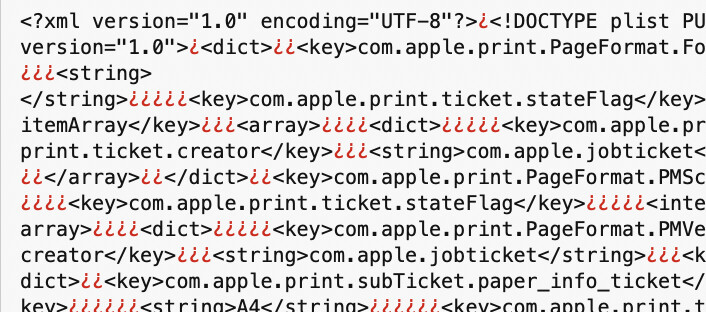
This is the beginning of the old setupstring, before macOS 26:

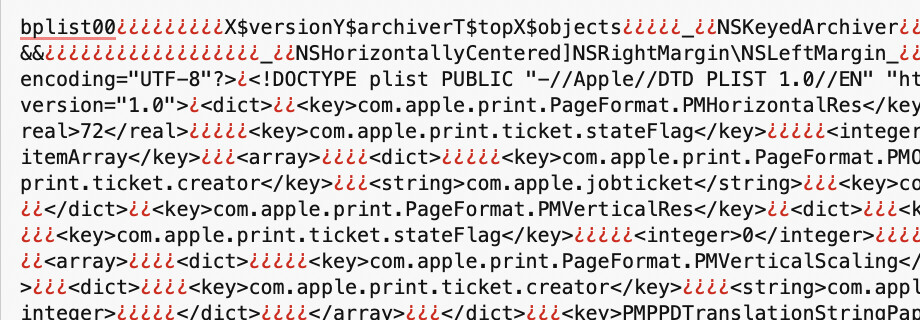
And here is the current one:

We found also an XML file, with a bunch of bytes before and after it.

I don’t know if Xojo can do anything about it?

But indeed, it could cause an exception, as Arnaud said.

To get the data youwant, you have to restore the settings, then get these data from XOJO.

The current documentation is your best friend here.

I have only one hand now, so I have to stop now.

Ask this afternoon if you want more help this afternoon. Ihave a meeting at 15:00.

Regards

help here