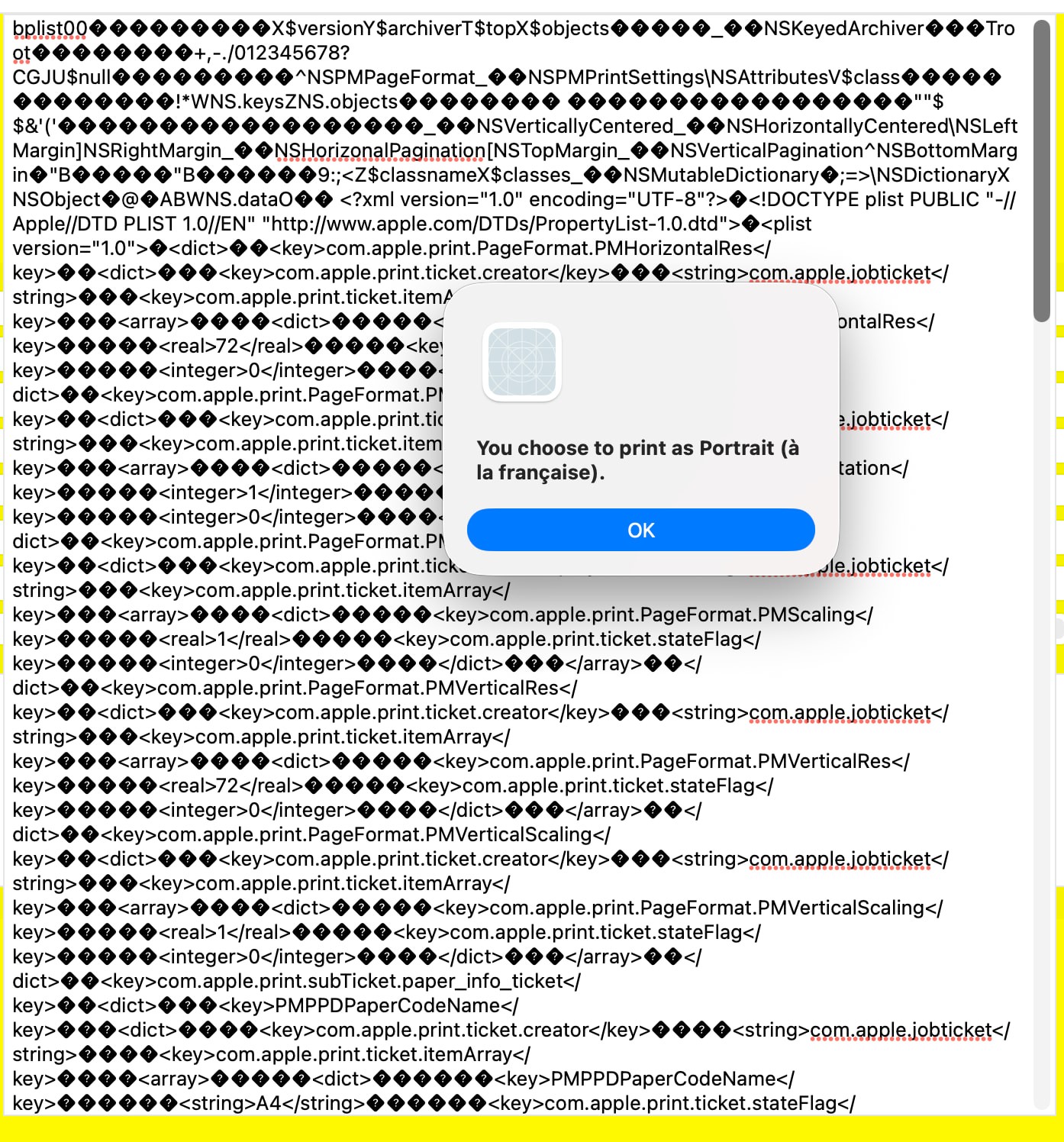
Apple seems to have changed the format of the string. It was plain xml until now, and it’s now in the binary plist format.
I suspect any old string will be compatible with older systems and the new one should stay compatible with the newer systems.
Now, to convert from the old one to the new one (or the other way around), you could try to convert from one format to another; I don’t know if it’ll work specifically for a setup string, but you may give it a try:
Save your setupstring to a temporary file (the utility converts existing files only, no input stream). Then, use either of these using a shell:
plutil -convert xml1 YourFile.plist
plutil -convert binary1 YourFile.plist
(the former converts to xml (legacy format) and the latter to binary (new format))
Then re-read the file, which will hold the other version. Apply it to the setupstring and cross your fingers.
Of course, you’ll have to first validate the source string: if it’s xml on a system prior to MacOS 26 or it’s a binary string on MacOS 26 or later, you don’t need to do the conversion.
Var settings As String
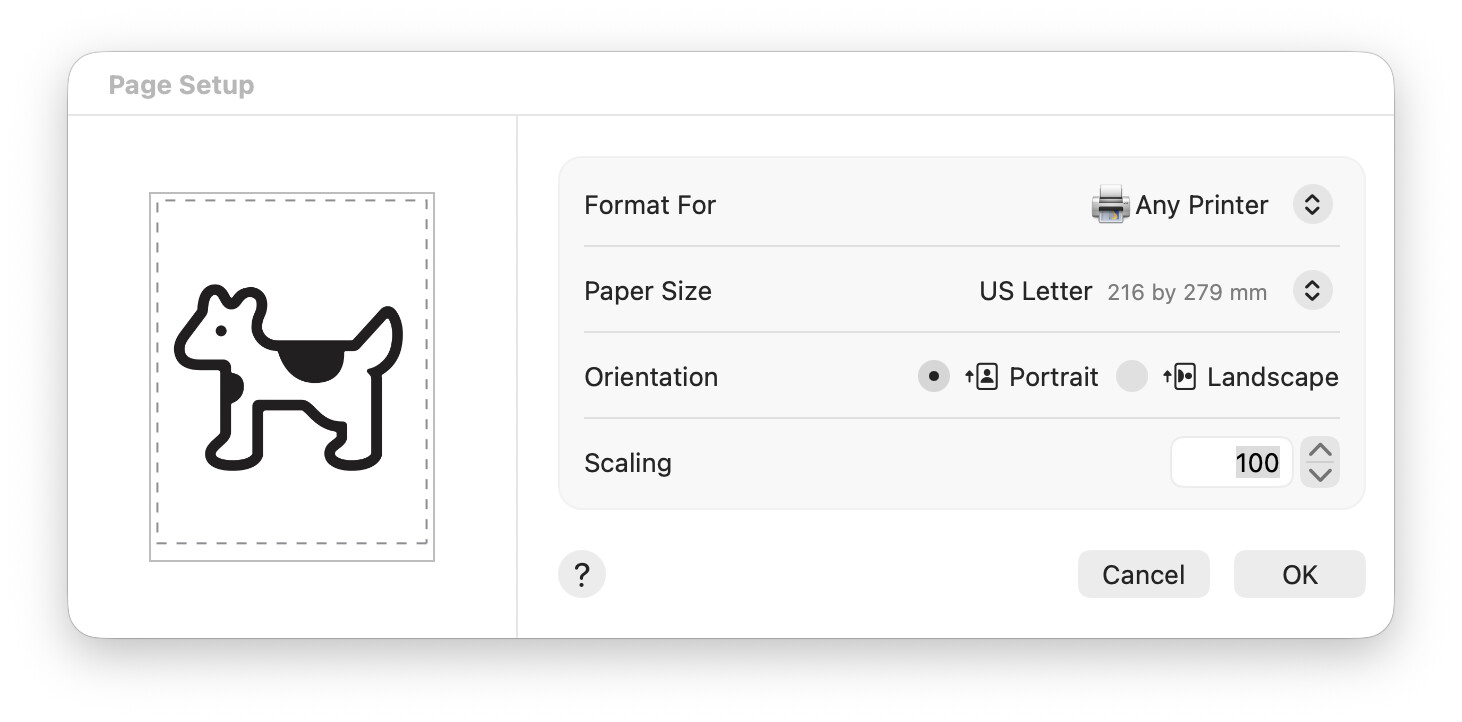
Var p As New PrinterSetup

If p.ShowPageSetupDialog Then

  // Get the Set up string (Settings)settings = p.Settings

// Place here the code to get the Properties you need.
End If
If you need more data than what Xojo provide (look at Xojo Documentation), issue this string quest in Google:
site:developer.apple.com PageFormat
for example. I do not checked, but the Declare library (I forget its name) can be downloaded and checked, depending on the Property/Properties you need to get.
A last information:
look there:
You can look there to know if something will fill your needs…
Does your code work with newly saved SetupStrings?
My suspicion is, that the format of the SetupString changed as noted by your earlier post, and either Xojo, or the API Xojo uses, does not cope with the old format.
If this is the case, I think it is worth figuring out if the change happened in Xojo (i.e. an older version of Xojo is still able to read and use your older printer settings files) or in the OS (i.e. your older print settings files work with the current version of Xojo in an older version of the OS).
In either case it might be worth it to file an issue requesting backward compatibility.
Remark: I cannot test this myself as I do not have access to any MacOS machine. On the other hand I do have experience with messing with the SetupString on Windows, where the whole string is a sequence of text lines of the form Identifier=Value with a binary struct embedded, as defined by the Win32 API, which may vary depending on the operating system version. And there is even a version identifier for the whole thing, so Xojo can provide compatibility if they decide to alter the form of the SetupString