So this morning I finally updated to 2025 R3.
All my apps running in the IDE are now unable to create/write folders of files in pretty ordinary places like the desktop or in /Documents/… they throw IOExceptions; “You don’t have permission to save the file “Blah” in the folder “Desktop”. Any ideas why ?!?
Under System Settings > Privacy & Security > Files&Folders shows Xojo has full disk access.
In Xojo 2025R2.1 the apps work.
The full disk permission for Xojo won’t apply to your debug apps. Do you see any of them listed?
Regardless, you shouldn’t need Full Disk Access permission to write to your Desktop, Documents, etc folders.
Well… in the IDE these three lines fail with IOException 1:
var f as FolderItem
f = SpecialFolder.desktop
my_LogStream = BinaryStream.Create(f.child(“My App Log.txt”), true)
WTF…
Check the value of f. I’m curious what it shows.
The very next line:
mc_LogStream = BinaryStream.Create(f, true)
is the one that throws IOException 1.
Even trying the Examples project “Files” behaves the same, so I’m beginning to think this is Sequoia being stupid.
Do you see the stupid dialogs “App wants access to Desktop/Documents” etc?
2 Likes
I’m curious why you don’t just do
f=SpecialFolder.Desktop.Child("My App Log.txt")
my_LogStream=BinaryStream.Create(f,True)
or even
my_LogStream=BinaryStream.Create(SpecialFolder.Desktop.Child("My App Log.txt",True)
I doubt it’s related to your problem, but you do have a little busywork here. 
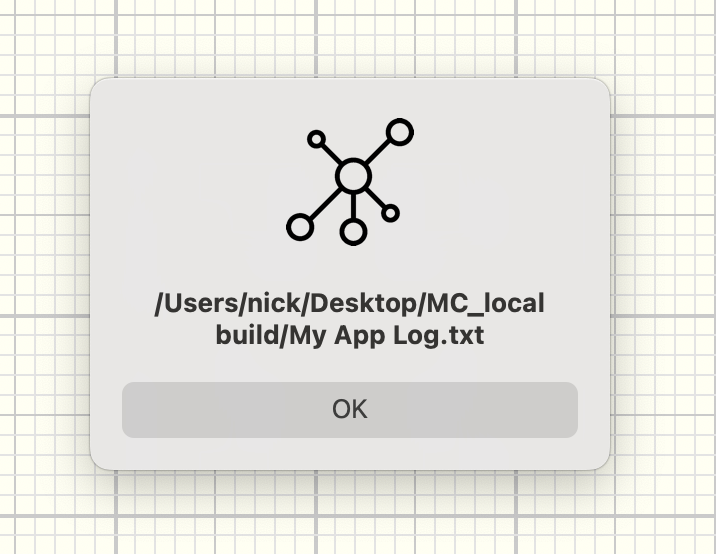
Well, the screenshot shows My App Log. txt as a child of MC_local build. It is not a direct child of Desktop as in your code.
1 Like
Well this is cute… there must be something screwy with my user account as the desktop and folders on it are indeed locked to XOJO.
So where can it write…
- Create a new project, with nothing but a button on the main window.
- Put this code in the pressed event of the button…
var f as FolderItem
var mc_LogStream as BinaryStream
var d as date

d = dateTime.now

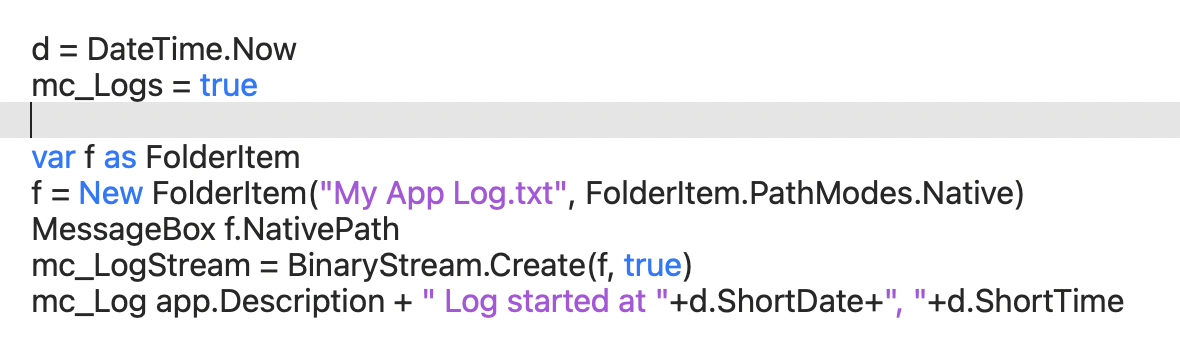
f = New FolderItem(“My App Log.txt”, FolderItem.PathModes.Native)
MessageBox f.NativePath
mc_LogStream = BinaryStream.Create(f, true)

mc_LogStream.Write app.Description + " Log started at “+d.ShortDate+”, "+d.ShortTime

mc_LogStream.close
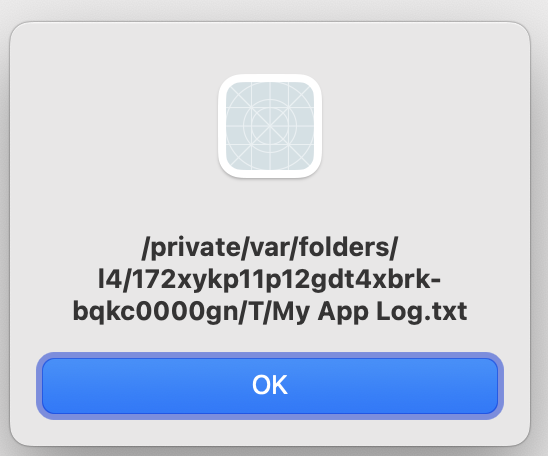
So it does create a file, but its location… LOL…
And found more hiding under:
/Users//Library/Containers/<AppName.debug>/…
Looks like obfuscation gone nuts… whatever happened to creating a file where the project was, by default. Looks like I’ll have to force the location using Save As dialog and save that in a preference file someplace… Oh wait… the Preference file is then stuck in some equally naff location.
@Beatrix, no…the OS doesn’t pop up a dialog…
Your debug app is translocated. Which doesn’t make any sense for a debug app. Try to restart your computer first. Not sure if it makes sense to check if Xojo itself is translocated. But it doesn’t hurt.
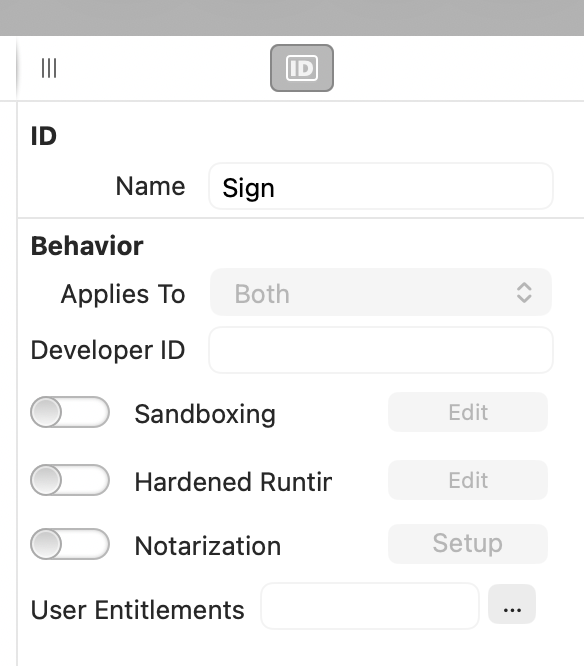
Additionally, you can do a codesign even for debug builds:
Many thanks. Sandboxing was somehow turned on, no idea why since I haven’t bought a license in a while and am just running in the IDE for the moment.
Turned sandboxing off and it works, again.
Also found it has created a heap of empty folders in users//library/containers/ with folder names that look like UUIDS, eg 61DFD99E-3C68-47C5-A0BA-A0867F6D7717 etc… the created datestamps correspond to when I tried to run it.