They changed that a long time ago much to the chagrin of people who have been using shortcuts for 30 years.
You have to manually change it back, either in the IDE shortcuts settings, or more reliably the macOS shortcut settings. The third time the IDE lost my changes, I gave up trying Xojo’s way.
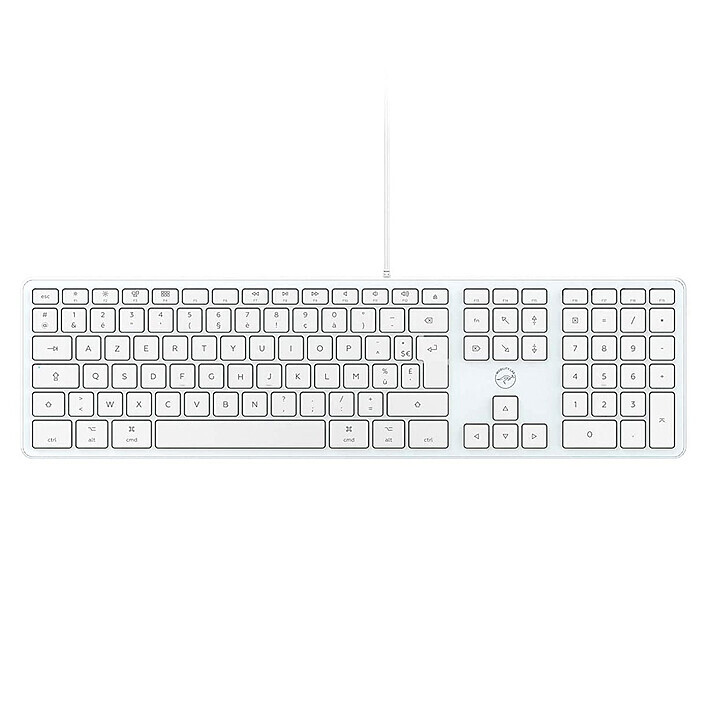
On a Mac laptop, there’s a single key to clear (backspace: ⌫), while on standard keyboards, there are two (backspace ⌫ and delete ⌦). On a laptop, you use fn+⌫ to simulate delete ⌦. Xojo doesn’t always work with both.
To be complete, I had the opportunity to use a QWERTY MacBook, and I loved to have the numbers (1…0) without pressing the shift key (as it is needed in the France Keyboards)…
But time have passed, and my old ability to use a QWERTY or AZERTY falled. In the old times, once I realized “its a QWERTY”, I used it as is. But that day I’ve done many errors typing text (more than usual ).

 ).
).