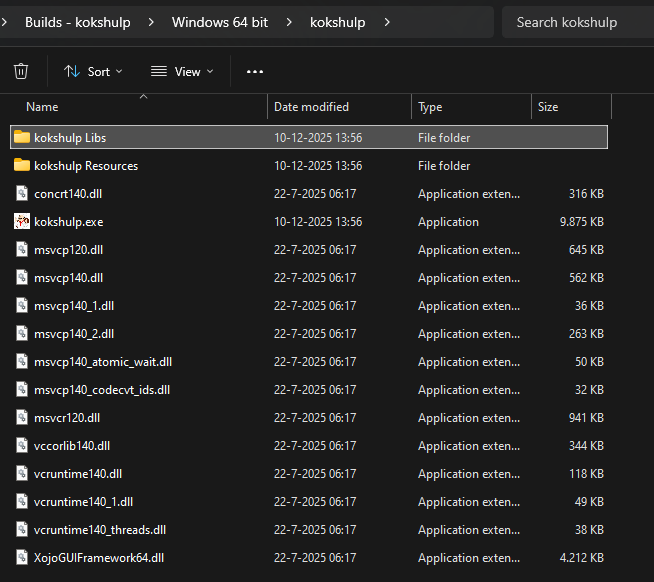
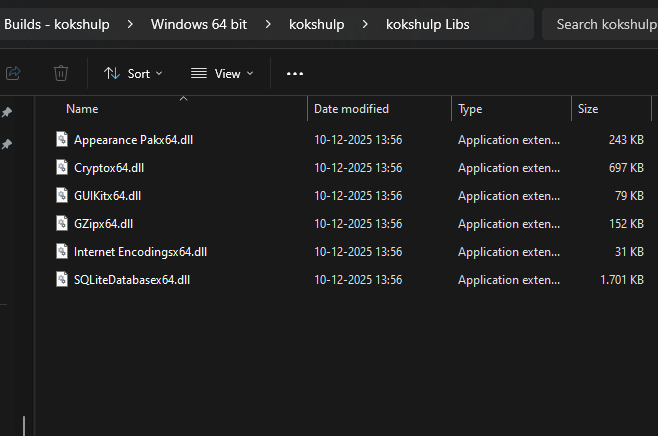
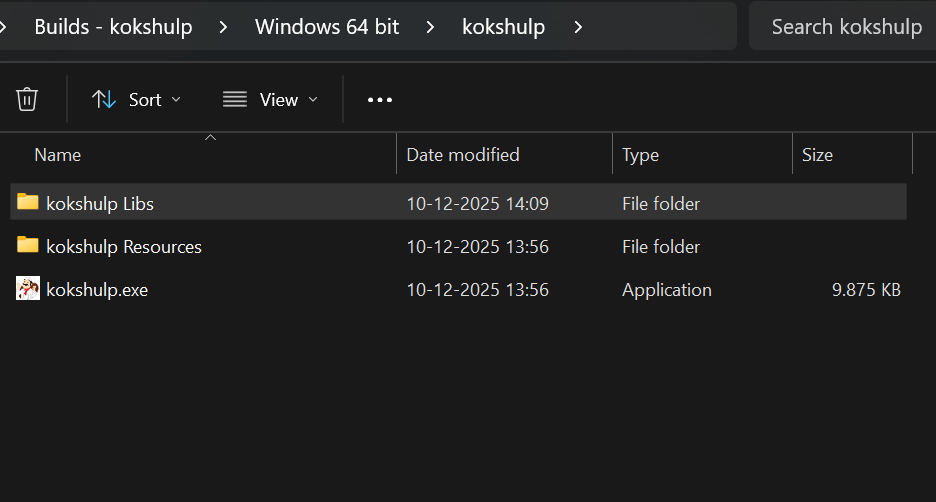
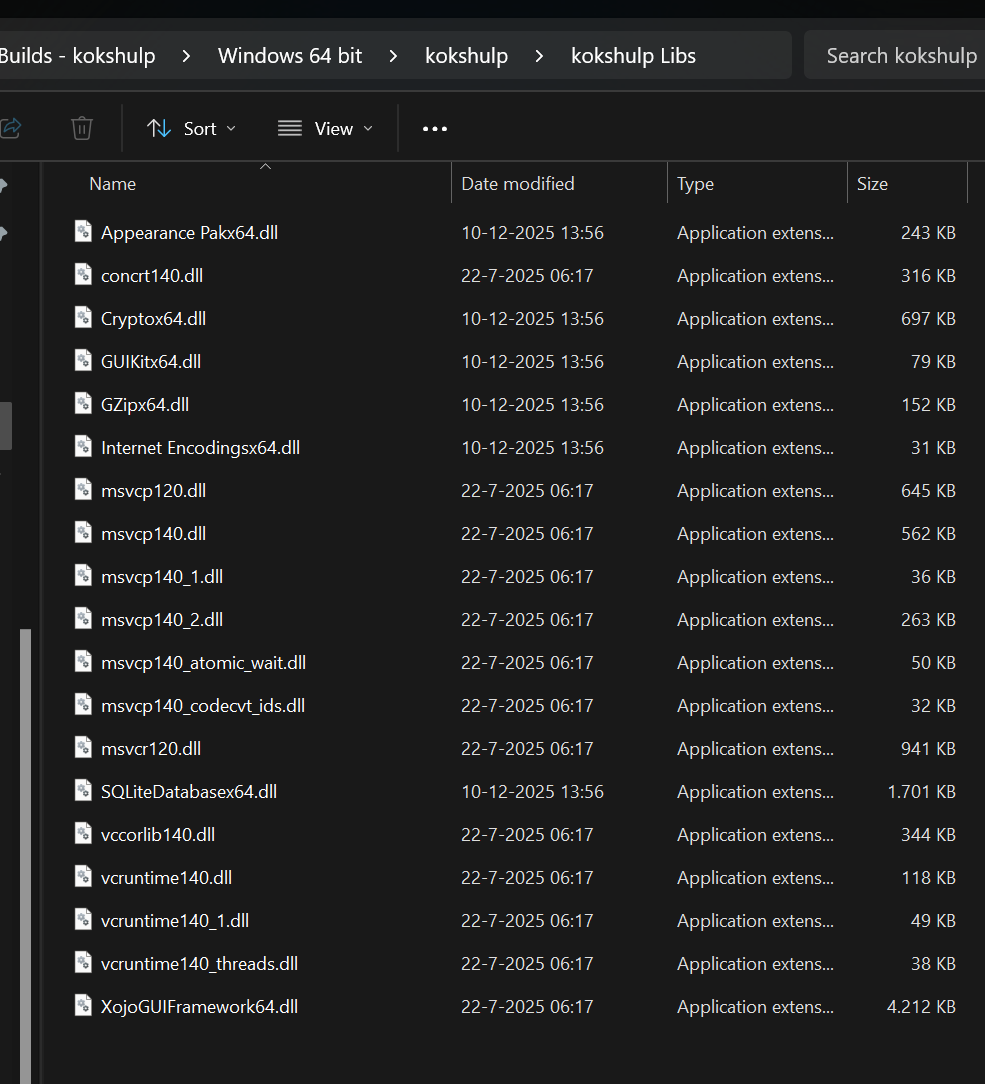
Is there any reason why Xojo stores dll’s in the same place as where the .exe is? Besides that a part of the dll’s are stored in the libs folder, where all dll’s should be. Is there something I do not see in the settings, because in the older version of Xojo (2016r2) all dll’s were stored in the libs folder.
Now:
As I expect it (as it was in older release):
When I copy the dll’s from the bin directory to the libs folder, the dll’s cannot be found anymore, so I have to move them to the same position where the .exe is
Does not look nice and makes makes the bin folder occupied and dll’s scattered over 2 folders.
How to solve that?