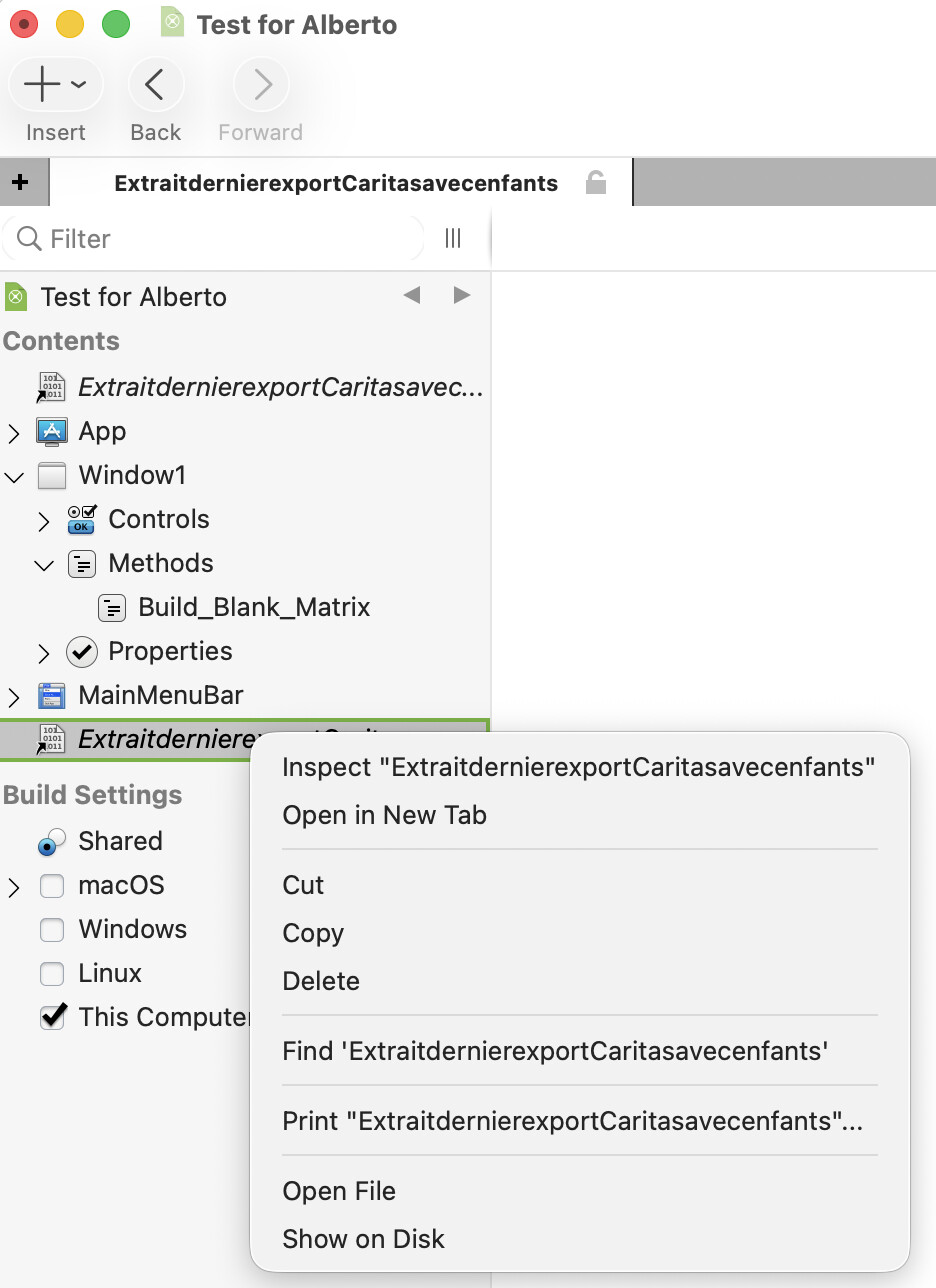
In the Navigator pane, I dropped a text file (.txt). I wanted to see its contents as hex, so a double click fires TextEdit, so I tried Right-Click → Inspect and it do nothing.
Apparently, I have to use another way to check my file Hex value…
In the Navigator pane, I dropped a text file (.txt). I wanted to see its contents as hex, so a double click fires TextEdit, so I tried Right-Click → Inspect and it do nothing.
Apparently, I have to use another way to check my file Hex value…
could be open the Inspector?
No, I fired the option and nothing was done.
A double-clic on the text file entry of the Navigator open it in TextEdit.
BTW: I found my Hex Editor and was able to check what I needed to.
i guess it is not made for all file in the tree view and a select case .txt nothing instead of enabled false.
Sorry Markus, but I do not understand.
Tree View ? Select Case ? Enabled ?
I do not wrote these words in my original post.
I was talking about the IDE’s Navigator / and look the screen shot in the first entry.
PS: yes, the icon i at the left of the file name is wrong, but this: I do not care.
Inspect is the equivalent of just left clicking on an item in the navigator.
It simply selects that item and navigates to it. It’s pretty redundant really.
Open in New Tab: do that and there you can only change the object name
Find and Print: do exactli that
Open File: run TextEdit and open the file,
Show On Disk: you know what it do
And then Inspect do nothing. As a proof, no one from Xojo explained / they all ignore the question.
If you already have the item selected, then it will do nothing.
In reality, it should not be enabled if the item that is right clicked is already selected.
As said by Jared:
so, if you already are selecting the item, then it does nothing. If you are not selecting it, then it just selects it.
Simple video with Inspect Window1:
Window1 already selected
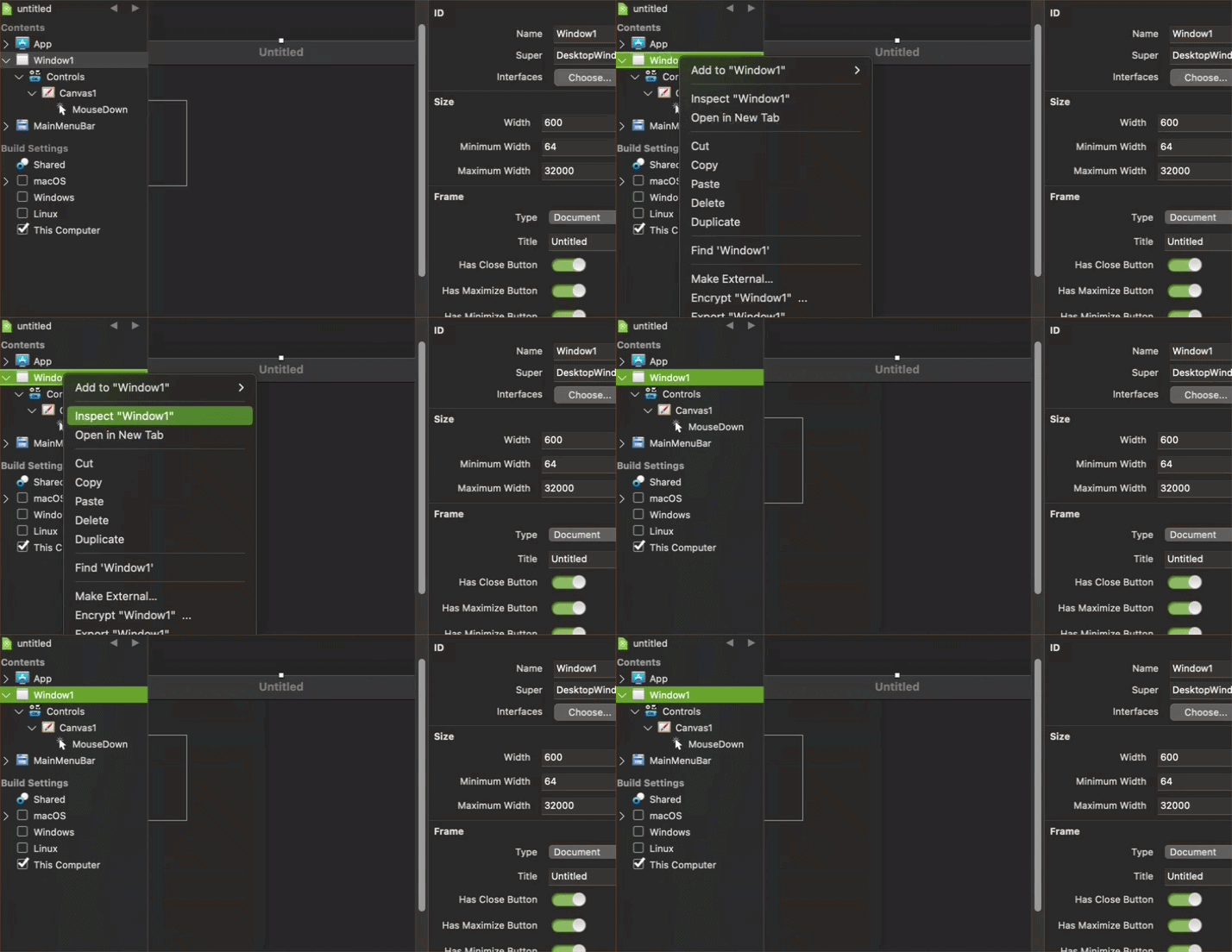
Window1 not selected
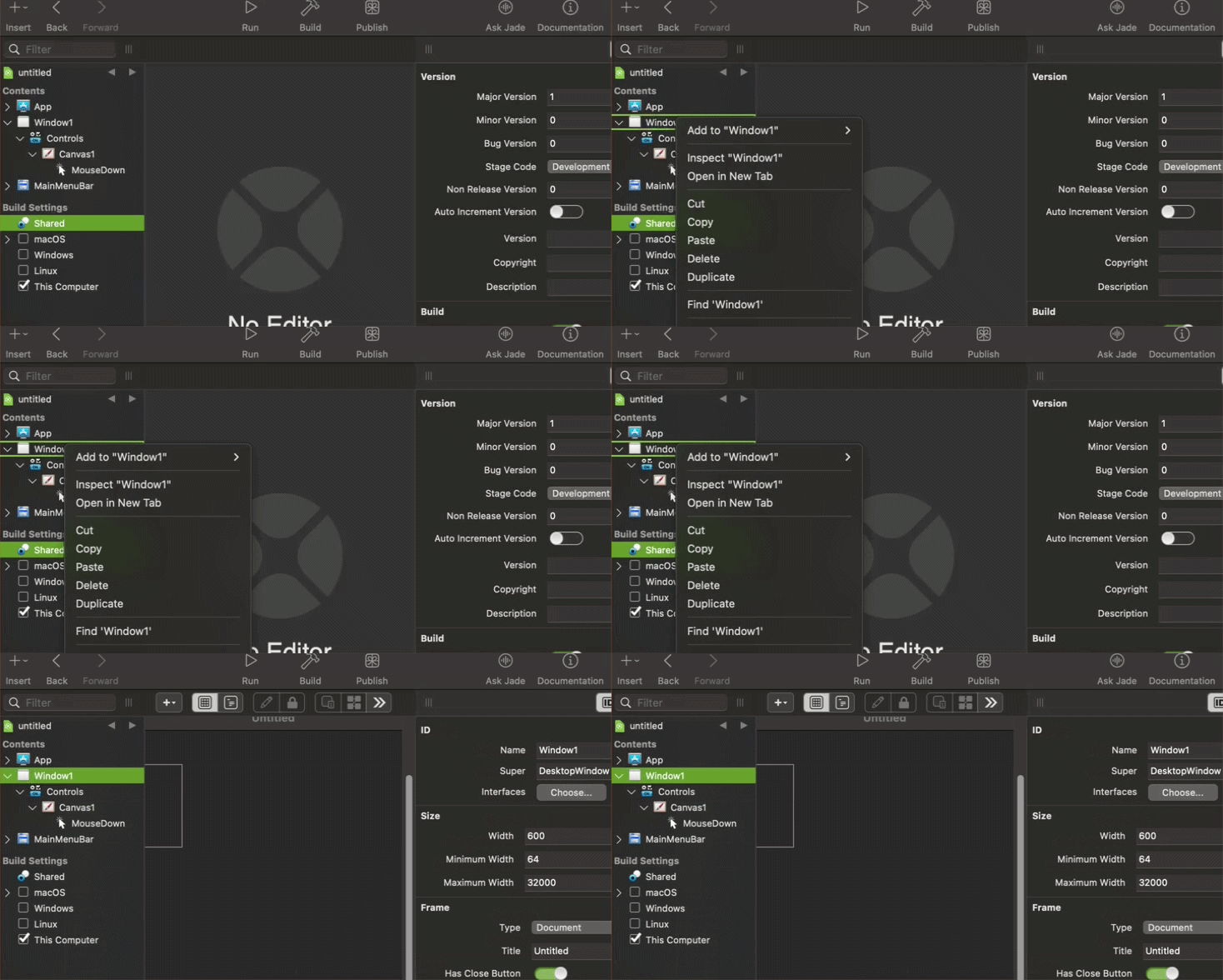
Can you see the differences?
Of course, it doesn’t make sense to show the Inspect option for the already selected item. And having the option to ‘inspect’ that only does the same as left click, may be redundant.
I hope this clear things for you.