@AlbertoD @Ricardo_Cruz - everything is working as expected now. 
Additionally, @AlbertoD, you regularly and patiently assist users on this forum. It’s pretty great. Thank you very much for your generosity to this community. 
–
Some comments/notes/thoughts for posterity and/or future readers.
-
The issues I experienced were with Xojo 2024r1.1, if you’re from the future  and using a much later version of Xojo, the following may not apply to you.
-
Something which I don’t think is well explained in the documentation or the Xojo-provided example project is the relationship between primary key data and row data in a ‘WebDataSource’.
-
Specifically:
-
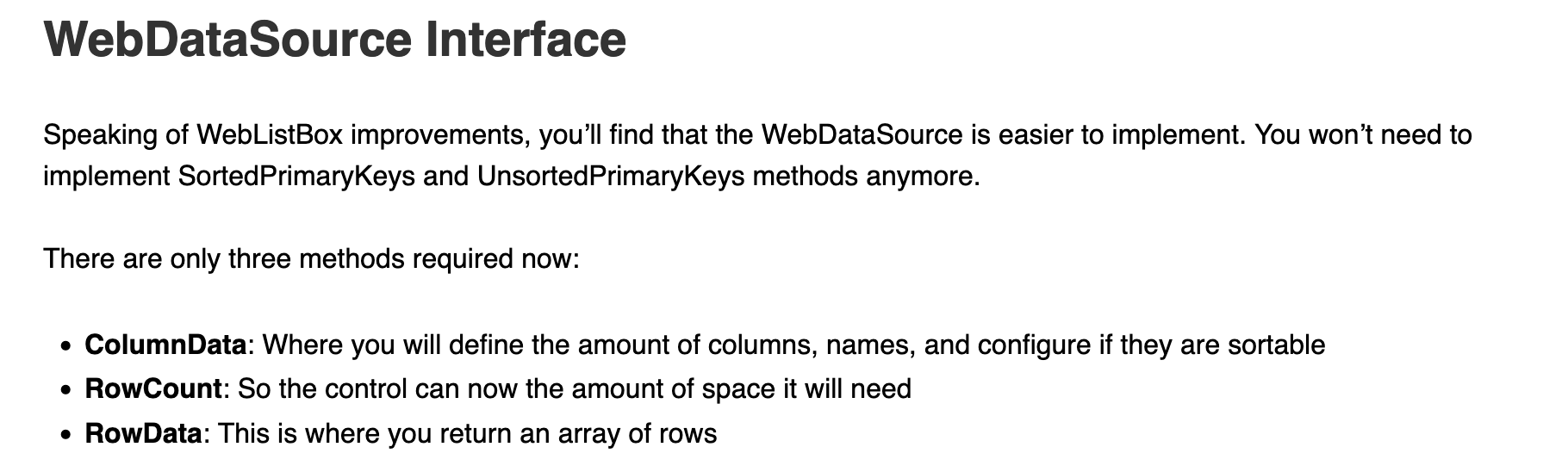
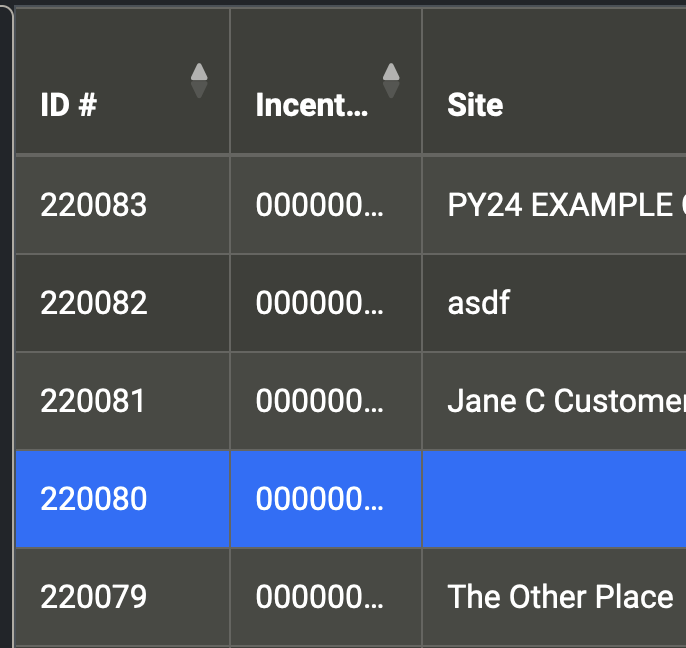
The ‘WebListBoxRowData’ class has a property ‘PrimaryKey’ which is used to uniquely identify it, at runtime, as a distinct row in a ‘WebListBox’ control.
-
The ‘PrimaryKey’ propery must be set when you’re creating the list’s rows in your implementation of the ‘WebDataSource.RowData’ interface method (as an array of ‘WebListBoxRowData’ objects)
-
Every PrimaryKey value assigned to a ‘WebListBoxRowData’ must also:
-
exist in the integer array returned by your implementation of the ‘WebDataSource’ interface method ‘SortedPrimaryKeys’
-
exist in the integer array returned by your implementation of the ‘WebDataSource’ interface method ‘UnSortedPrimaryKeys’
-
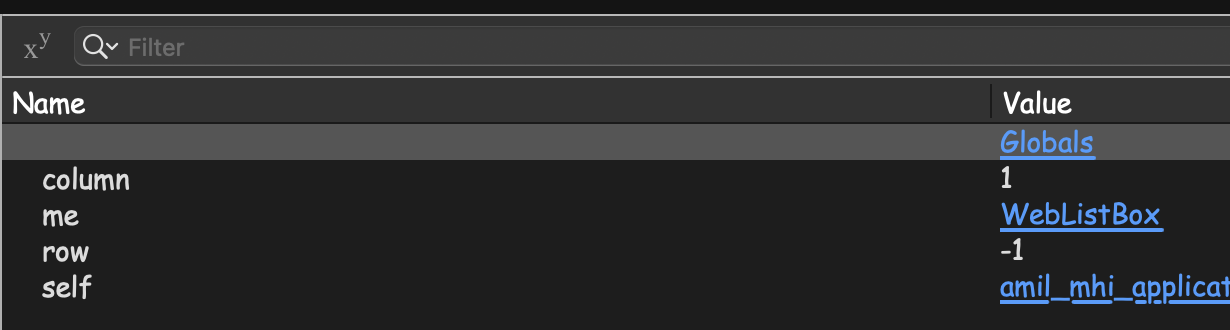
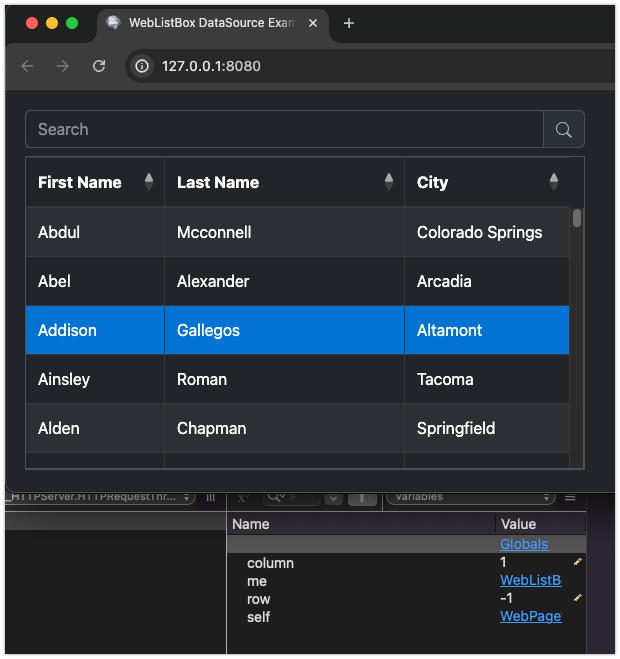
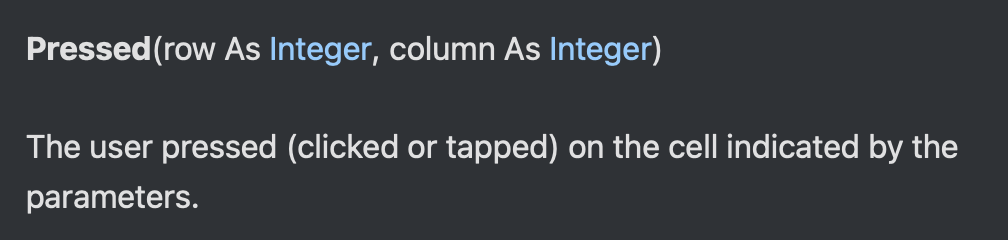
If these three “lists of keys” are in anyway inconsistent with each other, the ‘Row’ parameter in the ‘Pressed’ and ‘DoublePressed’ events will most likely be incorrect (e.g. -1) and any code there will not be able to correctly determine which row was pressed
-
Additionally:
-
the ‘WebListBox.SelectedRowIndex’ property will also return an incorrect value if the “three sets of PrimaryKeys” (in any class acting as a WebDataSource implementer) are not consistent
-
The sorting logic in the implementations of ‘WebDataSource.RowData’ and ‘WebDataSource.SortedPrimaryKeys’ must be IDENTICAL or the clicked row may not return the expected data
–
In plainer (I hope) English…
‘WebDataSource’ is a class interface, not a class.
It is up to the developer to create a class which implements the ‘WebDataSource’ interface.
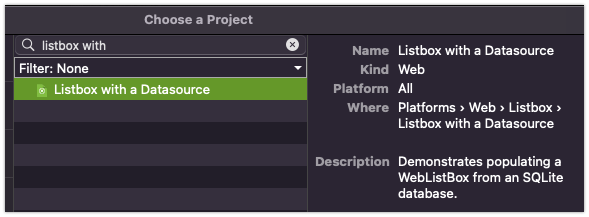
An instance of this class is assigned to the ‘WebListBox’ at runtime via the ‘WebListBox.DataSource’ property, e.g.:
myList.DataSource = new myWebDataSourceImplementer
When you attach a WebDataSource to a WebListBox, much of the “normal” row functionality is altered.
The class (the implementer of ‘WebDataSource’ ) assigned as the ‘DataSource’ is now responsible for maintaining all “row data” and “row state data” for the list
Three methods defined by the ‘WebDataSource’ are responsible for controlling/maintaining “Row State”:
- RowData
- SortedPrimaryKeys
- UnsortedPrimaryKeys
These three methods must “share” a consistent list of unique, integer values which act as the “Primary Keys” for the displayed list rows.
The RowData and SortedPrimaryKeys implementations must also have identical sorting logic or the “index” and the “data” for the WebListBox will not match and unexpected results may occur.
–
Finally…
@Ricardo_Cruz - I’m not sure why there needs to be a separate list of keys? (the integer array of primary keys vs. the list of keys in the ‘PrimaryKey’ property in the array of ‘WebListBoxRowData’ objects)
It may be a necessary evil for performance reasons, but it’s certainly “a goodly amount” of extra complexity and management for the developer.
I think it’d be a much lower cognitive load for the developer if they didn’t have to maintain “three sets of keys”.
Thanks again,
Anthony
 (or even another 30 minutes or so while I was writing my post???)
 )
)