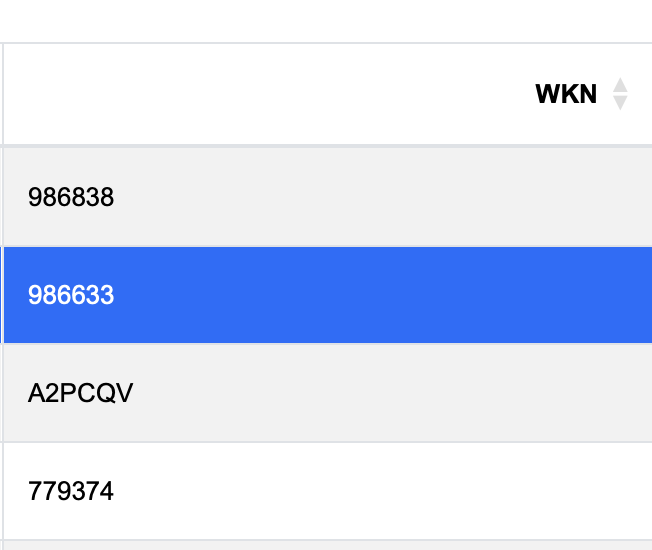
Hello,
When JavaScript/Bootstrap sees a number in a cell, the listbox column switches to dt-type-numeric:
But my column has WKN values (security identification numbers), which are sometimes a number, but also can have letters:
So how to prevent automatically detection of numbers here?
I tried something like this, but doesn’t work yet:
Me.ExecuteJavaScript "$('#"+me.ControlID+"_table_wrapper').DataTable({ autoType: False });"
any one tried to disable detection before me?
@Ricardo_Cruz
As it’s just adding a CSS class, this one should be enough:
Me.ExecuteJavaScript("DataTable.type('date', 'className', '')")
If you want to remove them all, you can use this instead:
Me.ExecuteJavaScript("['num', 'num-fmt', 'html-num', 'html-num-fmt', 'date'].forEach((typeName) => {DataTable.type(typeName, 'className', '')})")
That will disable them for every WebListBox control.
1 Like
Or this one:
Me.ExecuteJavaScript("['num', 'num-fmt', 'html-num', 'html-num-fmt', 'date'].forEach((typeName) => {DataTable.type(typeName, 'detect', () => false)})")
1 Like
Thanks. After a few tries, this one disabled it:
Me.ExecuteJavaScript("DataTable.type('num', 'className', '')")
I only need it for one listbox.