Does anyone know how the WebFileUploader Filter property handles HEIC on iOS? I currently have the filter set to image/jpeg,image/png. Will iPhones filter out their HEIC photos or do they allow users to upload a JPG version?
I am an Android user, so I do not have the ability to test and explore. I could test HEIC from Mac, but I’m also particularly interested in how the photo selector behaves for this (regarding skipping or showing HEIC photos).
I poked at the developer debug tools to try and figure out where the Filter property ends up, and what kind of question I could search the internet for; but wasn’t able to determine how WebFileUploader works at a glance.
Do I just add the image/heif MIME type to the filter? I don’t actually want HEIC if an image/jpeg filter will make iOS do that conversion for me.
@Tim_Parnell - Some cursory testing on my part shows the file is coerced to a jpeg.
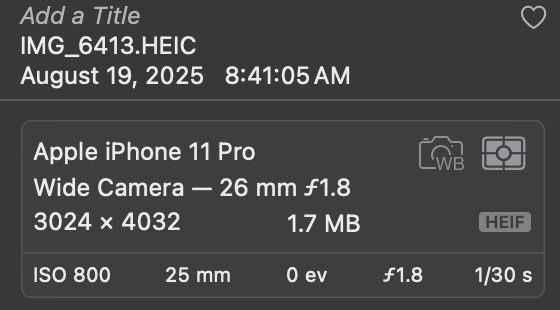
I took a photo with “high efficiency” format toggled on and the image in my photo library is an .heic
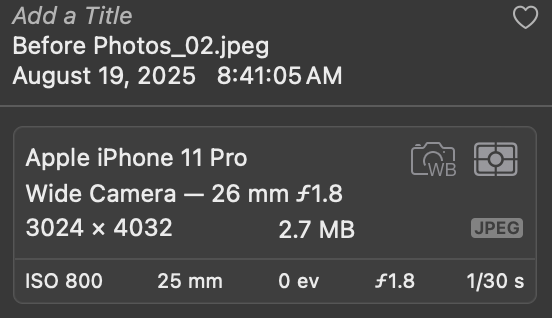
But after uploading to a Xojo web app, then downloading, and re-importing into my photos library it’s a jpeg.
Note - I am using Graffiti Uploader, but I think it’s iOS which is coercing the file because the uploader only accepts JPEGs and PNGs as valid file types.
@Anthony_G_Cyphers might have some additional insights gleaned from making Graffiti Uploader.
(edits - grammar, clarity, typos)
2 Likes
Thanks for the info 
I know Anthony put a lot of work into making GraffitiUploader better than the built in one, but I am not able to use GraffitiSuite in this project. I am using the framework provided WebFileUploader and need to know how that behaves.
Your findings are exciting and I hope they carry over to the framework WebFileUploader. That behavior is exactly what I’m hoping for.
Here’s a demo project for anyone with time to experiment!
demo.xojo_xml_project (3.8 KB)
@Tim_Parnell - your demo project never calls ‘WebFileUploader.StartUpload’ so the ‘UploadFinished’ event never fires.
But… using the example project for the WebFileUploader (in Xojo’s included examples) I both uploaded and took a photo directly while “High Efficiency” was toggled “on” in iOS Camera settings.
In both cases (taking a photo, uploading a photo) the file was coerced to a .jpeg.
I verified this by having the example project save the uploaded file to the desktop. (see my slightly edited example project attached)
–
A note not necessarily relevant to your need…
If the user takes a photo when prompted (vs. uploads an existing photo), it won’t include any GPS data.
An uploaded photo from the photo library will include GPS data if the original image includes it.
I know this because it’s relevant to some of the client work I do.
example_upload.xojo_xml_project.zip (6.1 KB)
1 Like
Thanks so much for your confirmation!
If you ever need Android testing / help, you know where to find me 
1 Like