WebFile CSV and File Encodings and en‑dash

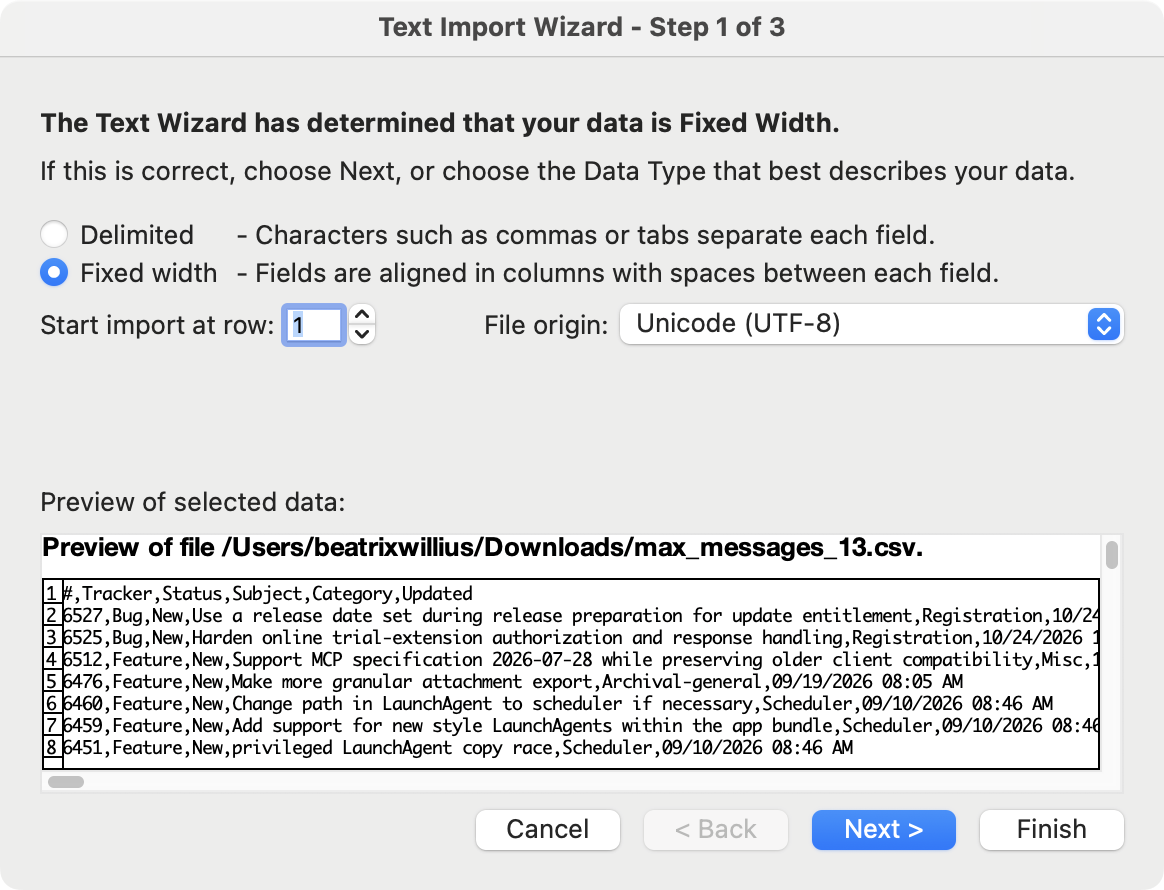
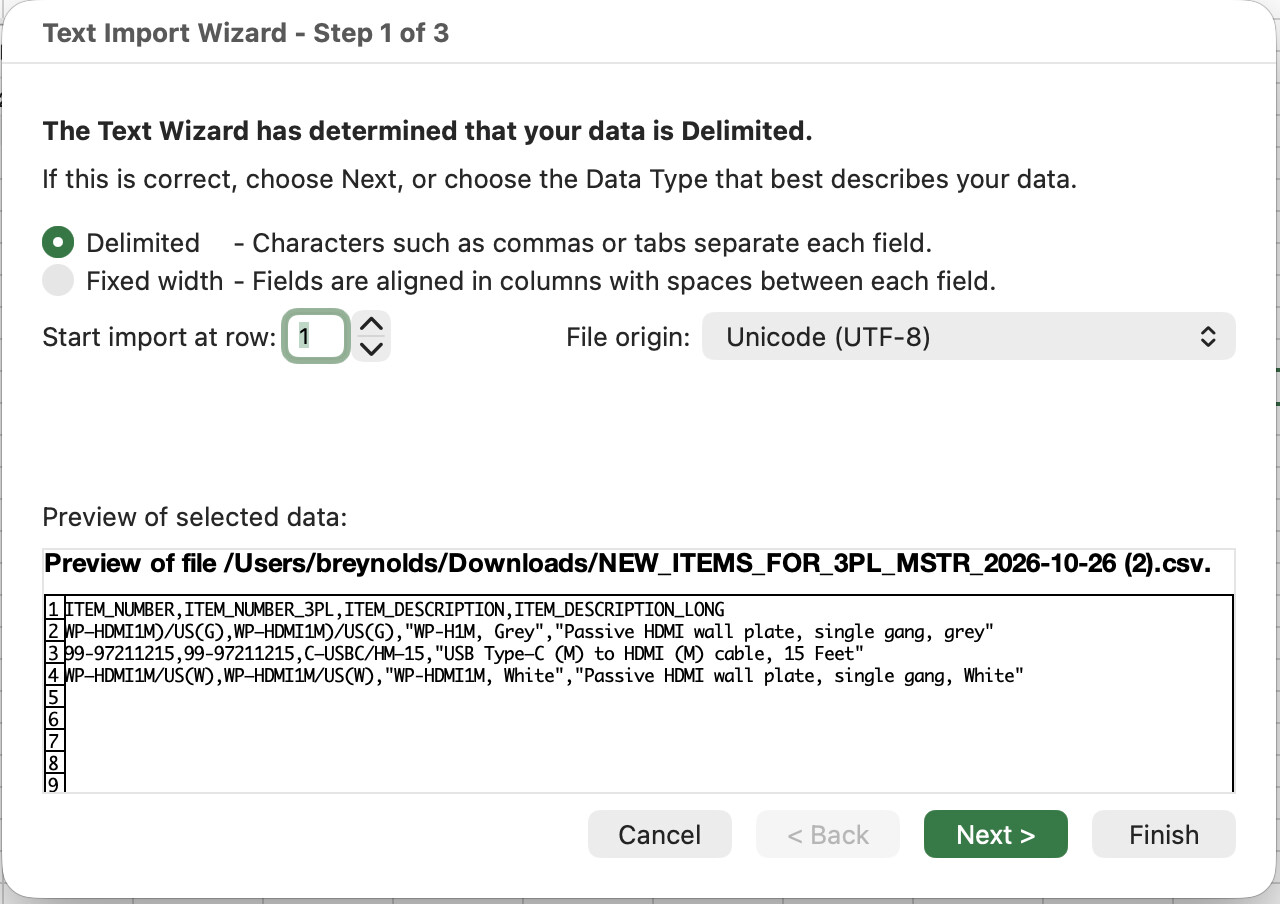
Downloading a .CSV (WebFile) appears to save on the local-users machine in their default OS’s encoding; e.g., UTF-8 on my macOS and Windows‑1252 (aka ANSI) on Windows. When opened in a text editor the file content is ideal, but MS-Excel is displaying the weird glyphs for an en-dash and other non-simple characters:

I don’t ‘think’ we have a way to force the encoding on the users download end, and we can’t alter the characters in the originating data.

Any suggestions appreciated!

In the http spec it is allowed to force the charset in the Content-Type header.

Content-Type: text/csv; charset=utf-8
Content-Disposition: attachment; filename="export.csv"

I’m not sure if this will work if you’re handling downloads with the WebFile class, might be worth a try setting WebFile.MimeType = “text/csv; charset=utf-8” and see if Xojo passes that through to the header. I would test this myself but I don’t have Xojo in front of me at the moment.

Do you get the “File Origin” dropdown with a list of encodings on Windows like for macOS?

Hi @Beatrix_Willius - yes, when users open it manually (vs. double-click in the OS) they can freely use the Text Import Wizard to override the default OS-determined ‘File Origin’ (encoding). In fact that’s what I told the users - to stop using Excel when working with text-based data - since it inherrently truncates leading zeros and rounds values that shouldn’t be touched - the reasons go on and on :slight_smile:

Hi @Christian_Wheel - I gave this a try, but it still seems to be a matter of what OS/App is opening the file - and deciding whatever the implied encoding is. So maybe this question has no real answer :man_shrugging:t3:.

// for the record here are the lines from XOJO:

webfile.Data = csv.DefineEncoding(Encodings.UTF8)

webfile.MIMEType = "text/csv; charset=utf-8"

That character encoding in http headers will be relevant, when showing the file in the web browser, but not after a file has been downloaded and then opened from the file system. Windows does not store that metadata anywhere along with the file.

No. The file is stored as provided by the web server (If the web server specifies the file as a text file, line endings may get converted, but not the character encoding). That is, because a general UTF-8 file cannot be converted to cp1252 without loosing data.

As you can see from the Excel screenshot, the file is UTF-8 but treated by Excel as if it was cp1252. Most text editors nowadays have built in heuristics that try to guess the encoding from the start of the file. That’s why the editor gets it right.

Windows expects Unicode files to have a BOM, if there is any room for doubt whether it is an ANSI or UTF-8 encoded file. Many Linux programs, however, don’t treat the BOM as if was some kind of file header (like Windows programs tend to do) but treats it as part of the data. It is an invisible character with no width, but still, is spoils the data there. I guess the same will be true for macOS.

And, did you know, Microsoft redefined csv from “comma separated value” as I knew it before Excel existed, to “character separated value”, and uses the locale specific list separator character as its value separator character? A German Excel expects values to be separated by ‘;’, not by ‘,’.

So, I guess your best bet will be to encode your .csv-files according to the ISO/IEC 8859-1 standard, which is a subset of cp1252, and chances are Linux will cope, because ISO-8859-1 was the de-facto standard on the web before UTF-8 took over, and files encoded in ISO-8859-1 will likely be invalid when trated as UTF-8, unless they are ASCII anyway, a subset of all, UTF-8, ISO-8859-1, and cp1252.

A more proper solutions would be to switch to a different file format, XML, Json, Xlsx, ODT.

Thank you @Stefan_von_Allmen, every little bit of information helps!

An update to the root cause of the weird glyphs in the resulting .txt/.csv file:

As it turns out, the data being exported contained em-dashes, and en-dashes, where the data should have only been carrying a traditional “-” (universally accepted) hyphen. Because it’s part of the original ASCII character set (values 0-127), a ‘-’ is encoded identically across UTF-8, Windows-1252, ISO-8859-1, and most other common encodings.

My challenge now moves upstream to the originating data source to enforce more strict input guidelines. Imagine a system where you search for part# “ABC-123”, but your users stored it as “ABC–123”, or “ABC—123”… what a nightmare!