Hi All,
I’ve been trying to get Xojo to successfully send my apps during the build process to Apple for Signing and Notarizing. I’ve not been successful. I’ve been going round and round with Apple Developer Support without success.
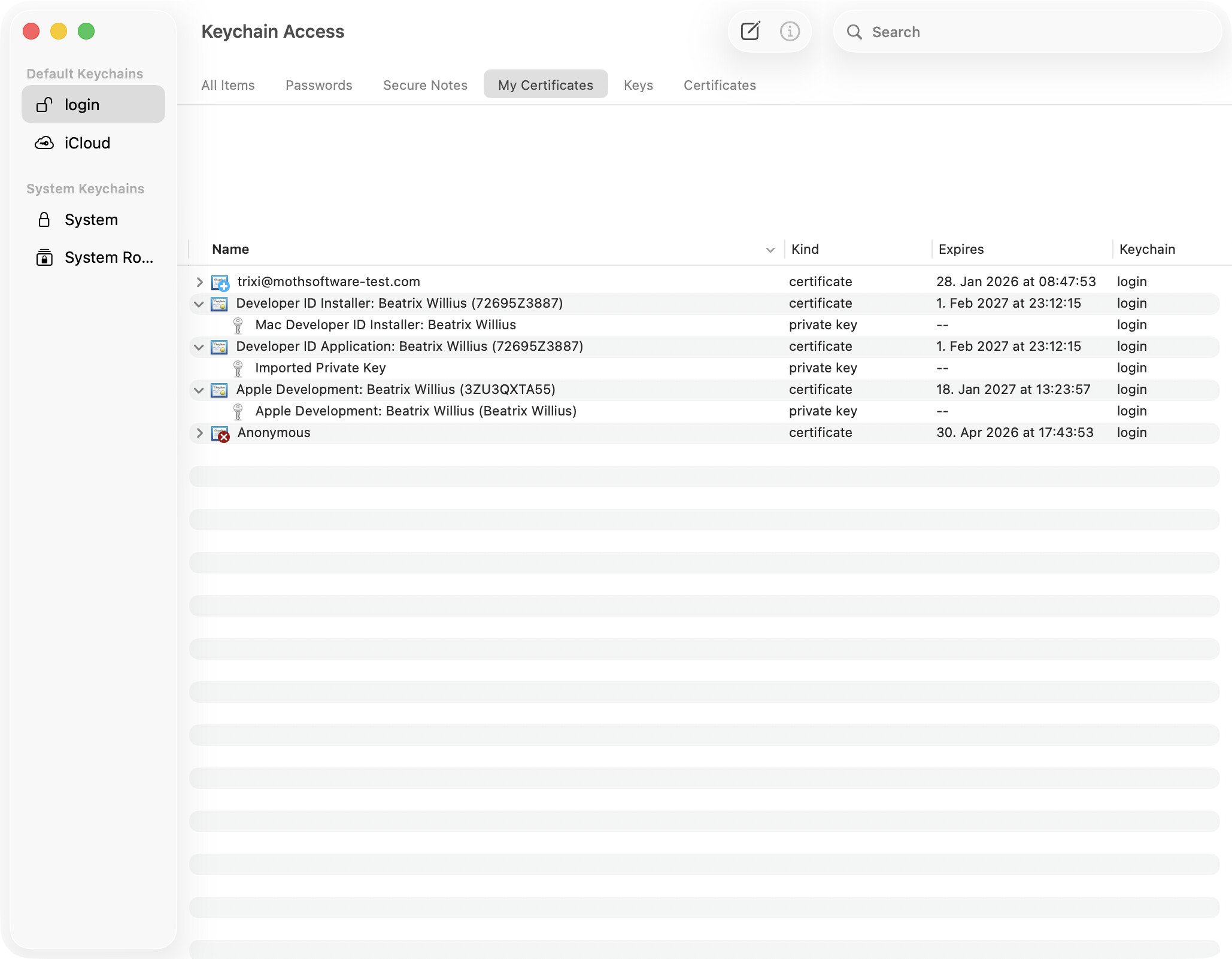
Where I’m at currently, is I have what I believe is a valid certificate, private key and app-specific password created with my developer account. I’ve tried it on two different Macs. It’s showing the following:
Missing Developer ID Value
The selected options (Hardened Runtime / Notarization) require a valid Developer ID
This just started after I deleted and reimported developer certificate from a backup.
I was previously getting to the point where it wanted the login password for my Keychain, but was not accepting it even though login and passwords in keychain were working fine for everything else.
I’ve tried multiple things to get it working and no luck. Any tips or links to a solid procedure to help troubleshoot and get this working in Xojo would be awesome.
Update and Added info:
It’s back to where it wants to login into Keychain and doesn’t like the login password.
This is on Xojo 2026 Release 1.2 running on my 2017 Intel based iMac using MacOS Ventura. I didn’t have any luck on my 2020 M1 based Mac Mini using MacOS Tahoe 26.6.2. I mostly work on the 2017 iMac, so that’s really where I want to focus getting it working.
Why did you do that? Delete everything and use Xcode to create new certificates.
In codesigning/notarisation every step can go wrong. As you don’t know what is going wrong make sure that you proceed slowly while validating every step.
Because I had it screwed up worse so I restored the Certs back to the previous point. I’m not a wizard at these cert issues and Apple Dev Support has been close to worthless in trying to help. I have another request for help and waiting for their response which is usually a few days, more with a weekend in the way. I’ve been doing searches and trying different things, but haven’t found a solution yet.
Are you able to use Xojo to sign and notarize your Apps?
Software on macOS these days only works with codesigning/notarisation.
Go to Keychain and make sure that your certificates are gone:
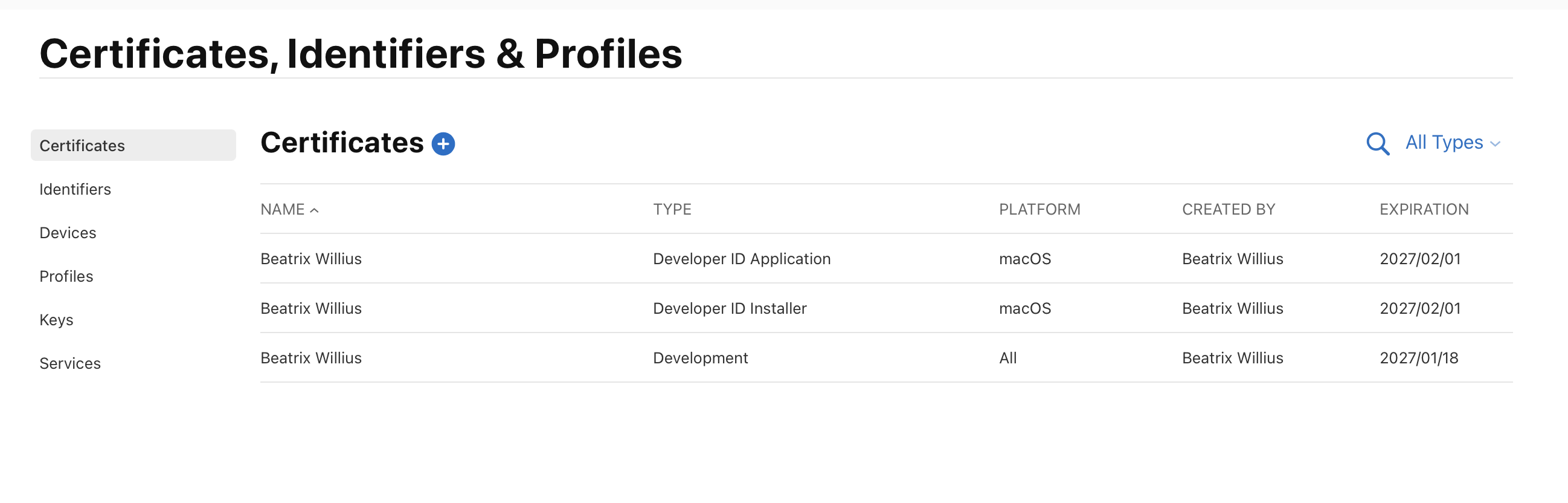
In older versions of Xcode you can create the certificates in the app. These days - for whatever reason - you need to create the certificates in the browser: https://developer.apple.com/account/resources/certificates/list
You need Developer ID Application and Installer. For additional fun the names of the certificates are not everywhere the same.
I also managed to lose the private key when importing certificates into the Keychain. This could be one reason why your codesigning doesn’t work.
The rest should be handled by Xojo. I never tried that because I set up my codesigning long before Xojo had the built-in feature.