Yesterday I used a long-time feature (WeakRef) for the first time. I’ve always known about it but just never had a need for it until yesterday.
Have you recently used a long-time feature for the first time?
Yesterday I used a long-time feature (WeakRef) for the first time. I’ve always known about it but just never had a need for it until yesterday.
Have you recently used a long-time feature for the first time?
it was FolderItem UnZip
i preordered the C64 mini black
and download 77 zip files with nice games at my childhood
and extract the .d64 files all into one folder with Xojo to use at USB-Stick 
secondly i rename them all with a click.
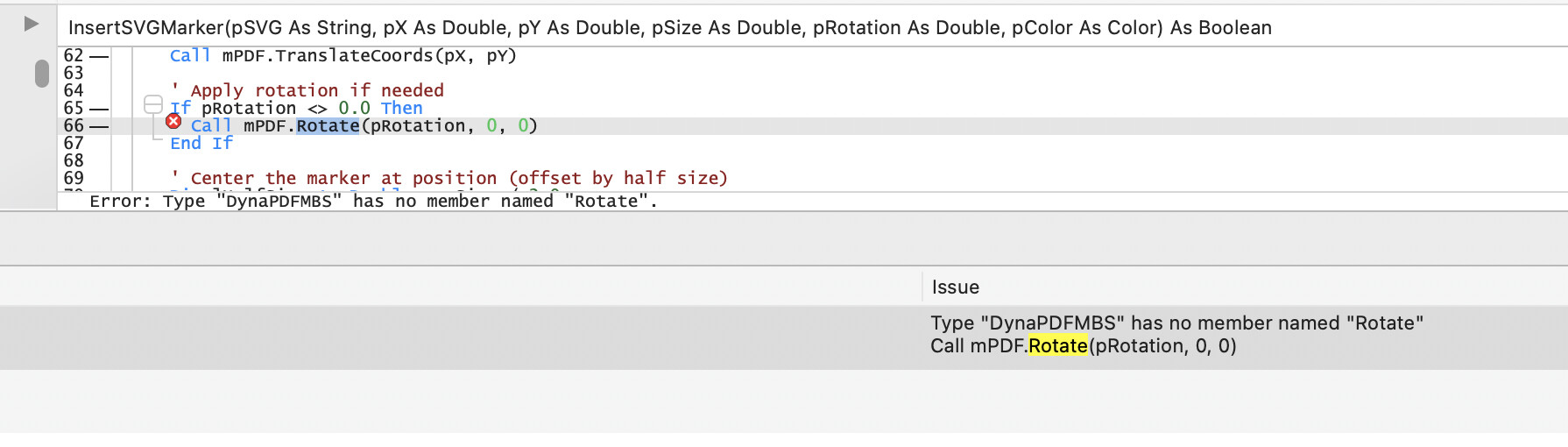
TIL (today I learned) you can copy text from the “Syntax Help” section at the bottom of the code editor (see attached image) and paste it into the code editor. (or anywhere, really)
This is helpful if you have a hard-to-type or hard-to-remember parameter type and you want to initialize a variable of the same type before passing it to a method.
Just copy the string from the “Syntax Help” section and paste it in your declaration:
var myTOC as PDFTOCEntry
It’s a simple enough thing; I just didn’t realize it was possible before today.
Anthony
I’m not sure I knew that!
Wow, didn’t know this.
That’s going be to useful for long Enumeration names
And jolly useful it is too. As it picks up method definitions from your own code it’s really handy when you call one of your own methods and can’t remember the precise order of the parameters you need to pass to it.
S
TipTypes.HelpfulForJeremieSussingOutLengthyEnumerationNames 
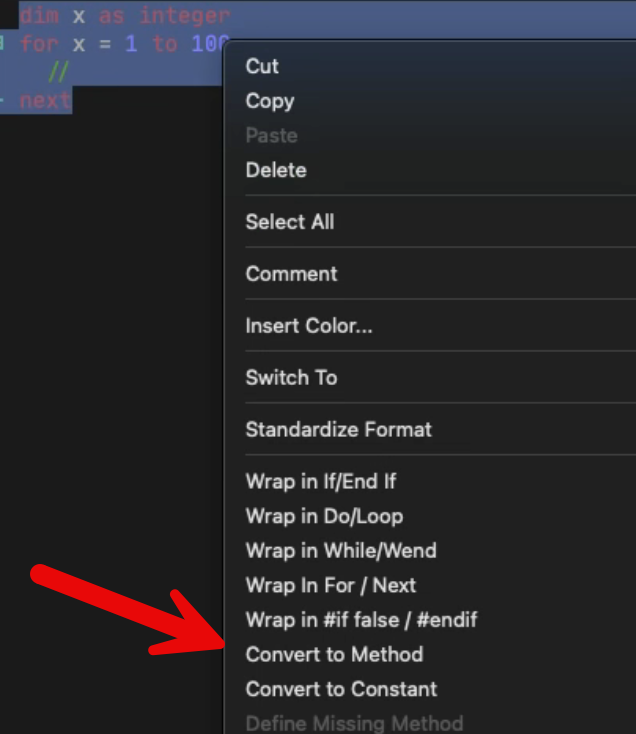
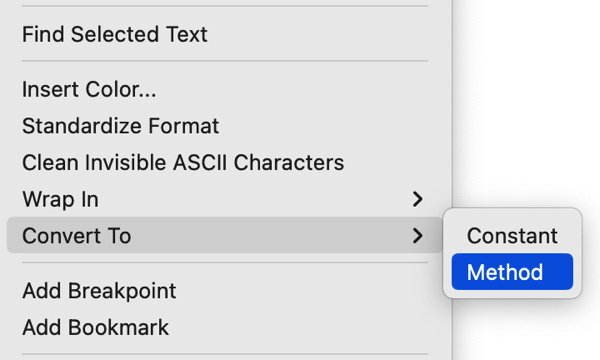
I used the Create Method function for the first time yesterday. That is, select a block of code, right click, select Create > Method. A dialog appears that lets you enter the method name, parameters, return type and scope. When you close the dialog, the method is created with the selected code and the original is replaced with a method call.
I feel like I’ve seen that before, but I’ve never used it.
Enjoying this thread. 
Anthony
Ditto. Already seen two hints I was not aware of (after having used the language for more than 20 years).
Is that really a “long-time feature”? It’s not in 2021r2.1. But it sounds useful
When you created a class via claude and you get compile errors, as almost every time, then you can copy the error message from the syntax area and give it back to claude to fix the problem…
I’m almost ashamed of this, but I only recently discovered computed properties for my own classes.
Please don’t ask me how I managed without them. I’ve probably lost years of my life due to not using computed properties. 
I made a screen shot, paste in Preview and use built-in OCR to get the text. 
Built-in OCR on macOS is a must. In the old times, I made a screen shot, paste in Preview and I typed it …
I also am fan of :
I changed a Upper Case file text name to Capitalize in the Finder (Tahoe).
And the lsiot grows every year !
I forget the last one from FireFox: live (auto) translate !
I can read post in German language in French with one (or two) clicks !
Greg Nice! And thanks for the extra details and even an example use case.
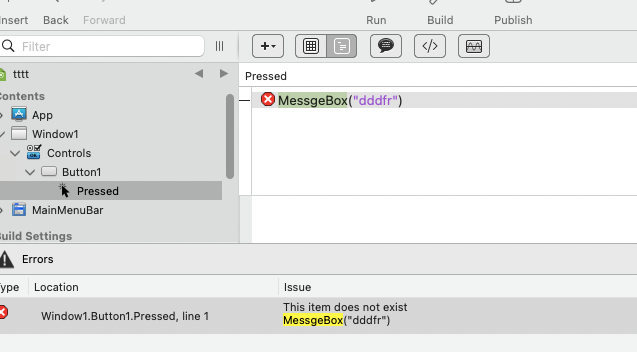
Yes, you have to copy the code line separately.
“MessgeBox” (sic)?