Hi to all! I have a behavior I need to understand, please help me
I have an API server with a valid ssl certificate and users can connect to it using https:// fqdn / page
When I connect my computer to the private local network where the server is located (physically or by vpn) I have different behavior of URLConnection, based on if the app is Desktop or Console
This is the code (simplest example) in an empty new project, 2025r3:
Var HTTPSocket1 As New URLConnection
Var result As String
Var fqdn As String
Var webpage As String
Var remote_url As String

fqdn = "api.server.com" //not the real string
webpage = "/test/api01" //not the real string

remote_url = "https://" + fqdn + webpage

Try

  HTTPSocket1.AllowCertificateValidation = False
  result = HTTPSocket1.SendSync("GET", remote_url, 5)

Catch err1 As NetworkException

  result = err1.Message

End Try
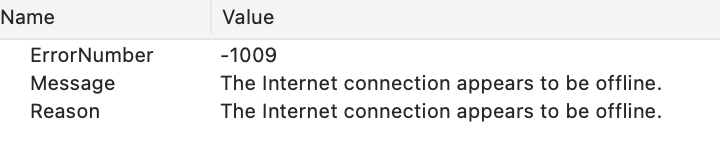
I cannot understand why the Console application, running from my computer, can get a result string, but a Desktop application, running from the same computer, stops with error -1200 “An SSL error has occurred and a secure connection to the server cannot be made.“
Could someone explain me this or point me in the right direction?
Thanks
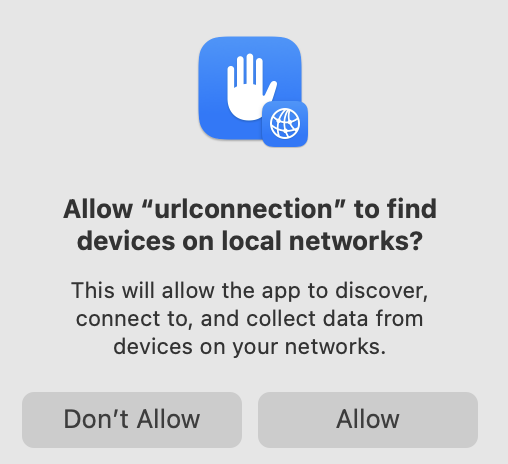
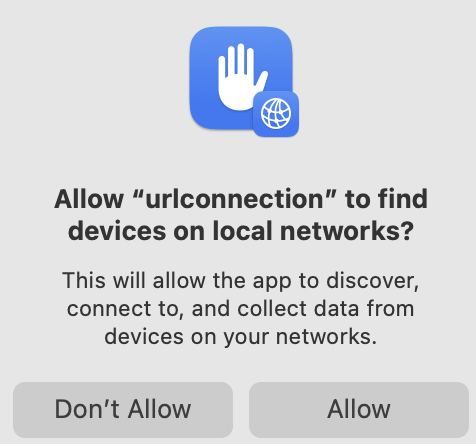
Is this macOS? In recent macOS, apps need permission to access the local network (System Settings / Privacy & Security / Local Network).
Perhaps the console app doesn’t require this (maybe it’s inheriting the permissions for the Terminal app, and you already granted it?) – whereas the desktop app does not have the permission granted.
Compiled with my Apple Developer ID, set all permission I found in System Settings → Privacy, but nothing changed
In System Settings → Privacy → Developer Tools (sorry, I’m not sure about translation because I use a different language) Terminal is present, with no check. So I tried to add also my test app, checked or not, but no changes
That doesn’t really matter. It seems to be about whether the connection is initiated automatically at launch. (Last time I was researching this was when it first started happening to me after upgrading to Sequoia. It was a bunch of Mac devs figuring it out since Apple didn’t say anything.)
I’m not really sure to understand, but it seems to me opposite situation
In Console application, the connection is in the Run event, so immediate, and it works
In Desktop application, it is in the Push event of a button, and it doesn’t work
I think that a console app run from the Xojo IDE will inherit the Xojo IDE permissions.
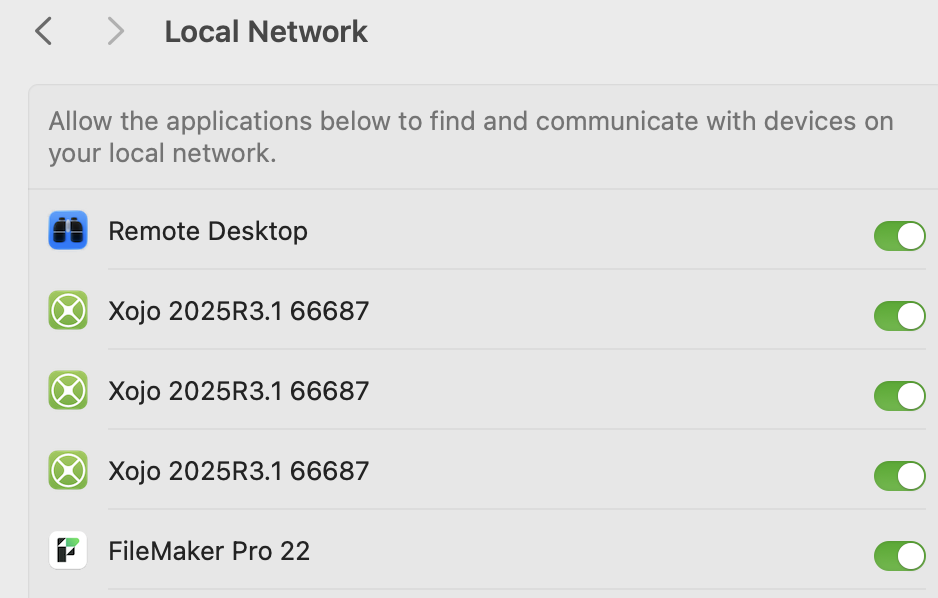
I also think that macOS Local Network settings are buggy - here’s what mine looks like - notice how the OS seems confused about various versions of Xojo:
The network where the server lives is a little more complicated, there is also an internal dns that rewrites some ip from external to internal
SSL server certificate is attached to external public ip, so if I use it with internal ip is normal that I have an error. This is why i need to set:
HTTPSocket1.AllowCertificateValidation = False
If problem is in the network, dns, certificate, or something else, why Console app can and Desktop app cannot?
If I understand why, maybe I can fix it. At the moment, I can only set up a workaround