I have a legit licensed version of Xojo 2025 r3.1 that I
have been using for weeks without concern. I have downloaded the source for XMCP
from git hub. When I try to compile it however, I’m told “A
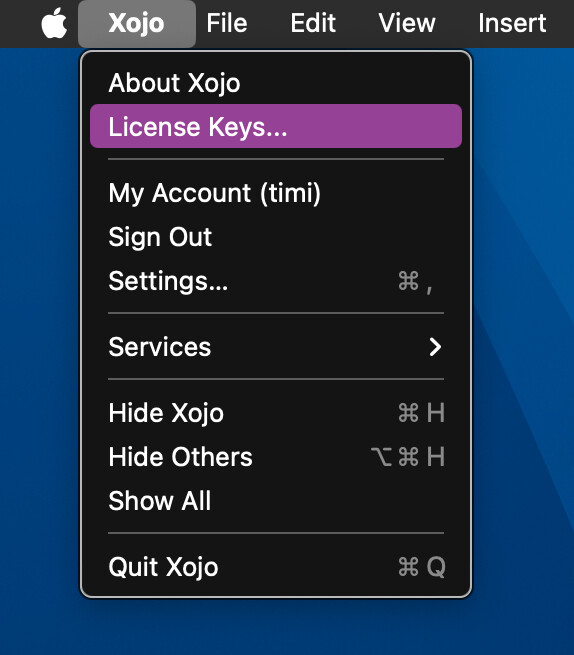
Xojo license is required to build this project.” – on the exact same machine. I have removed and reinstalled my license based on advice from another forum post to no avail.
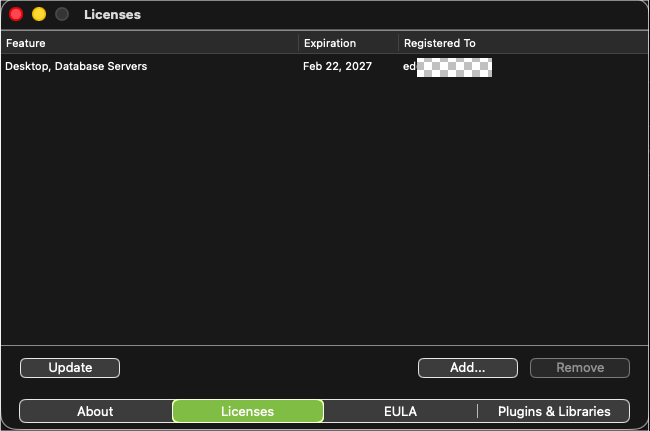
The license is “Desktop, Database Servers” It’s the $500 purchase.
The project is set to compile for This Computer which is a mac.
Code written in it and my older code all compile fine.
XMCP was written specifically for MacOs
XMCP is a Console Project.
And Console Apps are not included in the Desktop licence.
You might have a chance to use the code from that project - and embed it in a new Desktop application project so that you can build it.
Similar to Express, which is also commonly used as a Console application. But there’s also a Desktop app as a demo, which just uses the same logic classes within a desktop app.
The type of project is a Console project (like Web or iOS/Mobile) and your license is only for Desktop (Mac/Windows/Linux). Desktop doesn’t include Console, only Pro does.
I thought Jürg was mentioning an extension, but it’s just the confusing acronym that this project is named I deleted my post to avoid misinforming anyone with my misunderstanding.
You could copy the content of the project to a new one and make it a desktop app without windows.
You could still take command line options and do everything in the app.opening event before calling quit.
Mmm. That sound a little bit past my understanding and out of my comfort zone. Someone suggested that I could run the program but not build it and it would still function and have the same effect. That’s non-intuitive to me; but would that be the case?
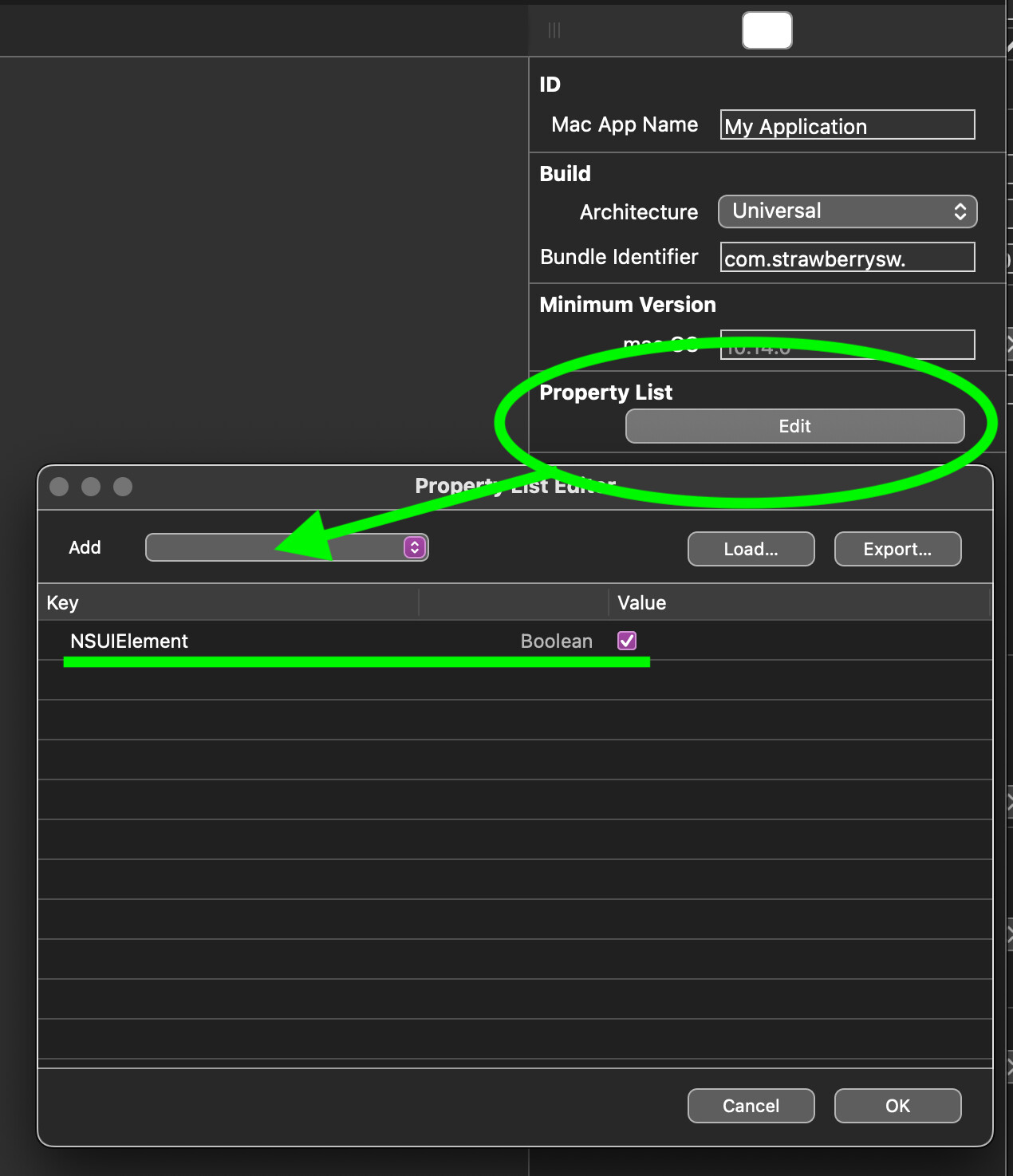
It’s not really complicated. Most helper apps do that anyways. The only “trick” is this IDE script:
'set scheduler to be a background app
dim dbg as String
if debugBuild then dbg = ".debug"
dim appNameForShell as string
appNameForShell = PropertyValue("App.MacOSXAppName") + dbg +".app" + "/Contents/Info.plist"
appNameForShell = replaceall(appNameForShell, " ", "\ ")
dim theResult as string
theResult = DoShellCommand("/usr/libexec/PlistBuddy -c ""Add :NSUIElement string \""true\"""" " + CurrentBuildLocation + "/" + appNameForShell )
if theResult <> "" then print theResult
[quote=“Ed Kleban, post:12, topic:88065, username:Ed_Kleban”]
Someone suggested that I could run the program but not build it and it would still function and have the same effect.
Well, the Xojo IDE will let you run (debug) any kind of project , as if you had Pro. The line is drawn at building.
 I deleted my post to avoid misinforming anyone with my misunderstanding.
 (tested and confirmed!)