Var cell As MobileTableCellData = Publicaciones.CreateCustomCell(GetTypeInfo(Contenido))
Var container As MyTableCell = MyTableCell(cell.Control)
container.NameLabel.Text = "Some Text"
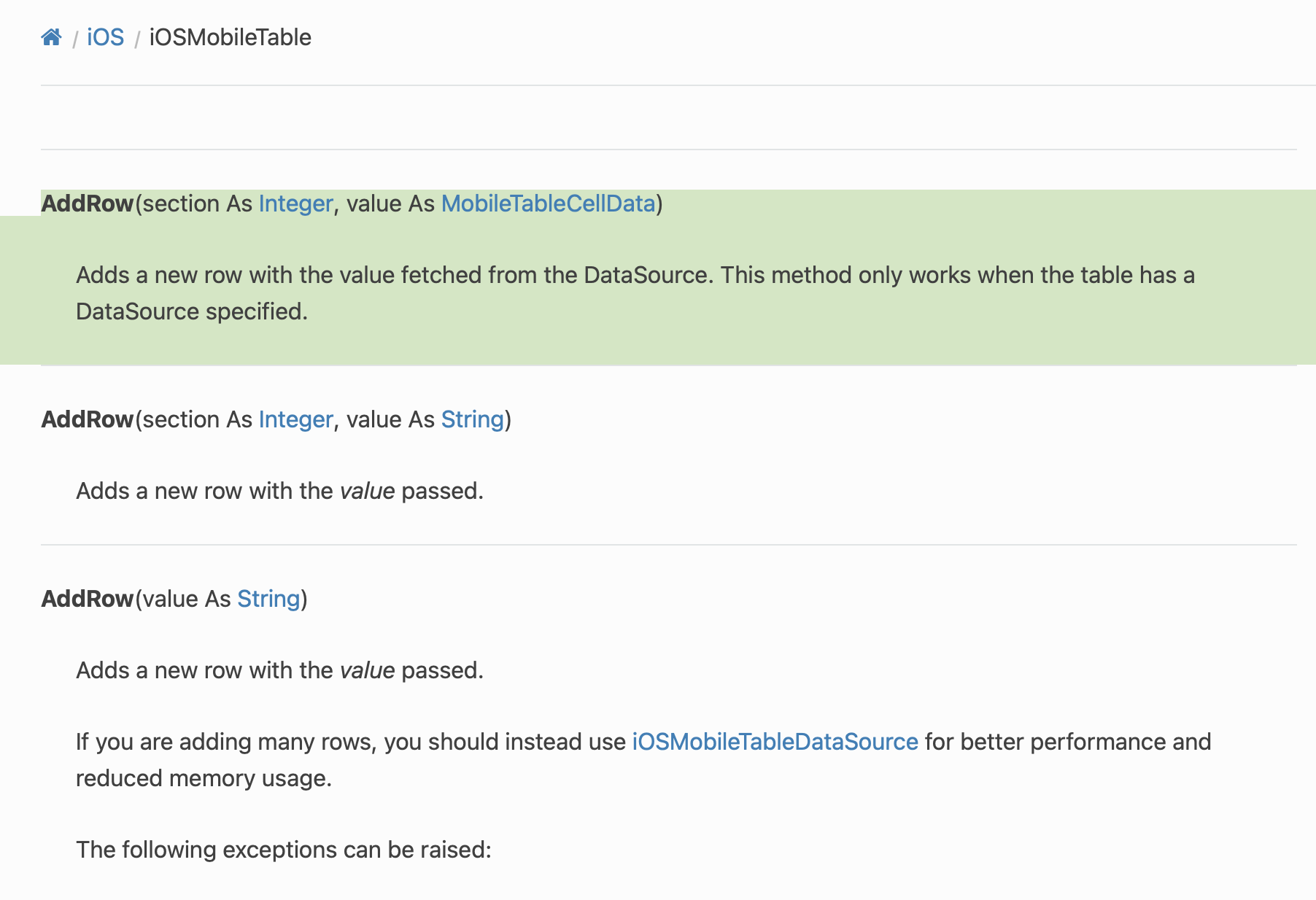
Table1.AddRow(0, cell)
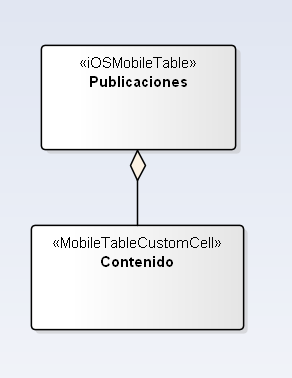
You design a MobileTableCustomCell visually, with controls etc.
Yours is called Contenido
In a DataSource, you will have a method called RowData
That provides you with a table, a row number, and a section number ( you might only have one section), like this:
table As iOSMobileTable, section As Integer, row As Integer
To add a row to the table, your code would look like this:
Var cell As mobileTableCellData = Table.CreateCustomCell(GetTypeInfo(Contenido))
var customCell As Contenido = Contenido(cell.Control)

customcell.NameLabel.Text = "Some Text"

Return cell
It is the return cell that adds a row to the table