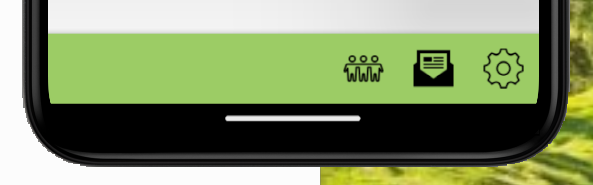
Currently I have the toolbar set as shown in graphic but I’d like to add an icon on the left of the toolbar but as far as I can see there is no way to set it left.
ios has Self.RightNavigationToolbar but not Android
I guess I could add buttons with no text of icon but that can get messy. Any thoughts on how to achieve this would be welcome
On Android, toolbar items are aligned to the right.
You can add some space in between buttons like this:
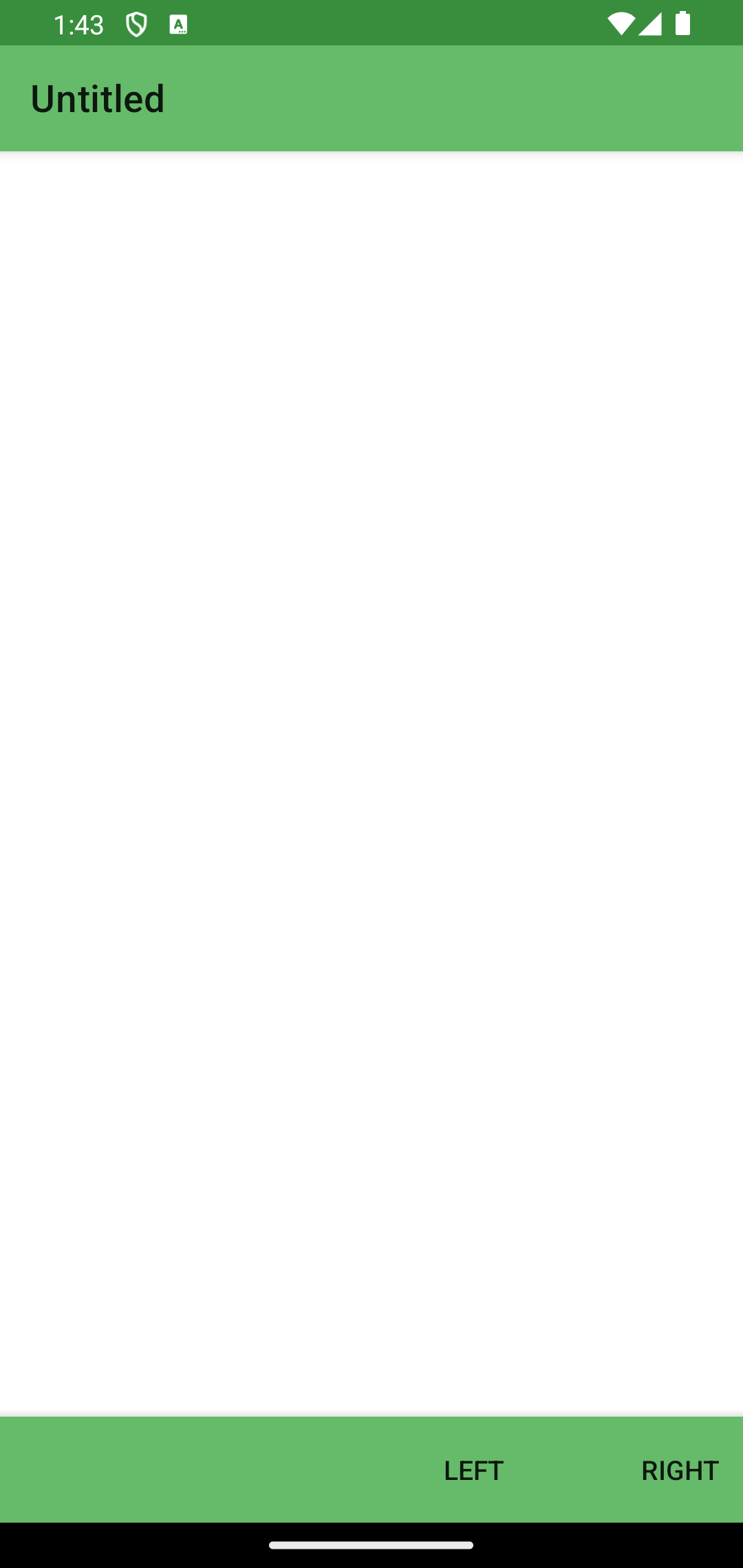
me.Toolbar.AddButton new MobileToolbarButton(MobileToolbarButton.Types.Plain, "Left")

me.Toolbar.AddButton new MobileToolbarButton(MobileToolbarButton.Types.FlexibleSpace)

me.Toolbar.AddButton new MobileToolbarButton(MobileToolbarButton.Types.Plain, "Right")
Thanks for the response , I’m still struggling to understand why I’m limited to two or three icons along the bottom when I can easily fit 4 or more depending on screen size of course but on the example you kindly provided there can only be a MAX of three.
I believe that is a limitation of the system.
When using the native toolbar, no more than 3/4 items will be displayed. If there are more items, they will be shown in a popup menu.
So then on a screen without a back button, I’d like to put a cancel (where the back arrow normally would be).
When I add two buttons to the navigation toolbar, they both go on the right.
Is this possible to change / control?