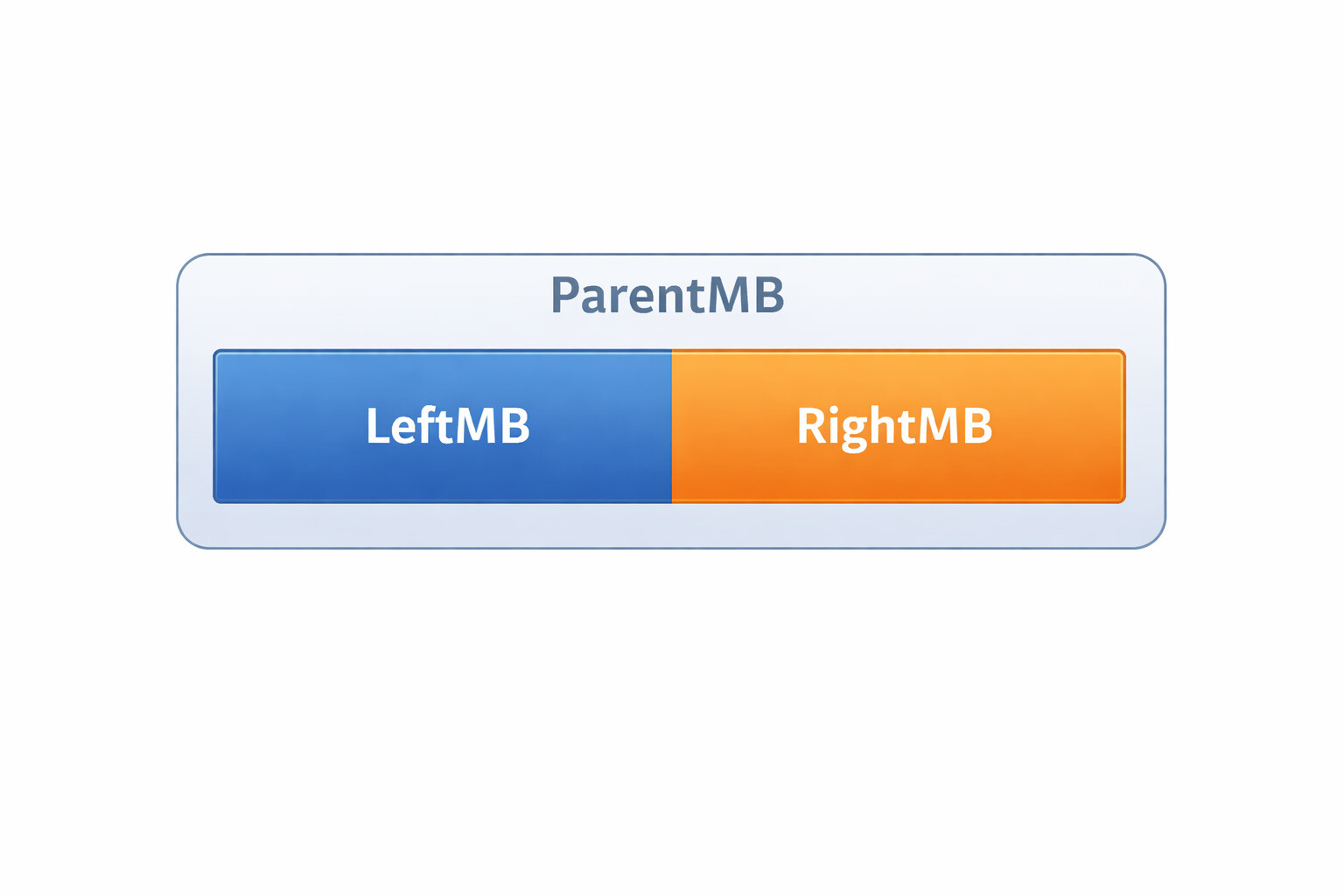
Var ParentMB As New MemoryBlock(100)

Var LeftPtr  As Ptr = ParentMB
Var RightPtr As Ptr = ParentMB + 50

Var LeftMB  As MemoryBlock = LeftPtr.MemoryBlock(50)
Var RightMB As MemoryBlock = RightPtr.MemoryBlock(50)
Does this seem correct to you?
Like lets just say that the first 50 bytes are big endian and the last 50 are little endian.
Well, sort of. You can certainly create a Ptr that points to an arbitrary starting point within a MemoryBlock, and you can create a MemoryBlock out of a Ptr, albeit with an unknown size, then set each MemoryBlock.LittleEndian independently.
Here is code that works:
var parentMb as new MemoryBlock( 16 )

var leftPtr as ptr = parentMb
var rightPtr as ptr = ptr( integer( leftPtr ) + 8 )

var leftMb as MemoryBlock = leftPtr
var rightMb as MemoryBlock = rightPtr

leftMb.LittleEndian = true
rightMb.LittleEndian = false

leftMb.UInt64Value( 0 ) = 1
rightMb.UInt64Value( 0 ) = 1

// Result is
//  01 00 00 00 00 00 00 00 00 00 00 00 00 00 00 01
Once you do this, you must use the MemoryBlock functions instead of the Ptr calls since the latter will always use the system’s LittleEndian property.
Edit: What is your use case for this though? I would think using two MemoryBlocks and combining them later using CopyBytes would be just as fast, and safer.
This particular file format switched endianness in several places and is composed of recursively nested structures.. it’s fun. I just had the suspicion that some additional memcpy’s might be happening that i wish to avoid.
You might be better off forgoing Ptr entirely and just switching LittleEndian as you go.
Example:
var mb as MemoryBlock = ReadData()

mb.LittleEndian = false
var firstValue as integer = mb.Int64Value( 0 )

mb.LittleEndian = true
var secondValue as integer = mb.Int64Value( 8 )
It’s more like, you create a MemoryBlockaround a Ptr. Such a MemoryBlock will start at the Ptr address and allow you to use its functions, but doesn’t know its dimensions.
Consider this code:
var parentMb as new MemoryBlock( 1 )
var p as ptr = parentMb

var otherMb as MemoryBlock = p

otherMb.UInt64Value( 0 ) = 1
This will work because otherMb doesn’t know its bounds, but you will end up overwriting memory locations that are outside of the reserved space, and your app will eventually crash. Hard.
Var parentmb as new MemoryBlock(100) // Allocate memory
var childmb as new MemoryBlock(0)  // Don't allocate memory

var p as ptr = parentmb

childmb.ptr = p + 50   // Points 50 bytes into the parents memory block
childmb.size = 50
childmb.litteendian = true

// The 50th byte of the parent mb and the first of the child.
var x as integer = childmb.integer(0)