I placed an indeterminate progress bar in a form, initially set to “Not Visible.”
During program execution, I press a key to make it visible (myform.myprgbar.visible = True), but it doesn’t appear. I also tried writing myform.myprgbar.refresh, but it has no effect.
However, if I initially set it to visible, it does appear.
What strange mystery can I not understand?
Create a sample project that shows this, zip it, upload to your post.
The standard questions:
Xojo version?
Windows 10 or 11? (not sure if there should be a difference)
Thanks everyone for the replies.
I’ve done some testing and found that the command that makes the indeterminate progress bar visible works if I insert it alone into a button.
But if I insert it into another button where I perform a select on a database, it doesn’t turn it on.
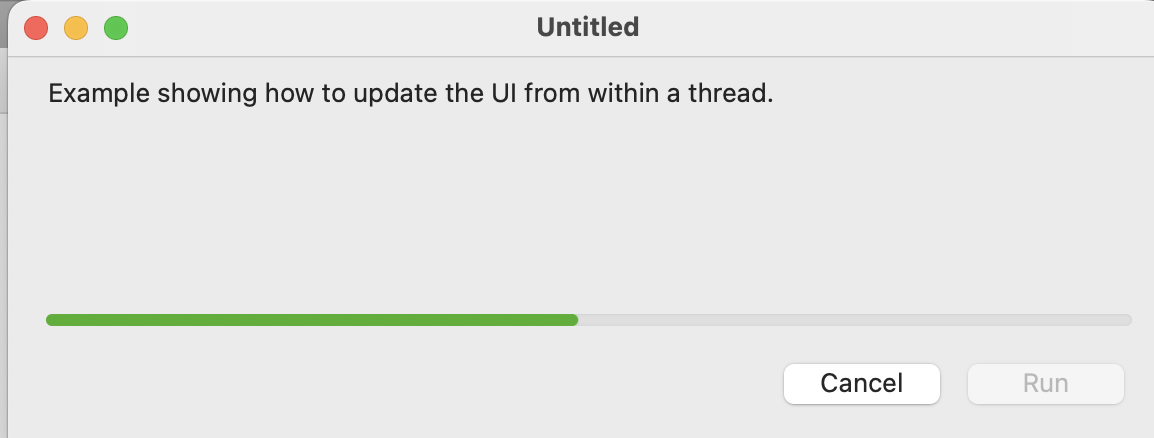
Figure 1 shows the progress bar and the buttons that correctly make it visible and invisible.
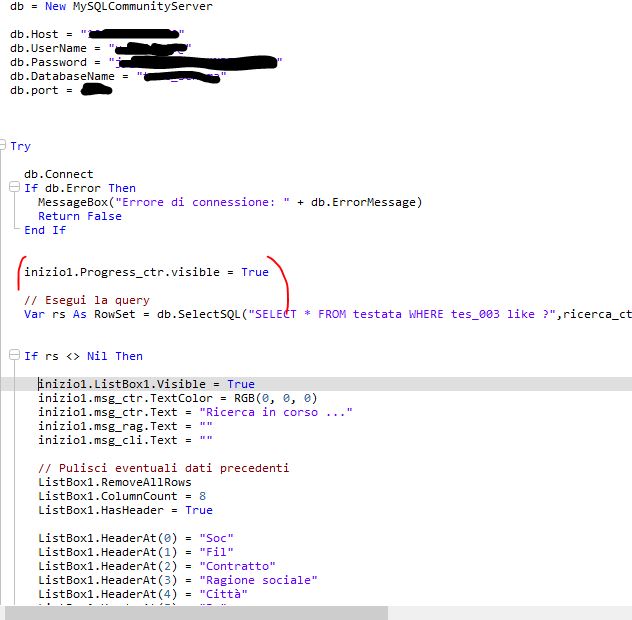
Figure 2 shows the content of the code where I placed the command that makes it visible, but it doesn’t work.
Why?
Please show us all the code from that method.
Paste the code as text into the forum, and use the “code” tag button to format it properly for the forum.
Xojo does not update the gui after every line of code. I think it does it at key moments like end of a function. There is a app.doevents method you can call to request the update. However be careful using it as it can cause unexpected event propagation
// Start of method:

inizio1.Progress_ctr.Visible = True
inizio1.Progress_ctr.Refresh(True) // Force refresh, this should not be needed

// Maybe your code after this is blocking..(needs to much cpu time?)
// Also make sure your control is Front-Most in the IDE or at least try to make it front-most (use the icons in the layout editor)

// Do your db stuff after the call:
db = New MySQLCommunityServer

Try
db.Connect
// Note do not check DB.Error, the exception handler should "catch" this.

Catch e As DatabaseException
// Inform user that there was an exception


Finally
// Stop the progress, after success and error. (e.g. Always)
inizio1.Progress_ctr.Visible = False
inizio1.Progress_ctr.Refresh(True) // Force refresh, this should not be needed

End Try
I tested following the logic of your code, but what happens is that the progress bar appears but remains still instead of moving as an indeterminate progress bar should.
Basically, and in general, I can’t display anything graphical that gives the impression of “searching.” As mentioned previously, I tried displaying an animated GIF image. It appears but remains still and doesn’t animate.