Hi
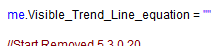
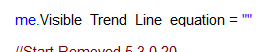
if you change the operating system scale and layout settings is set to 125% the code text in xojo looks as:
The lower part of the font is disappearing.
I found this issue when I tried to compensate for the small debugger text in xojo 2025r2.1 reported in the topic “Changing the debugger text size”
Please advise
Greg_O
August 25, 2025, 10:10pm
2
Don’t use non whole number scale factors?
That is not how your supposed to do things on Windows.
125% is the most common scaling used when not set to no scaling. Its just something Apps need to handle.
2 Likes
A lot of Windows users have their Screen at 125% scale…
Anyway… it most likely is some combination of the Font you’re using, and the Font-Size.
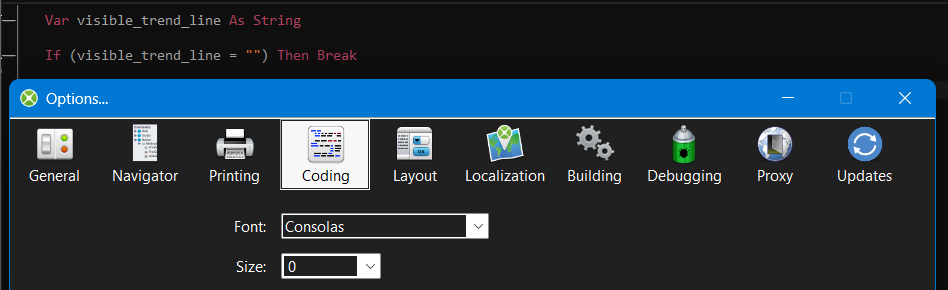
That’s what it looks like when I set the Monitor to 125% scale: you can barely notice the underscores like this:
It looks much better when setting the “FontSize” in Xojo’s Options to a different value:
While you could file an issue for that (as the font rendering should look fine in any combination of Monitor’s Scale-Factor and Xojo’s Font-Size settings) , I’d suggest to just play with these settings and find something that works for you.
1 Like