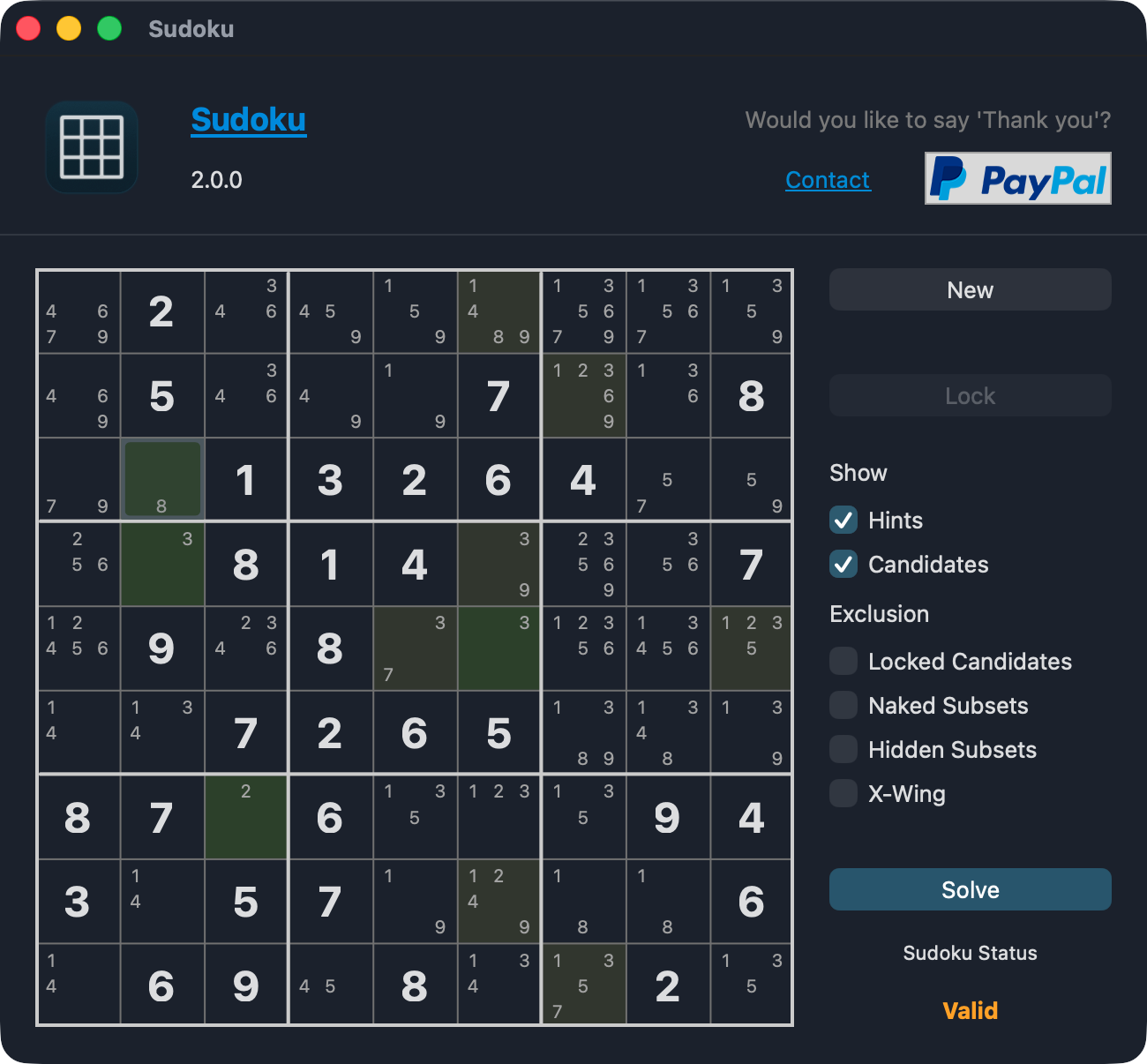
For Xojo’s 2025 Year of Code (Septgamer) I have entered a Sudoku Puzzle application.
Meanwhile I’ve added quite some features, some of which might be of technical interest to some of you (apart from those that just like to have a Sudoku Puzzle written in Xojo).
Some of the newer features are:
- Sudoku Sizes: 4x4 | 6x6 | 8x8 | 9x9 | 12x12 | 16x16
- The solver uses Dancing Links (DLX) - Knuth’s Algorithm X - for solving operations
- Optionally mark cell candidates that can be excluded
- Desktop Sudoku Canvas: allows resizing Window to fit all Sudoku Sizes
- Available as Desktop- and Web App (MonoRepo with shared code | WebApp available as Docker Image)
- Web API (and Postman Collection) to generate and solve Sudoku Puzzles (Formats: Txt, Json, PDF)
- Print and PDF
- WebSDK Controls
- Fit entire WebPage in Browser
- Navigate between Controls using Cursor Keys
- Canvas that draws the puzzle client-side
- Refactor Sudoku Logic into a Module with specialized classes (CandidatesSearcher, Grid, HintsSearcher, Puzzle, Solver)
Sudoku DLX Solver & Generator
- Source Code: GitHub: jo-tools/sudoku
- Built Binaries: GitHub: jo-tools/sudoku (Releases)
- Web Application: https://sudoku.azure.jo-tools.ch
- Note: WebApp is running on a terribly limited VM, so don’t expect a great performance. It’s also not guaranteed to be online 24/7 or forever - but it should be available for a little while.