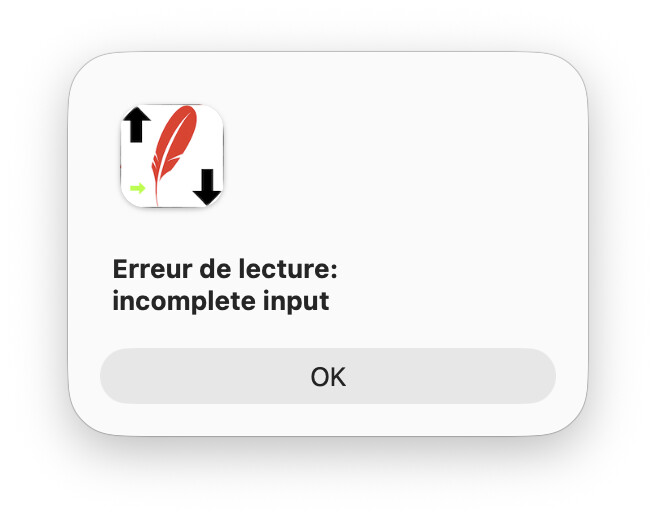
I got this error:
It was in this line:
rowsFound = db.SelectSQL("SELECT * FROM " + db_Table_Name)
Erreur de lecture is Read Error.
I found it: db_Table_Name was certainly empty because when I put manually the table name, the code runs correctly.
So, this is not a question, buta “For Your Info” if you ran into this error…
Try this :
rowsFound = db.SelectSQL("SELECT * FROM " + db_Table_Name + ";")
OR
Var Qbe_Sintax As String

Qbe_Sintax = "SELECT * FROM " + db_Table_Name + ";"
rowsFound = db.SelectSQL(Qbe_Sintax)
If db_Table_Name contains spaces.
Try this:
Var Qbe_Sintax As String

Qbe_Sintax = "SELECT * FROM " + db_Table_Name.Trim + ";"
rowsFound = db.SelectSQL(Qbe_Sintax)
Thank you for trying to help.
“;” is not needed with Xojo (apparently).
I do not checked, but I made it working when I delete the variable (Table Name) and replace it with the table name. For Debug it was OK.
Now (back home), I have to check where I forget to store the TABLE name into the db_Table_Name property.
1 Like
Remember that what you’re sending in SELECT SQL() is syntax compatible with the database you’re currently using.
Databases like PostgreSQL require the semicolon. It’s good practice to use it if the database allows it, to delimit the end of the SQL syntax.
That was that, I forgot to store the TABLE name in the db_Table_Name Property.
I forget (I think) to say that I never get that error ! Thus this thread.
1 Like