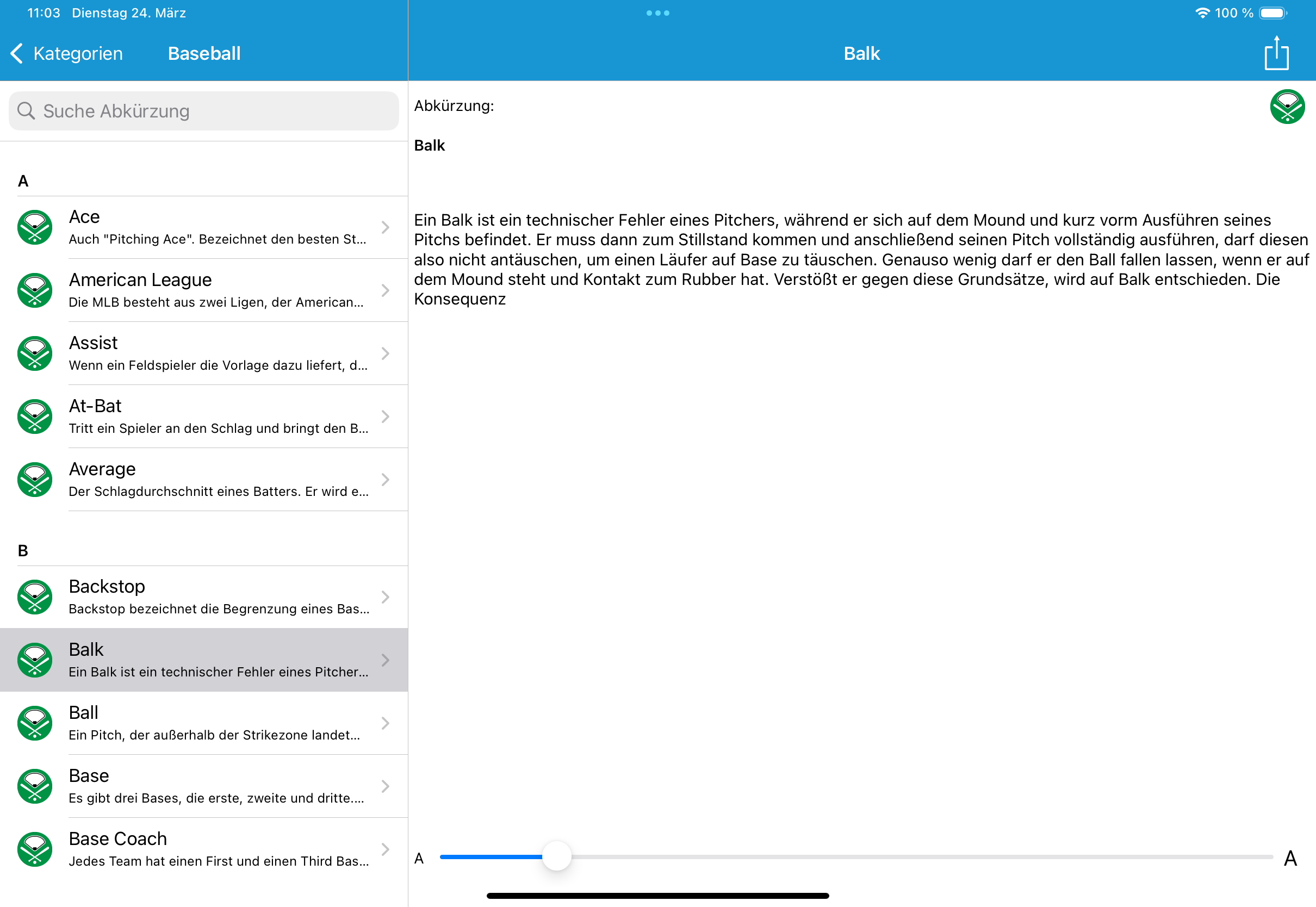
Does anybody know, how I can create a Split View on iOS26 the looks like on iOS 18? The left (main) view/screen is an overlay to the right (Detail) view/screen. The details view takes up the entire width and is overlaid by the main view on the left side. I know the main view can the hidden by touch on the little icon, but it is not a good UI when you must hide the menu, to see the details completely, after you have selected another entry in the menu. Also I know, the application can be build with the “Ul Compatibility Mode”, but this is not a solution.
iOS 26
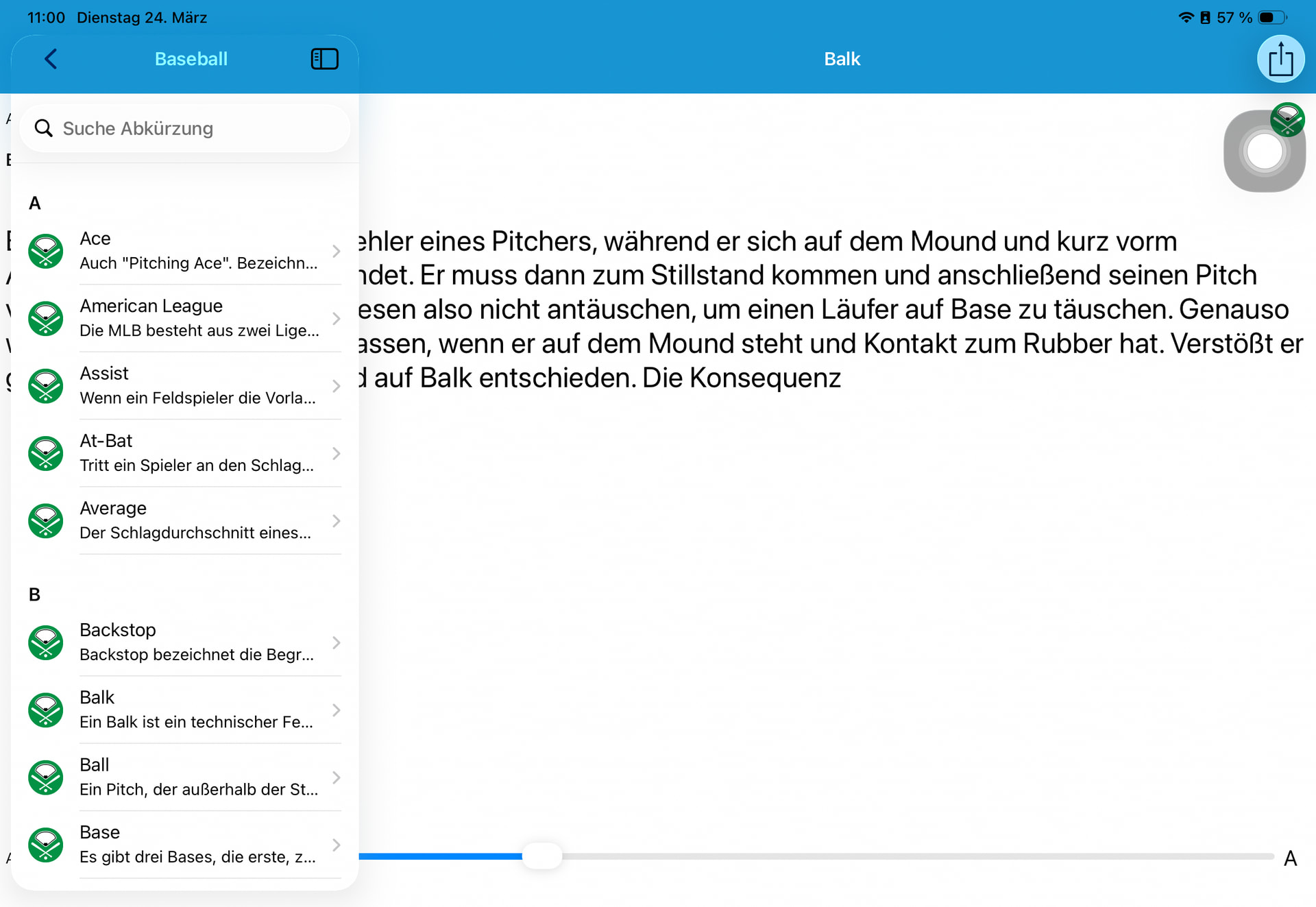
iOS 18