The documentation talks about handling shell data with a subclass or adding an event handler but it doesn’t seem to provide any examples (I only see synchronous examples).
Can anyone provide a simple example for each?
Searching through the forum, I found only examples that are no longer relevant (they use outdated methods that no longer work).
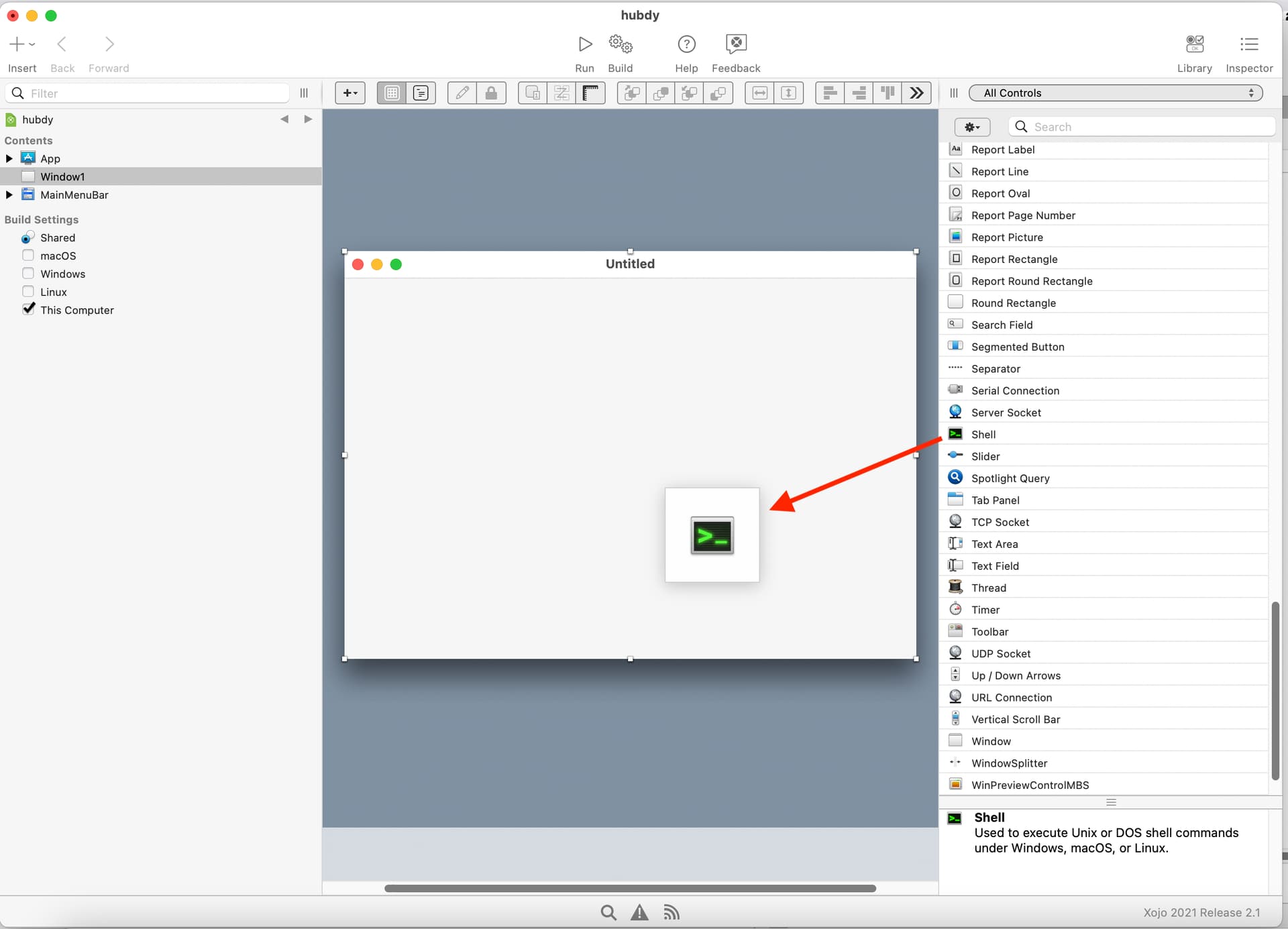
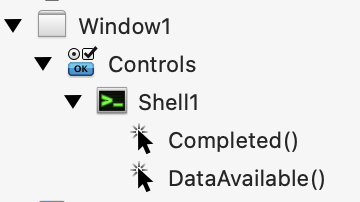
If your shell can live in a window you can just drag a shell from the Library into your window in the IDE, then add the events for it in the Navigator.
Alternatively, you can create it at runtime by adding a Shell property to a window, module, class, etc. In a Constructor or opening event or initialization method you instantiate the Shell and add handlers for its events:
TheShell = new Shell
AddHandler TheShell.DataAvailable, AddressOf HandleDataAvailable
The add the method HandleDataAvailable(Sender as Shell)