In the Shell documentation, it is written that call close triggers the Completed event.
It does not, launch the attached project “CopiWithShell.xojo_binary_project” and select a big file (or a big folder if checkbox is checked), then select a target folder (I select a mounted volume so the copy take a long time).
Click “Copy with Shell” then “Stop”. The complete event is not execute (click “Stop” again).
Do I misunderstand something or is it a Xojo bug? I’m surprise to not find any result in “Submit a case” when I search “Shell.close”.
I do my test on MacOS Sequoia 15.5 (24F74) with Xojo 2025r1.1 .
CopiWithShell.zip (14.1 KB)
Your sample is damaged, but mine works here.
I tested it on Windows but I wrote it with macOS in mind too and should work.
ShellClose.zip (5.0 KB)
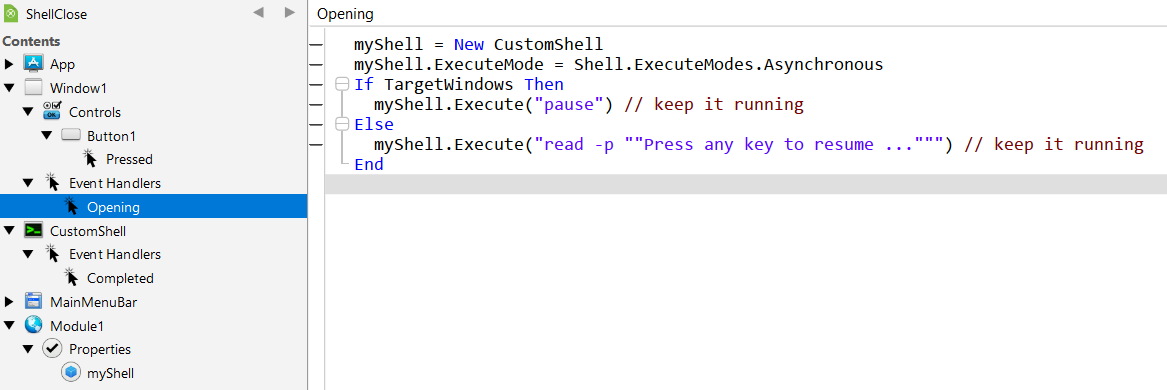
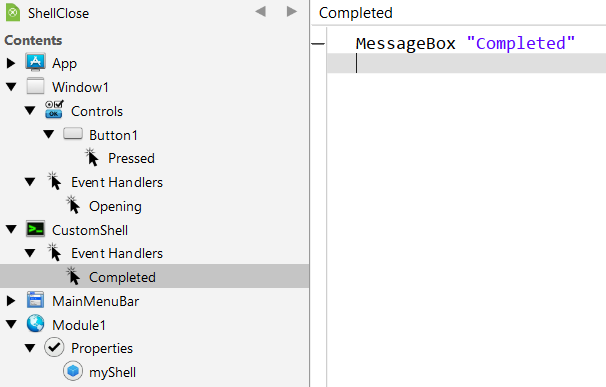
Rick is always right:
BTW: you can replace the MessageBoxes with a TextField (Read-Only or not) and send your messages then (using .AddText to act like a Log); no beep, no need to click or press OK…
Drap ? Are you tired ? It certainly is Drop (but does matter here).
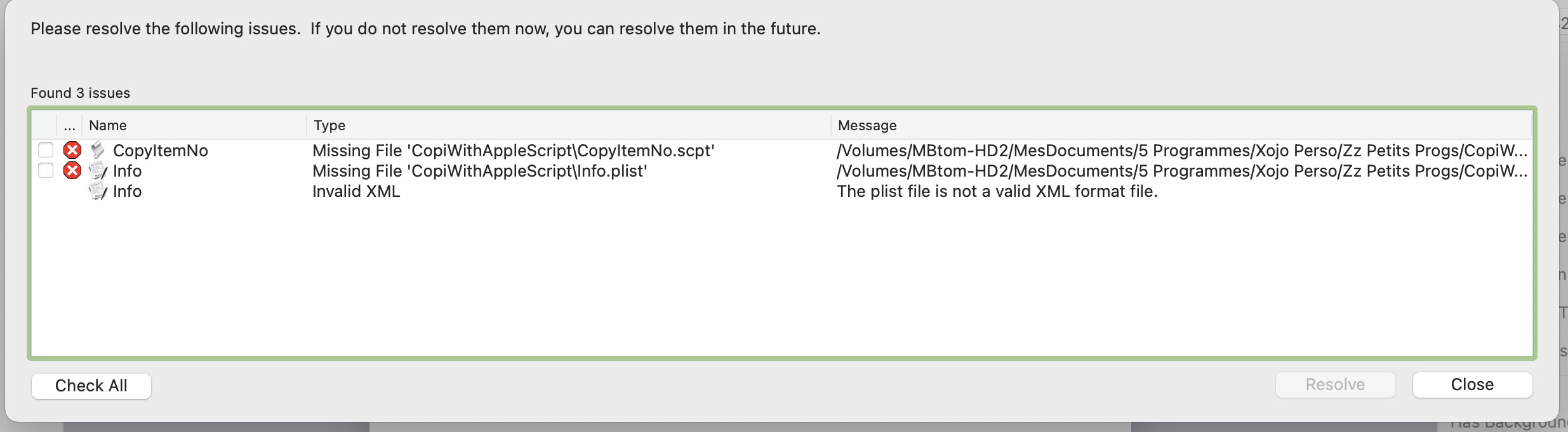
Sorry, I started my sample test project from a copy of another project and I forgot to remove the two files.
I modified my test with the Rick’s example. It works with his way (if I create a New Shell from a Shell module, check the “New Shell” checkbox), but it should work with the way I do too (uncheck the “New Shell” checkbox).
CopiWithShell.zip (14.2 KB)
I created a bug report #79374.
This is not a bug but you are doing it wrong. Revisit your code.
See example of Rick
Robin Lauryssen-Mitchell marked it as a bug. The way I use the Shell object is the simple and if I open the example “Using the Shell Asynchronously” they do the same way.
I have then another question, when I open the Xojo examples as the capture below.
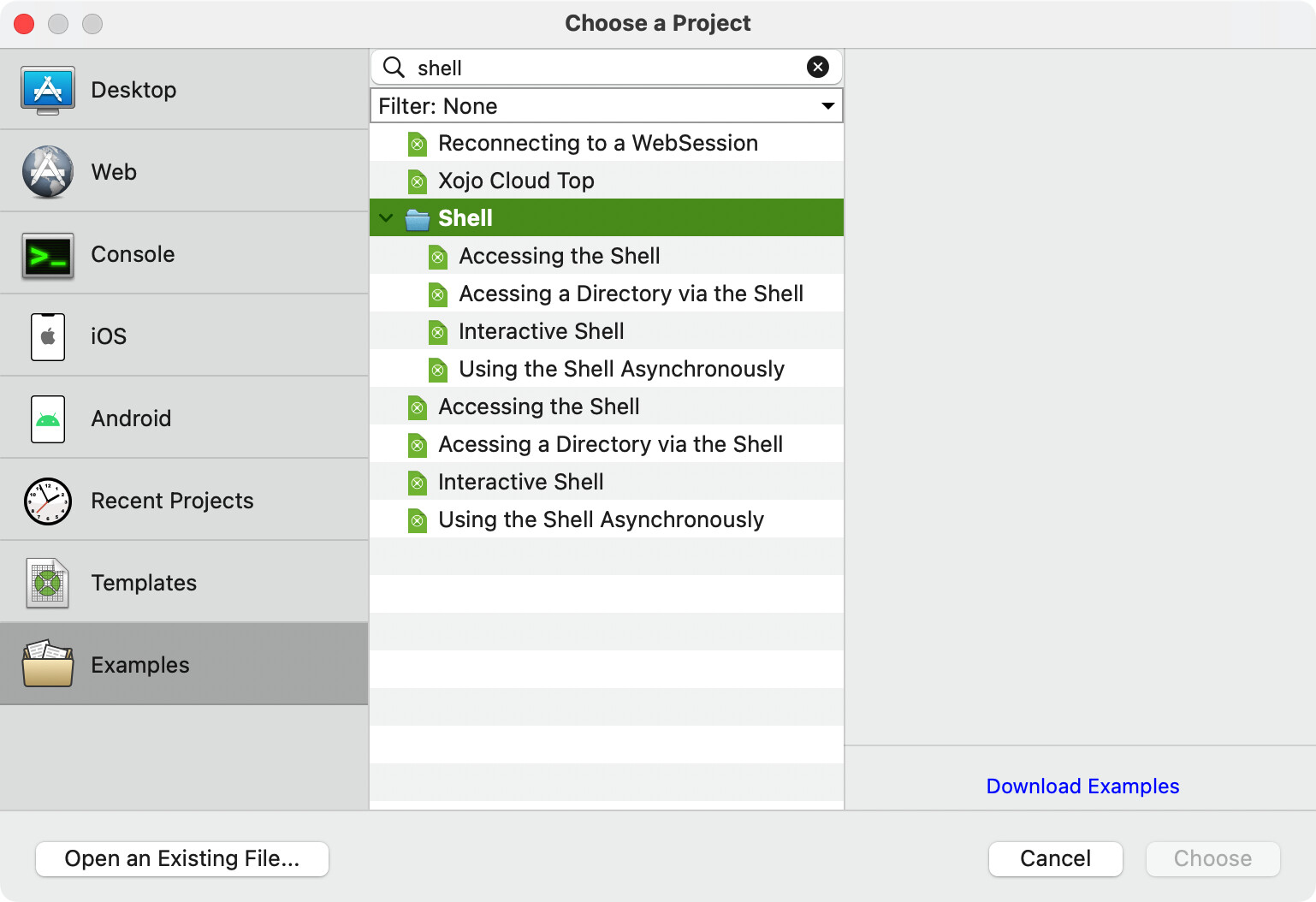
I open the sample project “Using the Shell Asynchronously”, how can I select its title to post it in the forum? I have two solutions, I rewrite its name or I make a screencapture and select its title to copy it.
Note: The title of the project window is “Async Shell Example”.