I’m using Xojo 2024r2 Desktop, with components EmailMessage e SMTPSecureSocket.
I’m trying to send an email in html with an inline image. Reading the posts on the forum I’m trying to solve the problem. But without success.
I also attach a sample project ( Download )
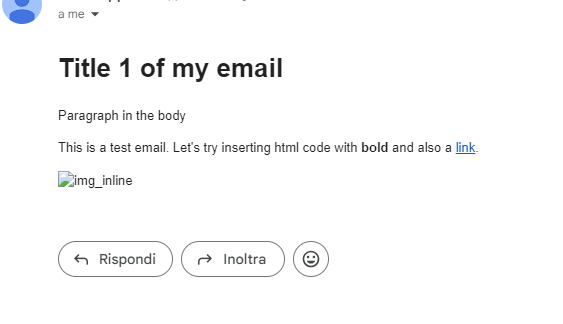
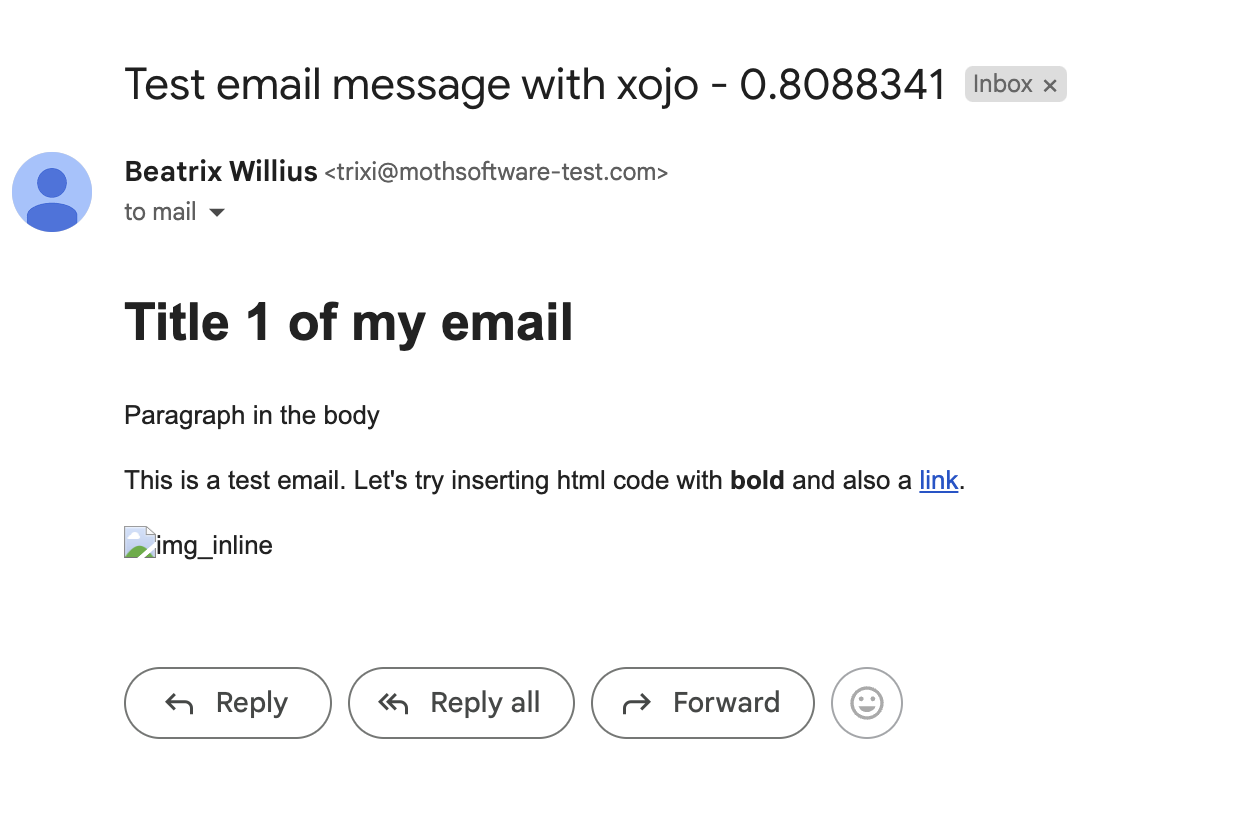
I try to insert a base64 inline image into the HTML code when I send the EmailMessage with SMTPSecureSocket, but the image cannot be seen.
This is the source received via email:
Mime-Version: 1.0
Content-transfer-encoding: 8bit
Content-Type: multipart/alternative; boundary="cpyxa3yvte8v"
X-CMAE-Score: 0
X-CMAE-Analysis: v=2.4 cv=D/WMKeRj c=1 sm=1 tr=0 ts=6687d802 a=Z27dpK4bOWhRHOCpLmIrNQ==:117 a=Z27dpK4bOWhRHOCpLmIrNQ==:17 a=HpEJnUlJZJkA:10 a=5KLPUuaC_9wA:10 a=g8TUdU_LZmEA:10 a=4oh2u1aVau_54mSFC8MA:9 a=NLMQV5p5AAAA:8 a=V5I0dzQLXKsO3V3TnZcA:9 a=_W_S_7VecoQA:10 a=aWTw2_BOBUSB0_-UnHUG:22

--cpyxa3yvte8v
Content-type: text/plain;

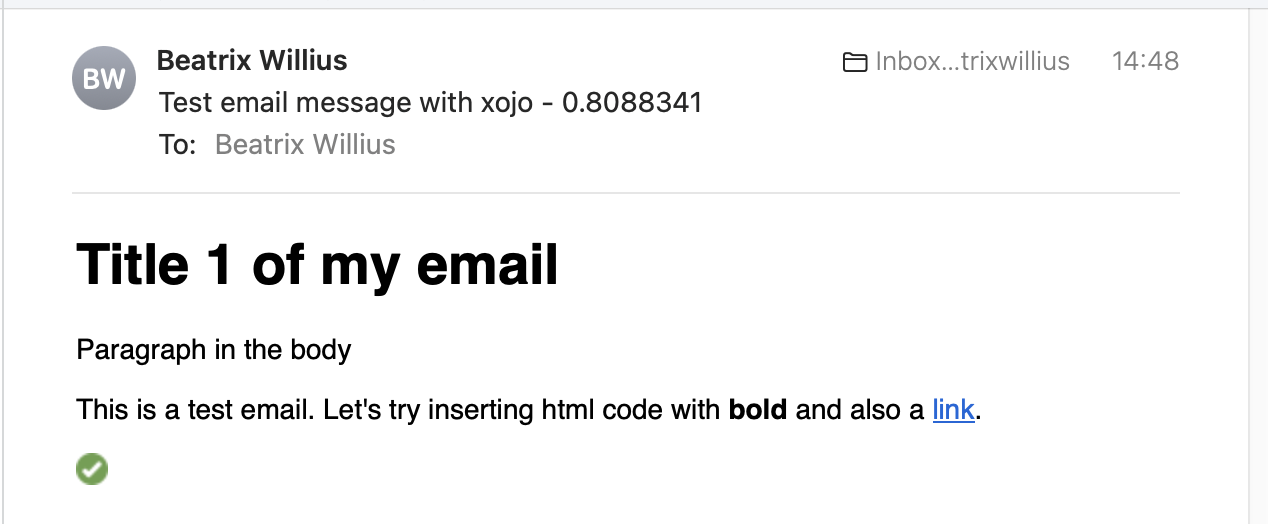
Title 1 of my email
Paragraph in the body
This is a test email. Let's try inserting html code with bold and also a link.


--cpyxa3yvte8v
Content-type: text/html;

<!DOCTYPE html>
<html>
<head>
<title>Test email message with xojo</title>
<meta charset="utf-8">
</head>
<body>
<h1>Title 1 of my email</h1>
<p>Paragraph in the body</p>
<p>This is a test email. Let's try inserting html code with <strong>bold</strong> and also a <a href="https://xojo.com">link</a>.</p>
<p>
<img src="data:image/png;base64,iVBORw0KGgoAAAANSUhEUgAAABAAAAAQCAYAAAAf8/9hAAAACXBIWXMAAAsTAAALEwEAmpwYAAABV0lEQVQ4jWNgQAPZ8zx1M+d5T8yY530lY57PFwgGsuf7TMiY462Drh4Ocid6sGfO95mWMd/7L5D+jxXP8/4DxFNCV4WyYWgG2rQPp0YM7L0XxRCgE6cTrxmOJ8P9jNfZUAy05GLWfN8EIPsWzDtZC3y1GUCBQ4TmK7lzPURBFgL5AXDx+d59QAHvqwT8eyNrvpcESHN9vT0LUNMGJPnLIAM+oYX0QyT+3dxZHjIgzcBAYwZqXoZm+CdUA+Z5d4EUp8/zSQdpzprjJY/Q7LMYi+s+oXgBqCgWPX3U19czAcNgPg4vXkYJRFCqy5zrYw/X/Z+BEV8UA73UywBKnuAUhjDkY+Y8LyuQZqDrZuBLlelz/bTAFoGSJ5rkT6Dpt/HGDjC/wF0KSpZAp+4hIRXuTptpzIoSWCBDQMkT2Ts4MtNEDM3IAJQ8QSkMFMJA+jMIQ9m9cD8jAQCwK8QMzT+fqQAAAABJRU5ErkJggg==" alt="img_inline" width="16" height="16">
</p>
</body>
</html>


--cpyxa3yvte8v--
The email source appears correct, but the image is not visible.
If I copy and paste the HTML part into a file and open it with the browser the image appears.
I also tried using the CID and attaching the image file trying to change the Source of the message object. If I do this I don’t know why but EmailMessage always changes the boundary, and therefore what I insert has a different boundary from that of the email.
Question: Why don’t Base64 images appear in Gmail?
Answer: Gmail blocks Base64 images due to security policies intended to protect users from potentially harmful content.
This thing limits a lot. Pretty much everyone with a gmail email won’t see the images. Therefore millions of people.
If only I could send images with the CID method I would have solved the problem. But xojo doesn’t allow it. Or I wasn’t good at finding the method to do it.
Yes, and it works. My email client (written in Xojo) sends and receives mails with and without images using the cid: method, no problems. I’m not using any Xojo email classes.
<img src="cid:part1.02080004.04000407@sample.com"> in the body of the mail, where you want the image to appear. That is the way to match the body part with the image, to the body part with the html of the mail.
If you receive such a mail, you have to decode and store the image part, and, when displaying the mail, change the body so that instead of having:
SendMailSocket = New SMTP
SendMailSocket.Address = "your.smtp.com" // your SMTP email server
SendMailSocket.Port = 587 // Check your server for the property port # to use
SendMailSocket.SSLConnectionType = SMTPSecureSocket.SSLConnectionTypes.TLSv1
SendMailSocket.Username = "YourEmailUsername"
SendMailSocket.Password = "YourEmailPassword"

// Create the actual email message
Var mail As New EmailMessage
mail.FromAddress = "sender@domain.com"
mail.Subject = "////> Test Email from Xojo"
mail.BodyPlainText = "Hello, World!"
mail.Headers.AddHeader("X-Mailer", "Xojo SMTP Example") // Sample header
mail.AddRecipient("recipient@domain.com")

Dim att As New EmailAttachment
Dim f As New folderitem("/path/to/file.png")
att.LoadFromFile(f)
att.MIMEType = "image/png"
mail.Attachments.Add(att)

Dim src As String = mail.Source

Dim cid As String = "myCoolImage"
src = src.Replace("Content-disposition: attachment; filename=""" + f.Name + """", "ContentID: """ + cid + """" + EndOfLine.CRLF + "Content-disposition: inline; filename=""" + f.Name + """")

mail.Source = src

// Add the message to the SMTPSocket and send it
SendMailSocket.Messages.Add(mail)
SendMailSocket.SendMail
System.DebugLog("SendMail: Done")
You can do the parsing a litte better, but that should do it. If Xojo changes the way, the source is build, it could break in future.
@Marius_Dieter_Noetzel I tried before to change source of message but Xojo change the source when send.
This is the source after modify and before to send:
Mime-Version: 1.0
Content-transfer-encoding: 8bit
Content-Type: multipart/mixed; boundary="0cm29e9m9jrb"

--0cm29e9m9jrb
Content-Type: multipart/alternative; boundary="36olz3a6ws0m"

--36olz3a6ws0m
Content-type: text/plain;

Title 1 of my email
Paragraph in the body
This is a test email. Let's try inserting html code with bold and also a link.


--36olz3a6ws0m
Content-type: text/html;

<!DOCTYPE html>
<html>
<head>
<title>Test email message with xojo</title>
<meta charset="utf-8">
</head>
<body>
<h1>Title 1 of my email</h1>
<p>Paragraph in the body</p>
<p>This is a test email. Let's try inserting html code with <strong>bold</strong> and also a <a href="https://xojo.com">link</a>.</p>
<p>
<img src="cid:part1.02080004.04000407@sample.com" alt="img_inline" width="16" height="16">
</p>
</body>
</html>


--36olz3a6ws0m--


--0cm29e9m9jrb
Content-Type: image/png; name="img_inline.png"; name*=utf-8''img_inline.png
Content-transfer-encoding: Base64
ContentID: "part1.02080004.04000407@sample.com"
Content-disposition: inline; filename="img_inline.png"; filename*=utf-8''img_inline.png

iVBORw0KGgoAAAANSUhEUgAAABAAAAAQCAYAAAAf8/9hAAAACXBIWXMAAAsTAAALEwEAmpwYAAAB
V0lEQVQ4jWNgQAPZ8zx1M+d5T8yY530lY57PFwgGsuf7TMiY462Drh4Ocid6sGfO95mWMd/7L5D+
jxXP8/4DxFNCV4WyYWgG2rQPp0YM7L0XxRCgE6cTrxmOJ8P9jNfZUAy05GLWfN8EIPsWzDtZC3y1
GUCBQ4TmK7lzPURBFgL5AXDx+d59QAHvqwT8eyNrvpcESHN9vT0LUNMGJPnLIAM+oYX0QyT+3dxZ
HjIgzcBAYwZqXoZm+CdUA+Z5d4EUp8/zSQdpzprjJY/Q7LMYi+s+oXgBqCgWPX3U19czAcNgPg4v
XkYJRFCqy5zrYw/X/Z+BEV8UA73UywBKnuAUhjDkY+Y8LyuQZqDrZuBLlelz/bTAFoGSJ5rkT6Dp
t/HGDjC/wF0KSpZAp+4hIRXuTptpzIoSWCBDQMkT2Ts4MtNEDM3IAJQ8QSkMFMJA+jMIQ9m9cD8j
AQCwK8QMzT+fqQAAAABJRU5ErkJggg==

--0cm29e9m9jrb--
And everything seems correct.
But when I actually send this is what arrives:
Mime-Version: 1.0
Content-transfer-encoding: 8bit
Content-Type: multipart/mixed; boundary="ulxokkrao35o"

--ulxokkrao35o
Content-Type: multipart/alternative; boundary="xkh2v4qbgvtm"

--xkh2v4qbgvtm
Content-type: text/plain;

Title 1 of my email
Paragraph in the body
This is a test email. Let's try inserting html code with bold and also a link.


--xkh2v4qbgvtm
Content-type: text/html;

<!DOCTYPE html>
<html>
<head>
<title>Test email message with xojo</title>
<meta charset="utf-8">
</head>
<body>
<h1>Title 1 of my email</h1>
<p>Paragraph in the body</p>
<p>This is a test email. Let's try inserting html code with <strong>bold</strong> and also a <a href="https://xojo.com">link</a>.</p>
<p>
<img src="cid:part1.02080004.04000407@sample.com" alt="img_inline" width="16" height="16">
</p>
</body>
</html>


--xkh2v4qbgvtm--
--ulxokkrao35o
Content-Type: image/png; name="img_inline.png"; name="img_inline.png"
Content-transfer-encoding: Base64
Content-disposition: attachment; filename="img_inline.png"; filename="img_inline.png"


--ulxokkrao35o
Content-Type: image/png; name="img_inline.png"; name="img_inline.png"
Content-transfer-encoding: Base64
Content-disposition: attachment; filename="img_inline.png"; filename="img_inline.png"


--ulxokkrao35o--
The boundary has also changed.
And that’s all I do. After changing the source I send immediately.
@TimStreater I’m trying to send a message with the image, not display it.
How did you send inline image messages? I tried but Xojo changed the source before sending it and the email arrived without an image.
As I said, I don’t use any Xojo email classes. I just send strings to the SSLsocket:
threadSocket.Write (imagelines(i) + app.NL)
where threadSocket is an SSLsocket, imagelines contains the lines of base64 data to be sent, and app.NL is the CR/LF string.
It looks to me like you are building the email parts (text part, html part, images parts) into a large piece of text, but then using the Xojo email classes to send it.