System details
Operating System: Kubuntu 26.04 LTS
KDE Plasma Version: 6.6.6
KDE Frameworks Version: 6.24.0
Qt Version: 6.10.2
Kernel Version: 7.0.0-31-generic (64-bit)
Graphics Platform: Wayland
Processors: 16 × AMD Ryzen 9 7940HS w/ Radeon 780M Graphics
Memory: 32 GiB of RAM (30.6 GiB usable)
Graphics Processor 1: AMD Radeon 780M Graphics
Graphics Processor 2: NVIDIA GeForce RTX 4050 Laptop GPU/PCIe/SSE2
Manufacturer: ASUSTeK COMPUTER INC.
Product Name: ASUS TUF Gaming A17 FA707XU_FA707XU
System Version: 1.0
Code I found in another thread
Var pict As Picture
Var d As New Date
// Create Timestamp for ScreenCapture Save Name
Var timeStamp As String =  str(d.Hour) + ":" + str(d.Minute)
Var f As FolderItem = GetSaveFolderItem("image/png","ScreenCapture_" + timeStamp + ".png")

If f <> Nil Then
  pict = New Picture( Self.Width, Self.Height, 32 )
  Self.DrawInto pict.Graphics, 0, 0
  pict.Save(f, Picture.SaveAsPNG)
End If
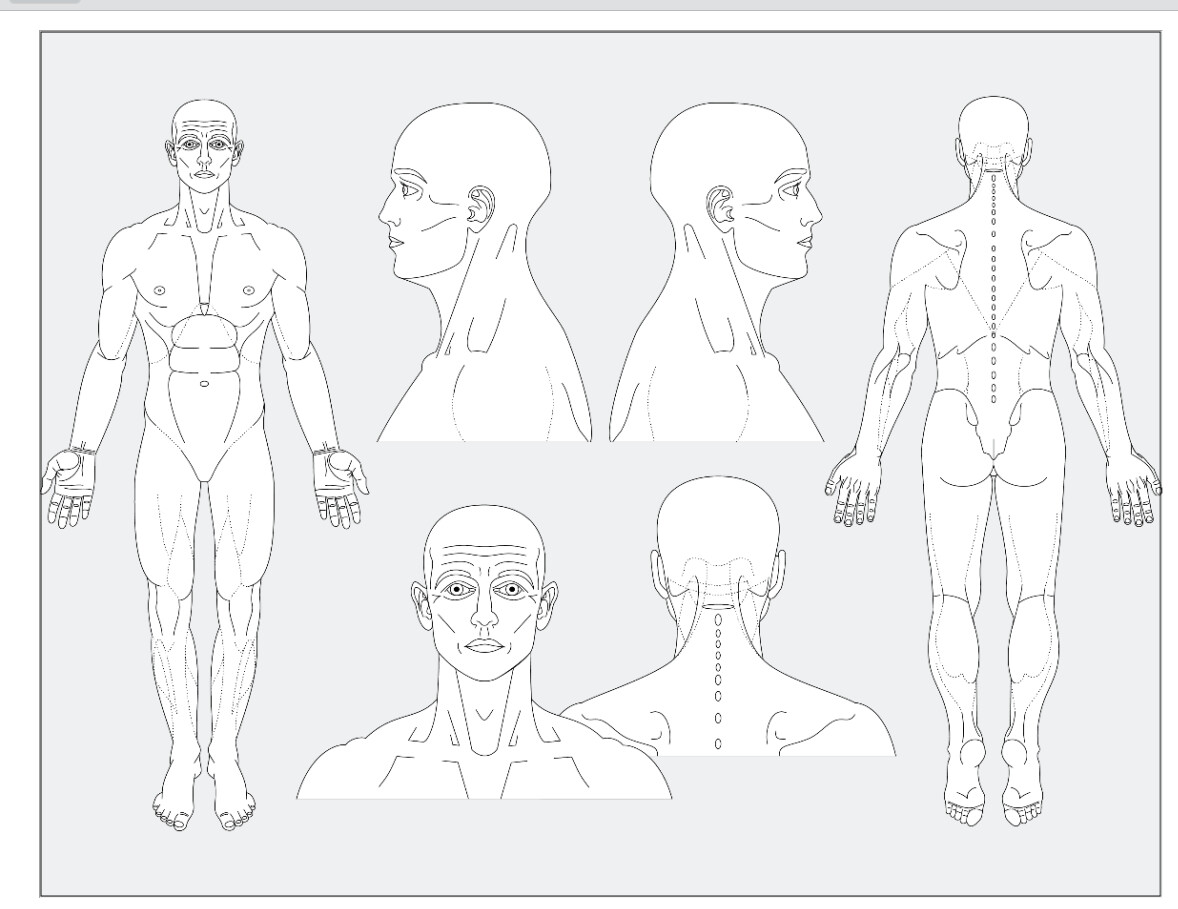
It works in that it captures the base but not the details.
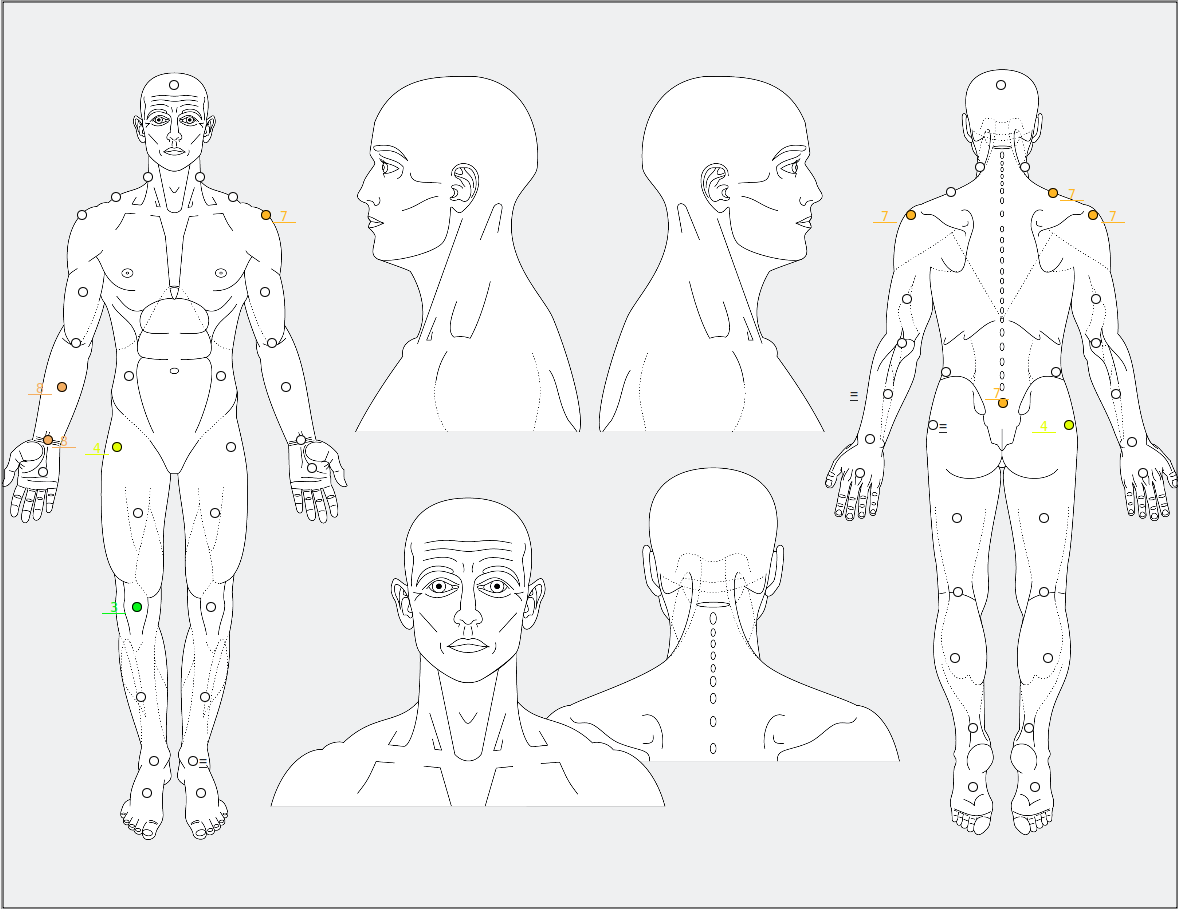
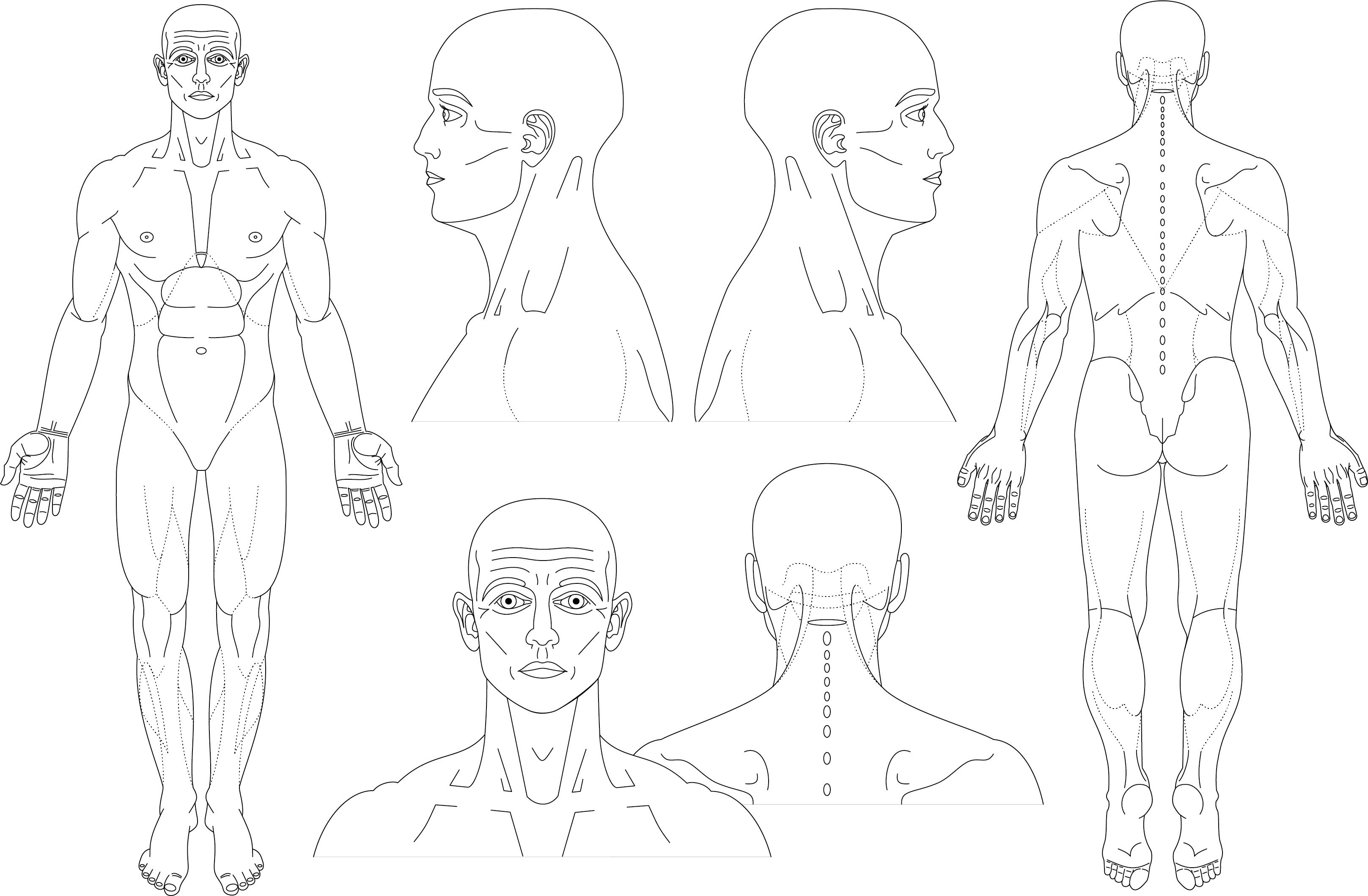
The above is what I expect
Below is what I am getting
The circles and numbers are not being captured.
Where are drawn the image to capture ?
All in the Grapichs Event
or Circle and numbers in the Grapichs Event and what you get draw is in Canvas Backdrop ?
What is Self? A canvas? A window?
Where is the “base” image coming from? Canvas.Backdrop?
How are the circles and numbers generated? In a Canvas Paint event?
If the circles and numbers are generated in a Canvas Paint event, you may need to paint its Graphics to the Picture’s Graphics in that event.
Pain Tracking Image.xojo_binary_project.zip (69.4 KB)
I don’t know if it will load but above is the project. No database assigned yet, may not be later.
You forget to add an image.
I do not understan why you use BevelButtons,
I do not understand where tou display the image nor the circles and numbers.
You do not answer the two question you get from Julia and me…
Do you know there are constants like Color.Black ?
What am I supposed to see in the example?
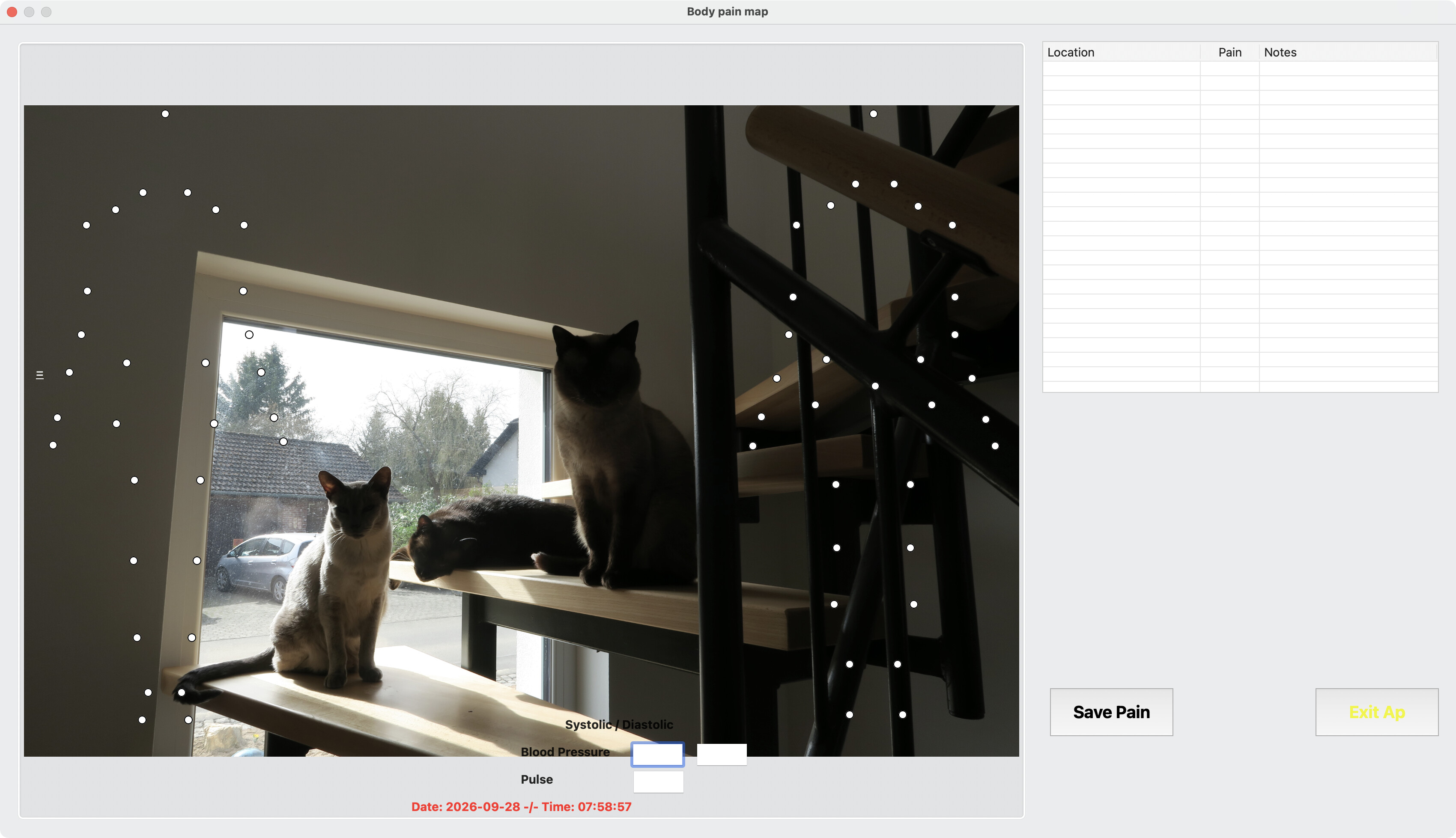
The image is missing so I had to use my own.
OK, it’s a DesktopImageViewer showing a static image with a bunch of DesktopOvals and Labels on top.
I have no idea why DrawInto doesn’t work, I’ve never tried to do this, sorry. Maybe a Z-order issue?
Because unlike generic buttons you can control their size and font properties.
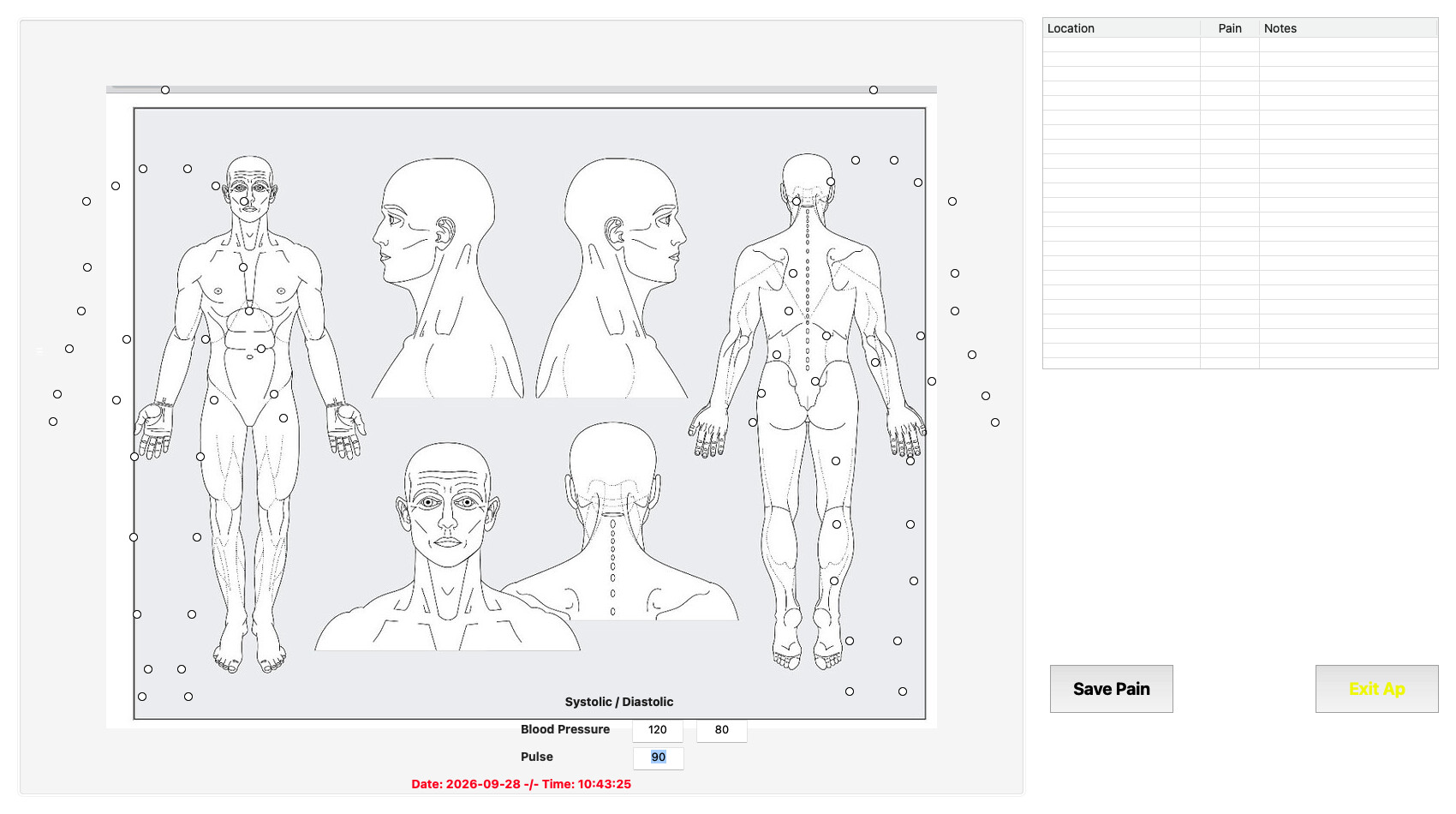
Actually, the DrawInto is working for me. This is the png that was saved to disk after uncommenting the call to mthImageShot.
Hmm, the circles are offset in your capture. What OS are you using? It might be a Linux thing because I just tried it again, same results.
Screencast_20260928_085528.zip (2.1 MB)
I took a video of the process on my desktop. Don’t know if that will help. But you can see the image created is missing the other objects.
Better control and I can add images, color and text color changes as well. For me it’s aesthetics and the only way to get “cool” looking buttons on Linux. Which is all I use.
Sorry meant for Emile.
I just downloaded the background image from your previous post and threw it into the project; I made no attempt to size it correctly, so it’s not surprising that it doesn’t line up. Just wanted to see if DrawInto would save the Ovals, and it did.
I tested under MacOS.