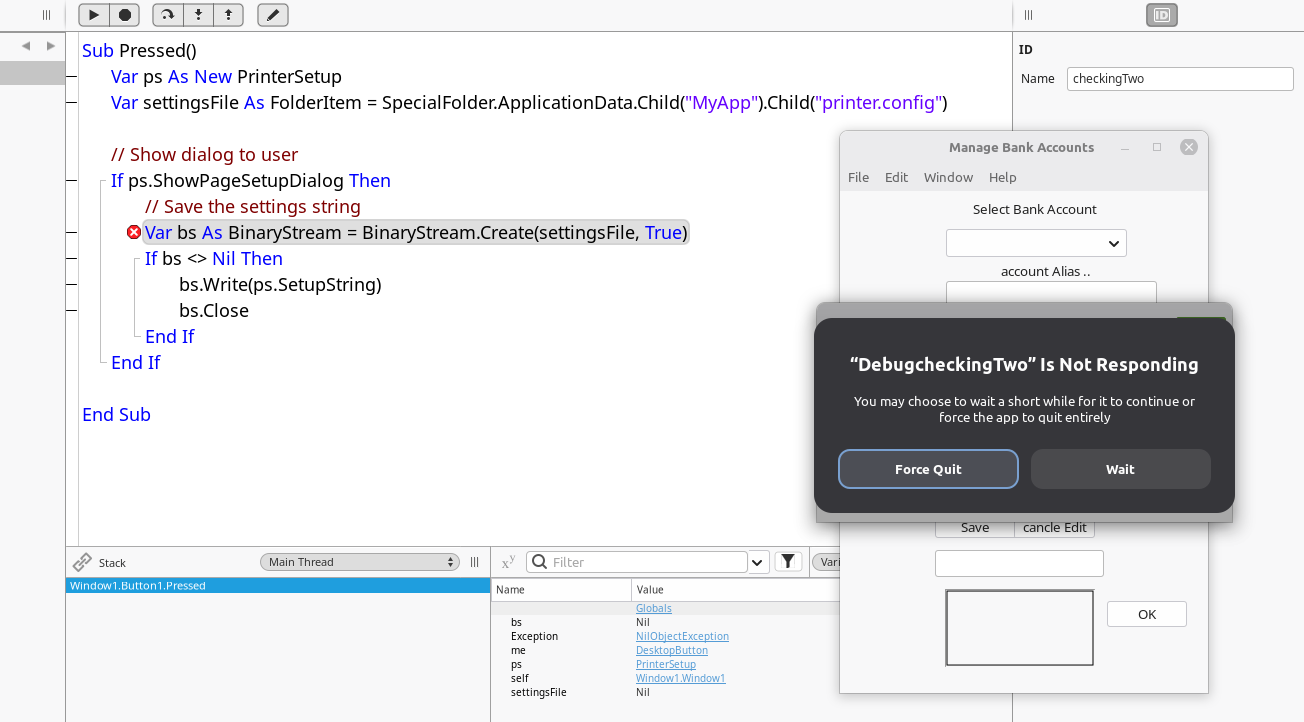
I am a newbie here and trying to create my first complete program. I am doing OK … but currently my hurtle is saving and reloading Printer setting. I copied the code from the Xojo manual. and could use some help . Is the manual wrong or am I doing something wrong?
Edit : I am using linux Mint LMDE
Sub Pressed() Handles Pressed
  Var ps As New PrinterSetup
  Var settingsFile As FolderItem = SpecialFolder.ApplicationData.Child("MyApp").Child("printer.config")
  Var bs As BinaryStream

  // Show dialog to user
  If ps.ShowPageSetupDialog Then
    // Save the settings string
    bs = BinaryStream.Create(settingsFile, True)
    If bs <> Nil Then
      bs.Write(ps.SetupString)
      bs.Close
    End
  End
End Sub
That is your code with a subtile change.
I do not clicked in the button since I have nothing at that address…
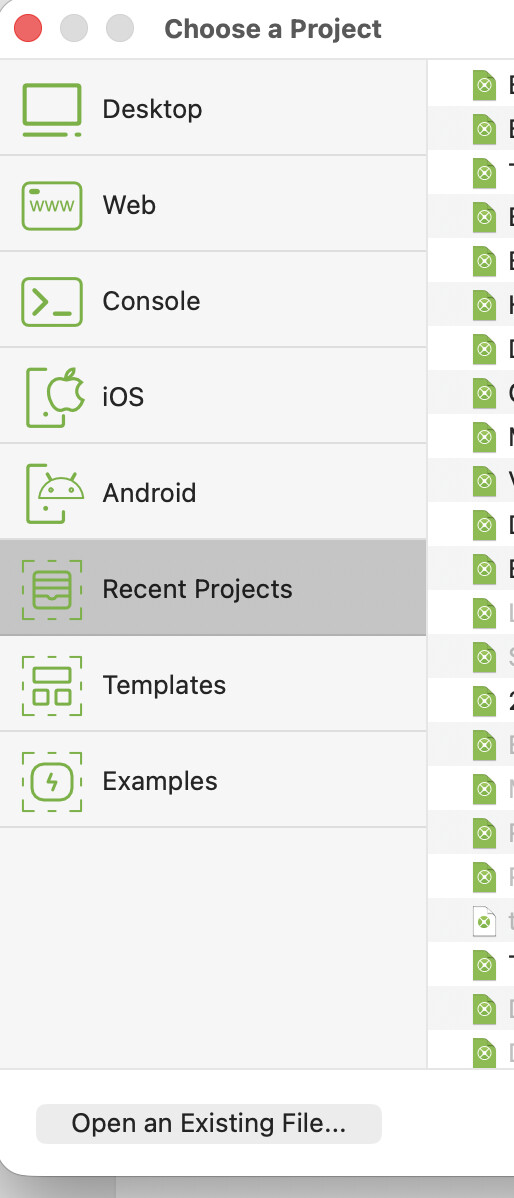
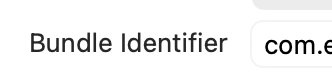
PS: avoid to use MyApp (to be replaced by your application Bundle Identifier (click in macOS - or…) in the Navigation Pane (left)
SettingsFile is nil (from the debugger screenshot)
I would change your code to something like this
var SettingsFile as FolderItem
SettingsFile = SpecialFolder.ApplicationData.Child("MyApp")
if SettingsFile = nil then
  //something very wrong
  return
end if
if not SettingsFile.Exists then
  SettingsFile.CreateFolder()
end if
SettingsFile = SettingsFile.Child("printer.config")
if SettingsFile = nil then
  //also something wrong
  return
end if

//continue on