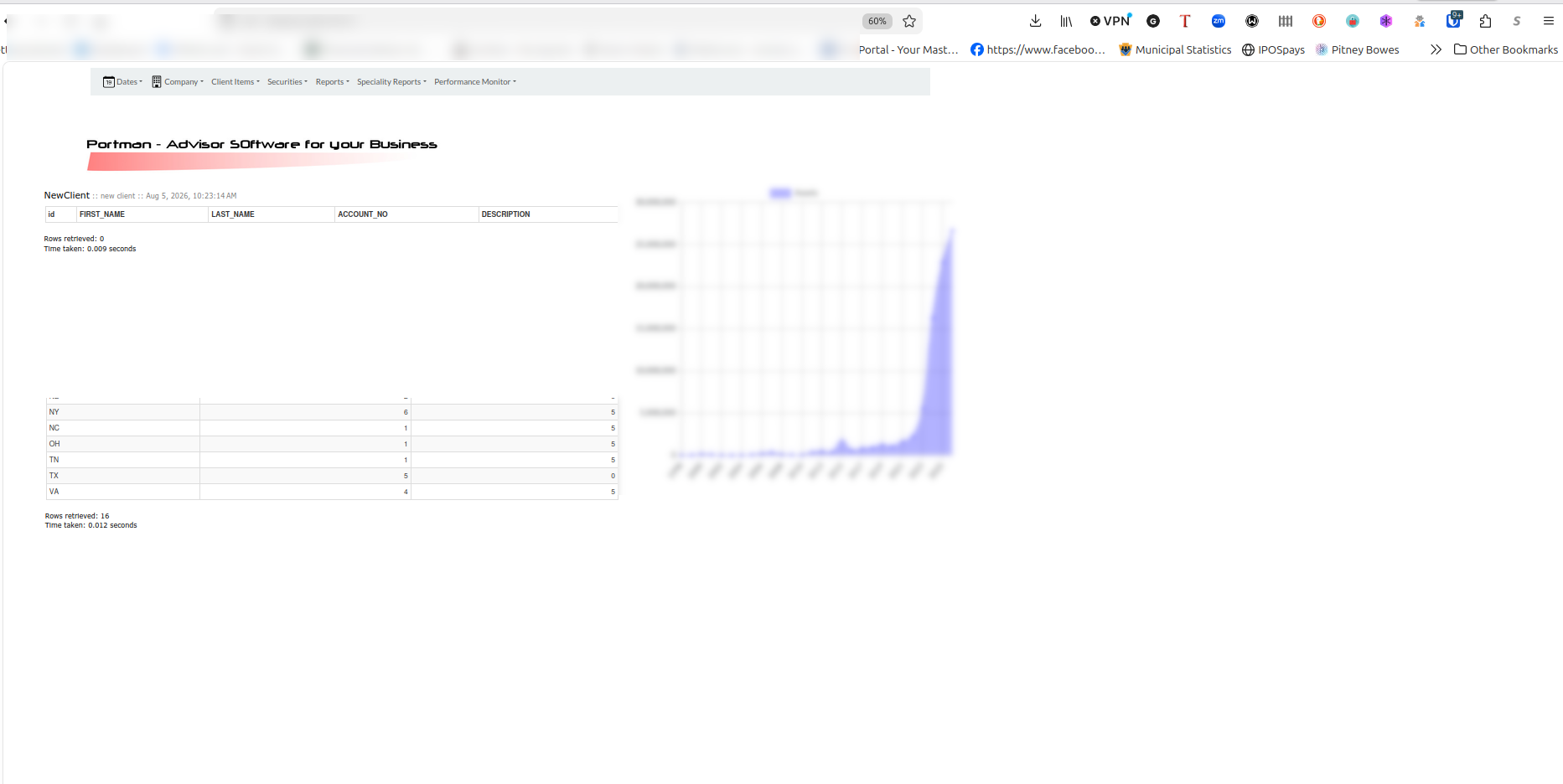
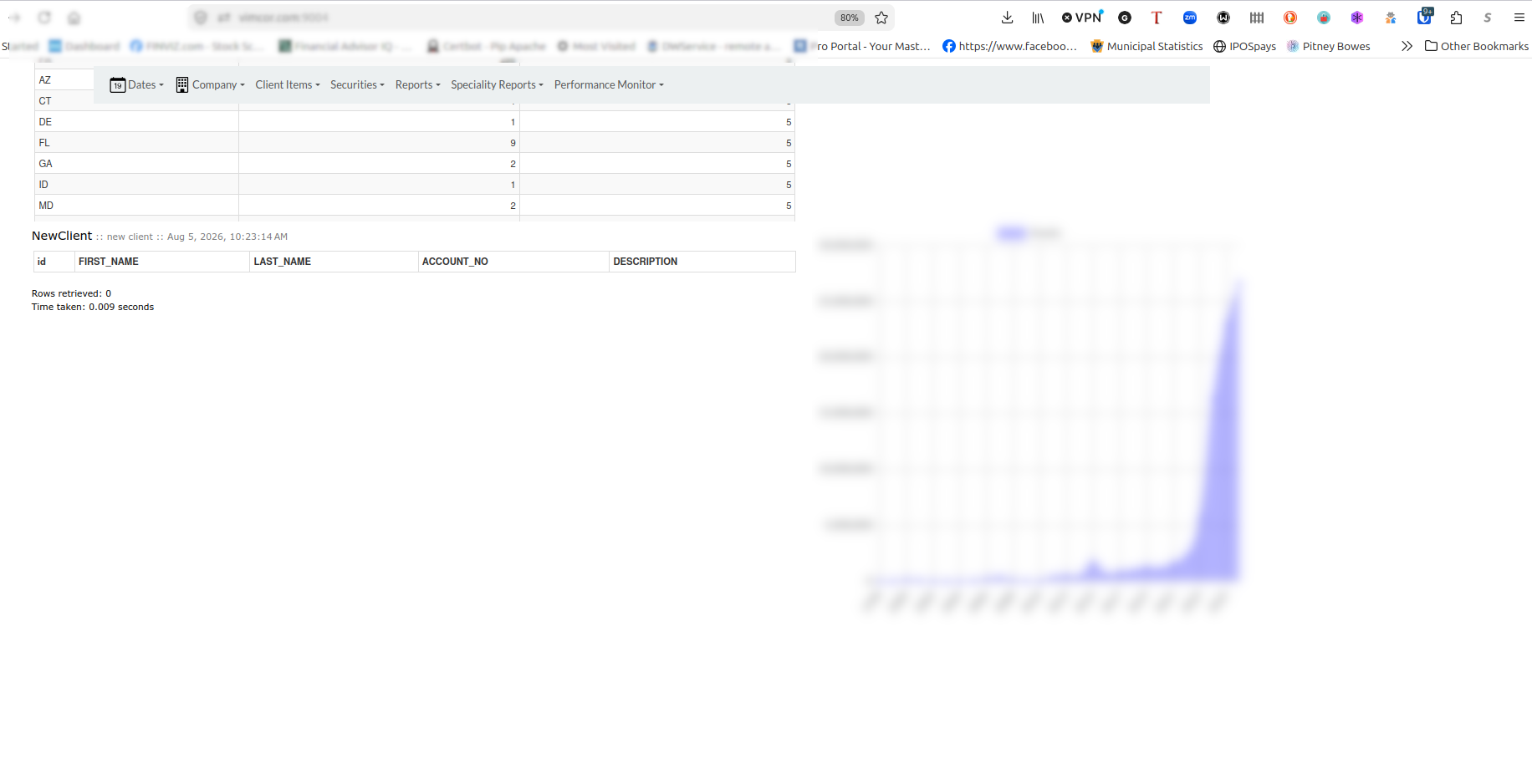
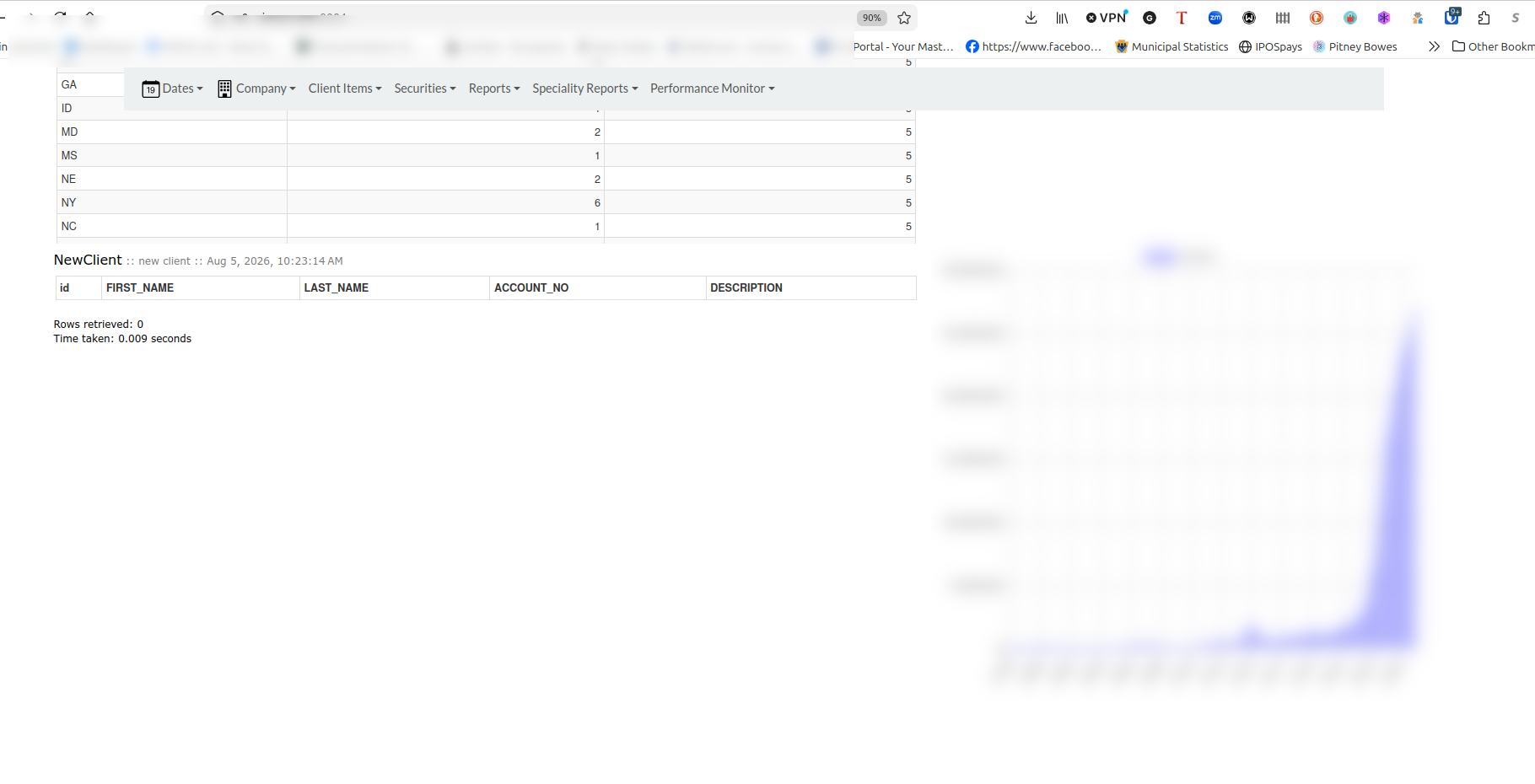
I have two HTMLViewer controls on my apps page that load and view a report generated on my ART server… the reports generate but the viewers dissapear from the page unless I zoom the browser way out…
How do I get the viewers to resize to the browers desktop resolution so I can view them with out resizing the display?
I know it can be done in CSS, but the bootstrap css files I found don’t see be dynamic… unless there is one I didn’t see.
Not quite sure what you mean - Do you want to resize the contents of the WebHTMLViewers? Or the WebHTMLViewers themselves? The latter can be done by changing their Left, Top, Width and Height properties.
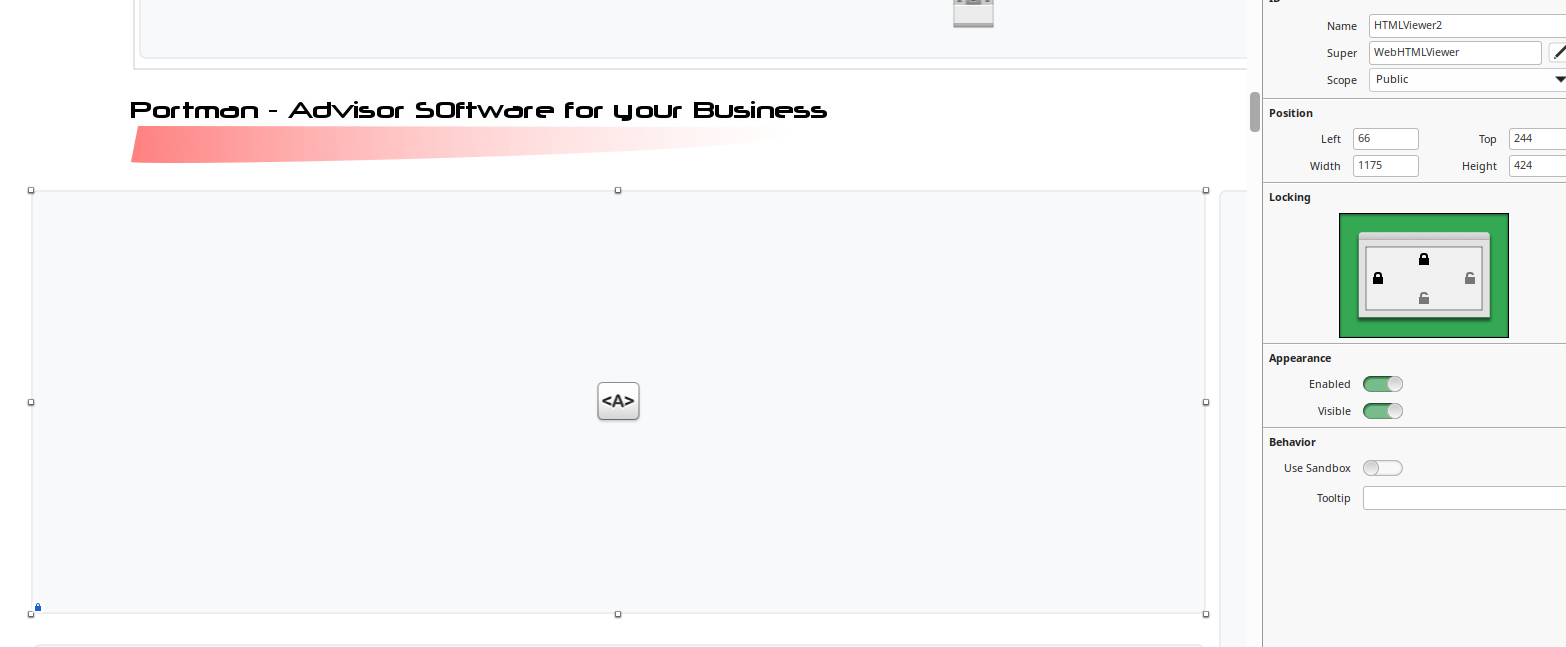
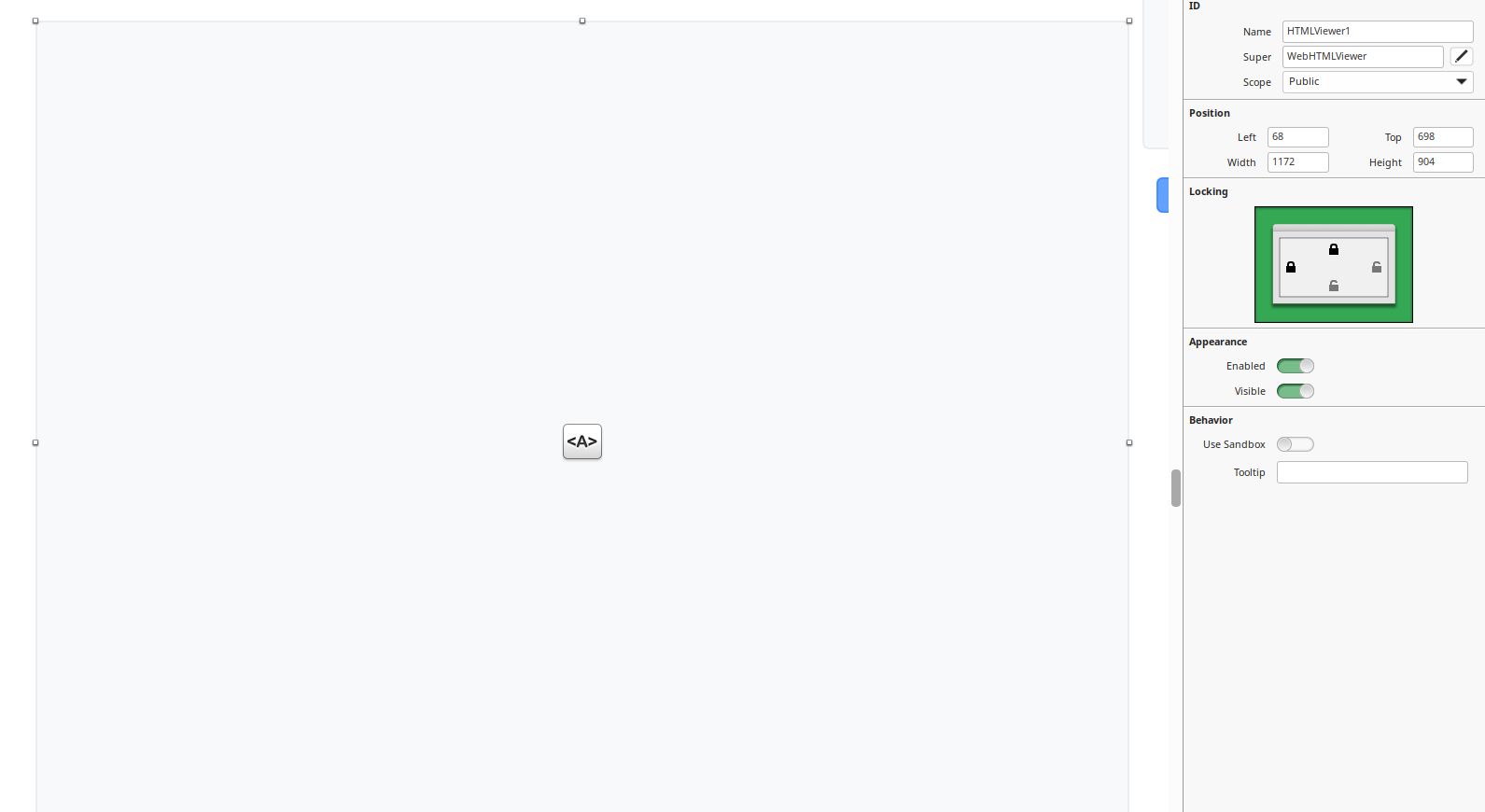
I want to resize the viewers. I have attached some screenshots showing the different browser zoom levels and the settings for each of the viewers. Interestingly, the chart does not have this issue. I have blurred out company stats.
I’m not 100% sure exactly what you’re after, but taking that last screenshot as an example. The position of the HTMLViewer is set as Top = 698 and Height = 904, meaning you would need a screen height of at least 1602 pixels to view the entire contents on screen.
As most people are on HD screens with a height of 1080 pixels, it would overlap the viewing area and they would have to scroll to see the whole thing or alternatively, as you have said, zoom out to fit it all within one window.
Xojo web uses “absolute” positioning for controls, so if you make them very wide or high to begin with, they won’t automatically resize down for a smaller viewing area. Best practice would be to design your page at less than the anticipated target resolution and set the “Locking” properties so the width and/or height can adjust to maximise screen space without going over.