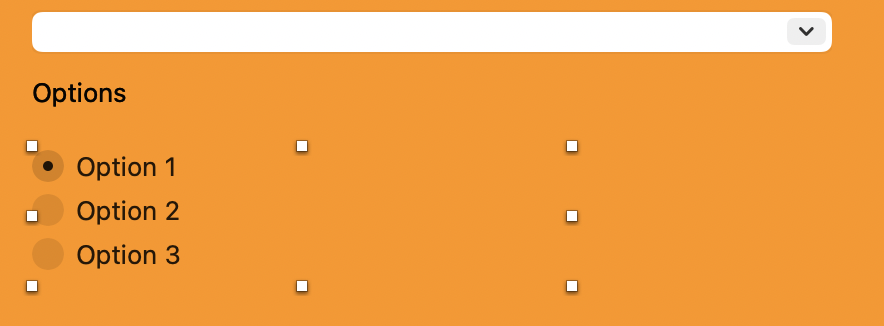
I have three choices to be set in a Window.
The RadioButton is… a RadioGroup:

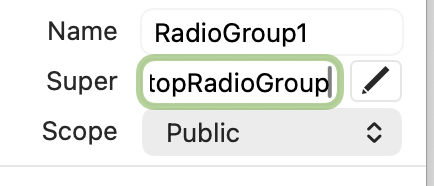
I tested that crazy idea:
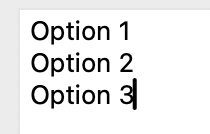
And it works !
BUT, I want them on the same base line instead of:
I have three choices to be set in a Window.
The RadioButton is… a RadioGroup:
I tested that crazy idea:
And it works !
BUT, I want them on the same base line instead of:
Simply use 3 DesktopRadioButtons in a ControlSet and arrange them as you need em… 
An example: untitled.zip (3.5 KB)
That is what I wanted to do. Care to make a screenshot so I can see what it looks like ?
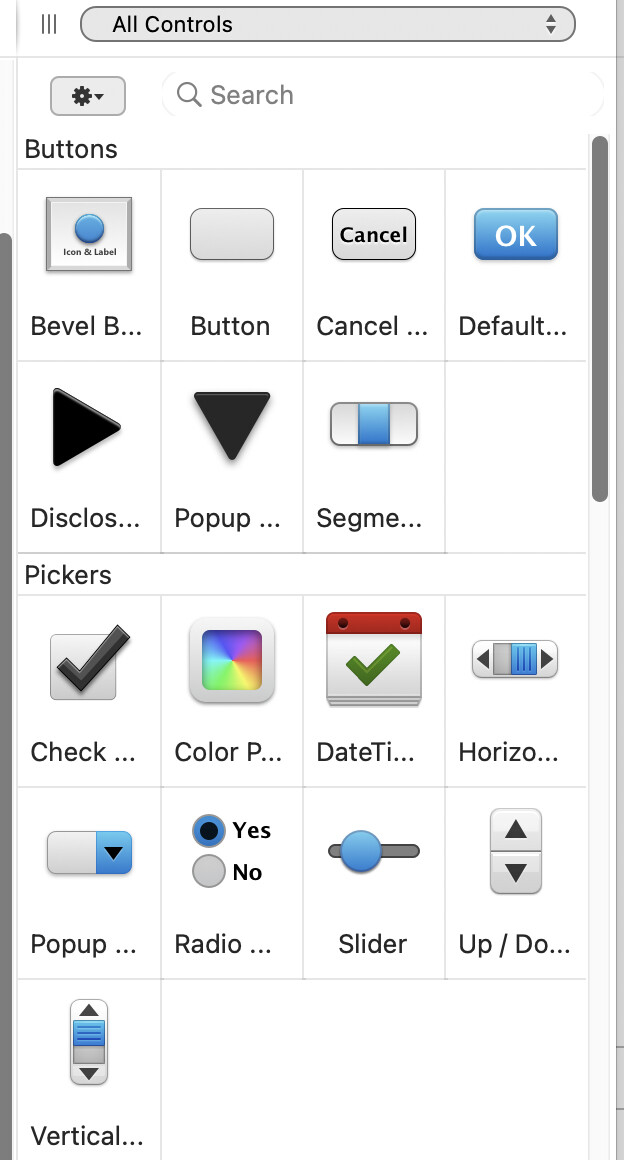
Here’s my Control List:
The Radio… entry you can see is: a RadioGroup (RadioGroup1 in Title, RadioGroupSet in Super).
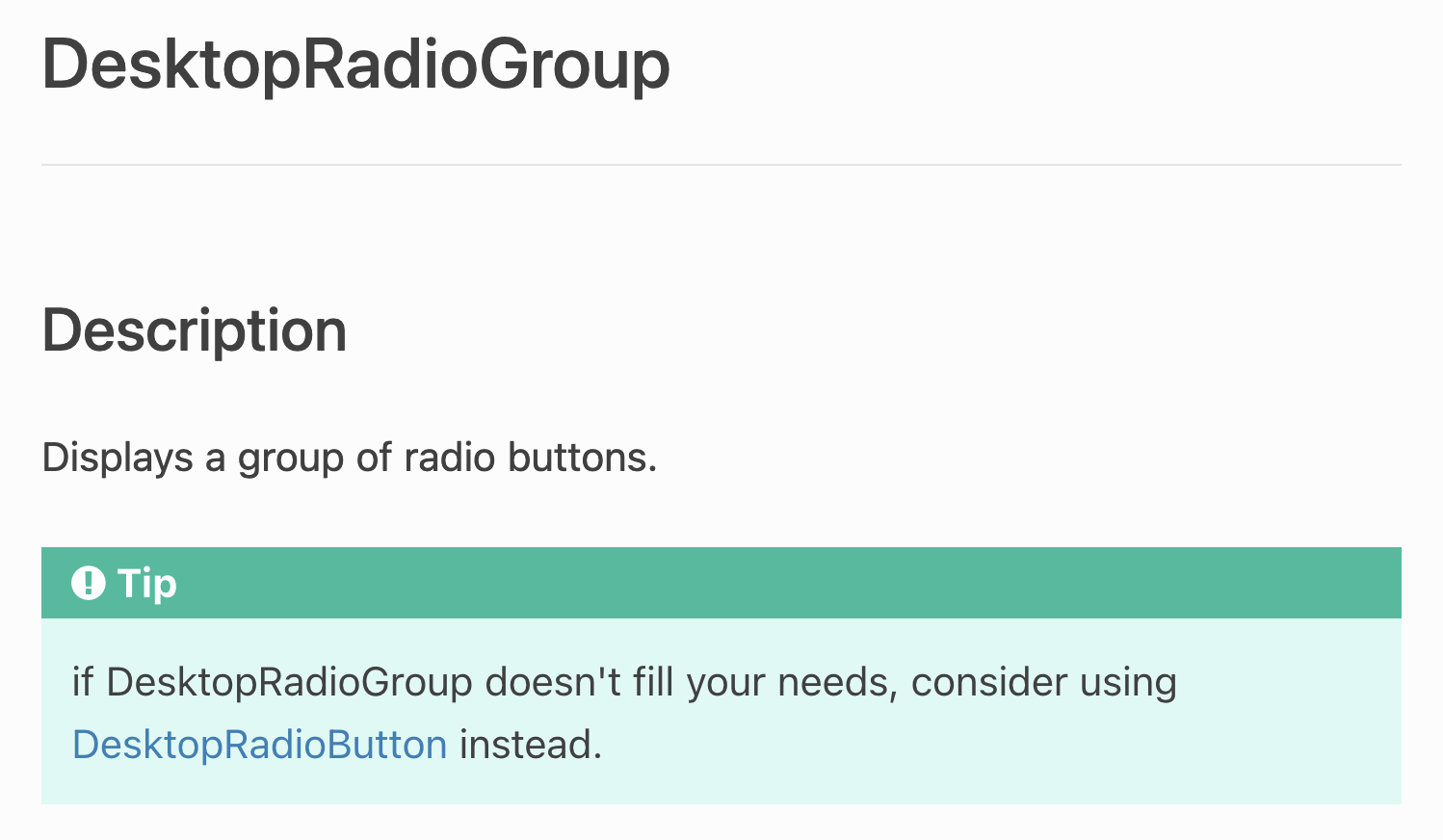
The documentation says:
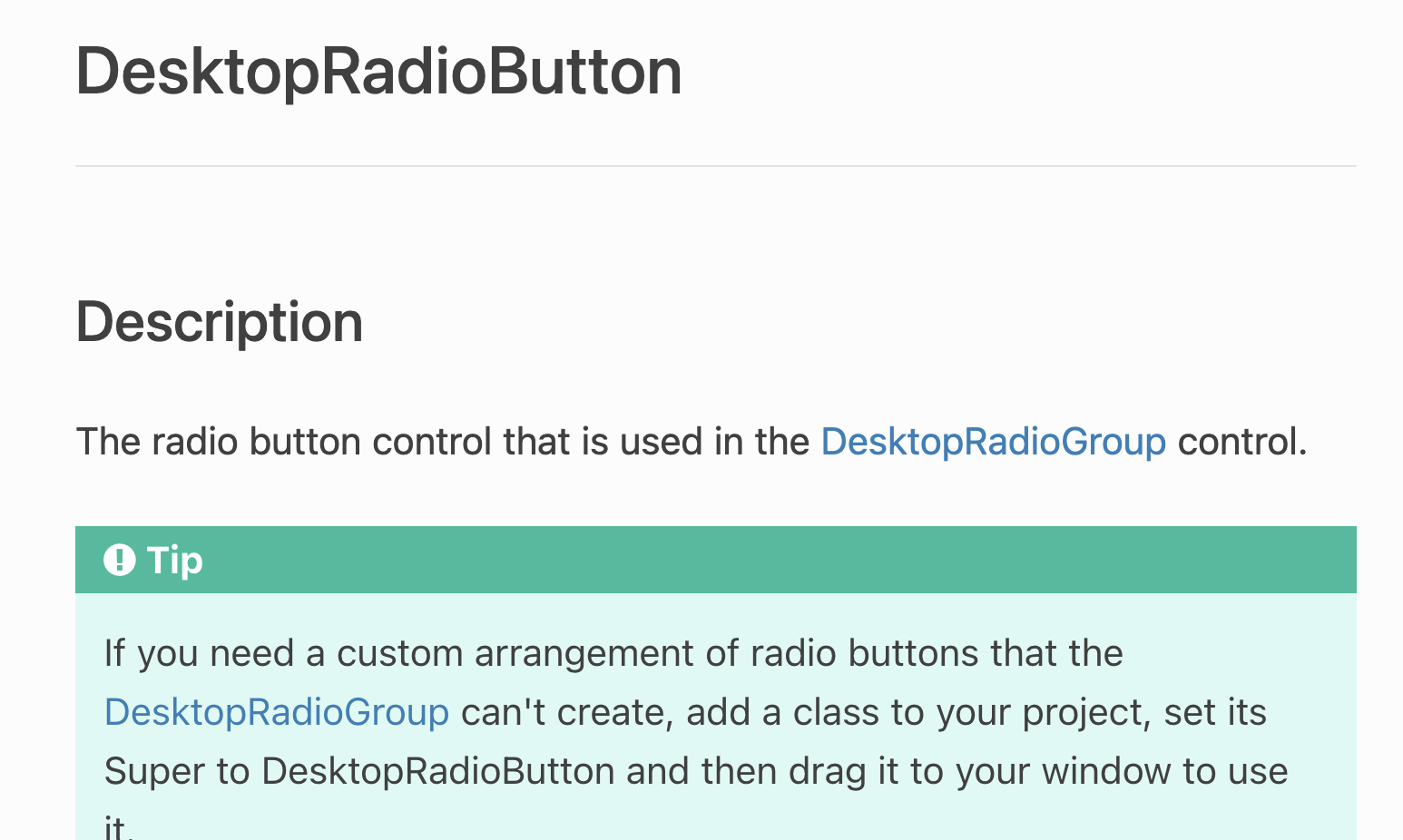
There is another page for RadioButton:
I think I understand what to do. Will try.
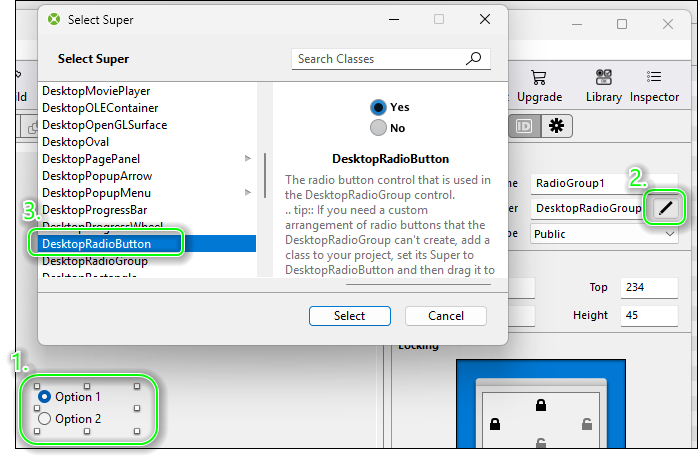
Just add a DesktopRadioGroup and
change it’s Super to DesktopRadioButton.
Then Duplicate it
and give it the same name as the first one.
Now you’ve created a ControlSet.
Second attempt was the correct one:
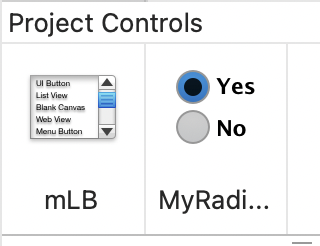
On the left is my ListBox Custom Class… I saw it this morning for the first time while I was searching the DesktopRadioButton.
@Sascha: I searched back in the documentation before writing this answer and that leads me to the solution.
So THANK YOU and HAPPY EASTERN.
PS: will you do a rabbit search on Sonntag ?
The child has been out of the house for a long, long time. But if my wife agrees, we’ll go on an Easter egg hunt. (Sorry, I couldn’t resist.) 
Not needed, I asked. I discovered that when I comes to Alsace, 20 years ago. Where I lived (Cannes), we use Easter eggs too… so I was surprised when I heard about Easter rabbits !
IN CASE SOMEONE HAVE TROUBLES, here’s how to know what RadioButton the user click in (from a RadioGroup)
Sub SelectionChanged(button As DesktopRadioButton) Handles
SelectionChanged
  // Report the selected RadioButton
  If Me.SelectedIndex = 0 Then
    System.DebugLog "You clicked in RadioButton O."

  ElseIf Me.SelectedIndex = 1 Then
    System.DebugLog "You clicked in RadioButton 1."
  End If
End Sub
BTW: I do not saw your answer with the screenshot until I searched something and see it. The documentation do not says that.
Or just
Sub SelectionChanged(button As DesktopRadioButton) Handles SelectionChanged
  // Report the selected RadioButton
    System.DebugLog "You clicked in RadioButton " + Me.SelectedIndex.ToString
End Sub
If you want the controls in a line just set the group to horizontal. The default is vertical.
You are correct, but this was part one of the code goal:
the code was build to add an action in the if then else… parts 
But at that time, I was searching how Xojo works 
YOU ARE RIGHT !
I overlook that property even in the debugger (yes, I set a break before writing the If block.
I have a ListBox in that window and I need the Height, have rooms I the Width…
There are rooms to improve the documentation (and I do not talk about DateInterval: why .Days, .Months ? I only want to add a Day or a Month !)
a. How do I set a Trinary Radio Group ? (1)
b. How do I set the Radio Group Horizontally ?
c. How do I know what Button was clicked ?
I use the RadioButtonGroup for setting a time lapse: Every Day, Every Sunday, Every Week (a day in the week, every weeks), Every Month.
An I do not need Every Two Weeks, Every Two Months, Every Quarter…
There are certainly other use for RadioGroups…