I have a strange issue going on here, and don’t know if it is me, Xojo 2025 R 2, or something else.
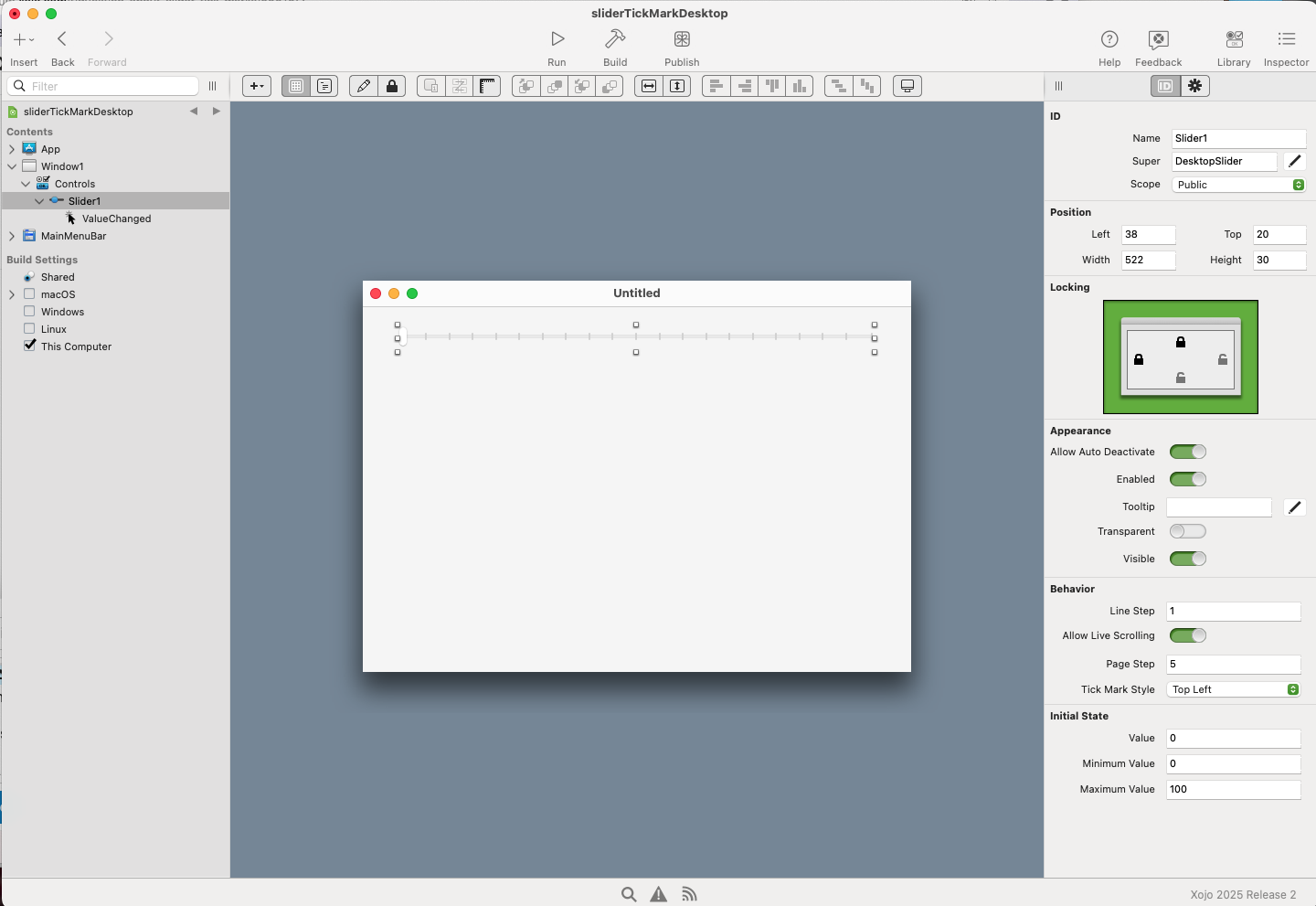
I have a slider, min 0 max 10, and have selected Tick Marks Top Left.
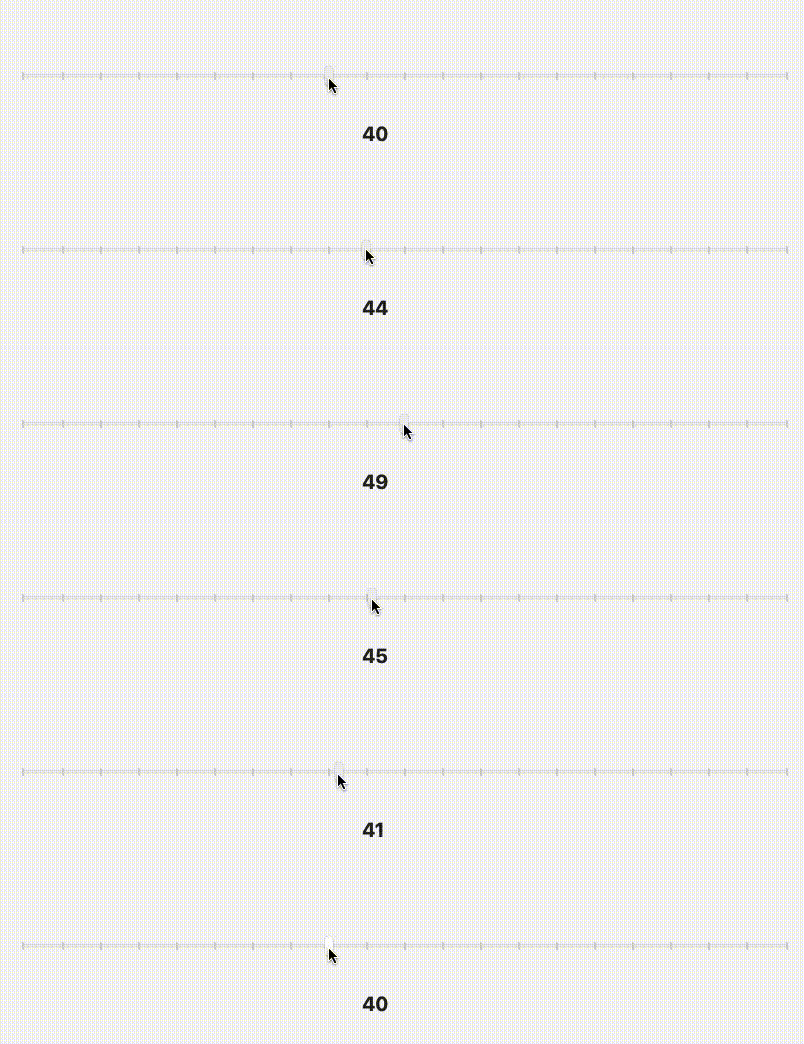
When I move the slider up, when I hit the tick marks, the value shows what it is supposed to; however, when I move it back down, it appears as if the value is no longer at the tick mark, it is on one side or the other.
Hi Alberto and Gilles.
I have a very simple test project, however I am not sure how to share it.
If someone can tell me how, I will do it.
To answer the questions I can,
It is a desktop project.
I am running mac Sonoma, and using Xojo 2025 R 2 (until I get the money to upgrade ).
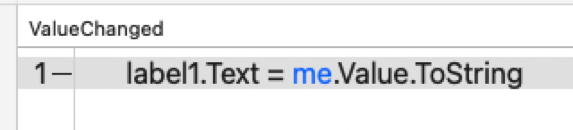
The code doesn’t get any simpler than this: (I am doing the same thing in my project).
System.DebugLog "The value of the tick mark is : " + slider1.Value.ToString
This is my “official project code” which allows the user to move the slider, and see in a label what they have selected before "OK"ing it.
// show the value in the label for the RGB
windowSetAllTolerances.labelBrightnessToleranceView.text = SliderBrightnessTolerance.Value.ToString

// this makes it a double so that the value can be divided by 100 to make a decimal
app.brightnessToleranceAllowed = (SliderBrightnessTolerance.Value / 100)

// for testing only
System.DebugLog "The Brightness Value is : " + app.brightnessToleranceAllowed.ToString
windowSetAllTolerances.Refresh
You have a 1% resolution, so the displayed value will be “45” when the slider’s visual location (limited by screen resolution) is anywhere between 44.499999999 and 45.4999999999. If you want a tighter visual you’ll have to give your slider more resolution by setting its MaximumValue to 1,000, 10,000, etc., and implement scaling/rounding as needed.
That seems to be helping a great deal. With a few more tweaks it might be something I can live with. Remember the old saying “When you making something user proof, they design a worse user.”
I have been running more tests on an virgin slider program, so I think that this might be a bug for Xojo to look at or at least tell me if “yes, we know but that is the way it is”.
My only concern is: due to financial constraints I’m still on 2025R2, so I’m not sure where or if I can open a bug report.
 ).
).