Putting a picture in a Figure

I’m trying to get a picture in a Figure, in order to take over points of this picture into a dataset. So basically, I use the Figure as a digitizer. The digitized points and grid lines of the Figure should be on top of the picture. So, the picture should be in the background.

Using backdrop is not the way to go, as the picture has to be scaled and positioned quite precisely in the Figure.

What is the best way to do this?

Hello, perhaps this small demo program for inserting Pixmap shapes into a graphics environment with element number recognition via a background color layer will help you.
Pixmapshape-Demo.xojo_binary_project.zip (27.7 KB)
What is a figure ? A new Control I do not saw ?

1 Like

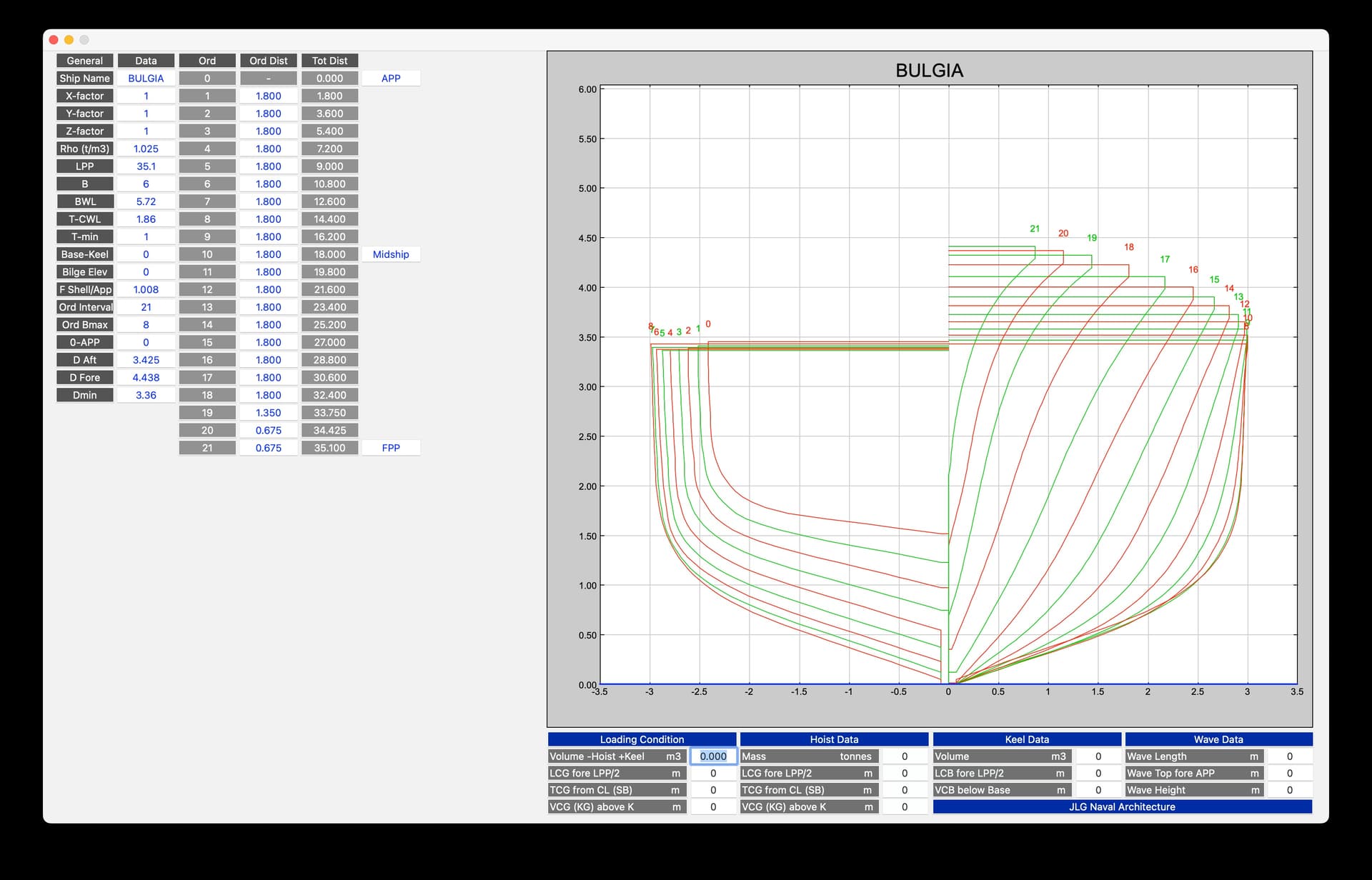
It is a project control. In this code, I use it to show the cross sections of a ship, see below (graph right top).

I would like to insert the points of the curves by taking them over from an inserted picture (of these curves) in the background.

Thanks Rudolf, I think this indeed will help me!

Are you in the marine design trade ?

Indeed, worked for 30+ years in the maritime industry, now part-time at Delft University and part-time consultancy.

Me too, though just with small boat design, using my in house developed design app.

Looks good!

Bonjour,

An user of my app. RealCADD uses it also for boat design :

3 Likes