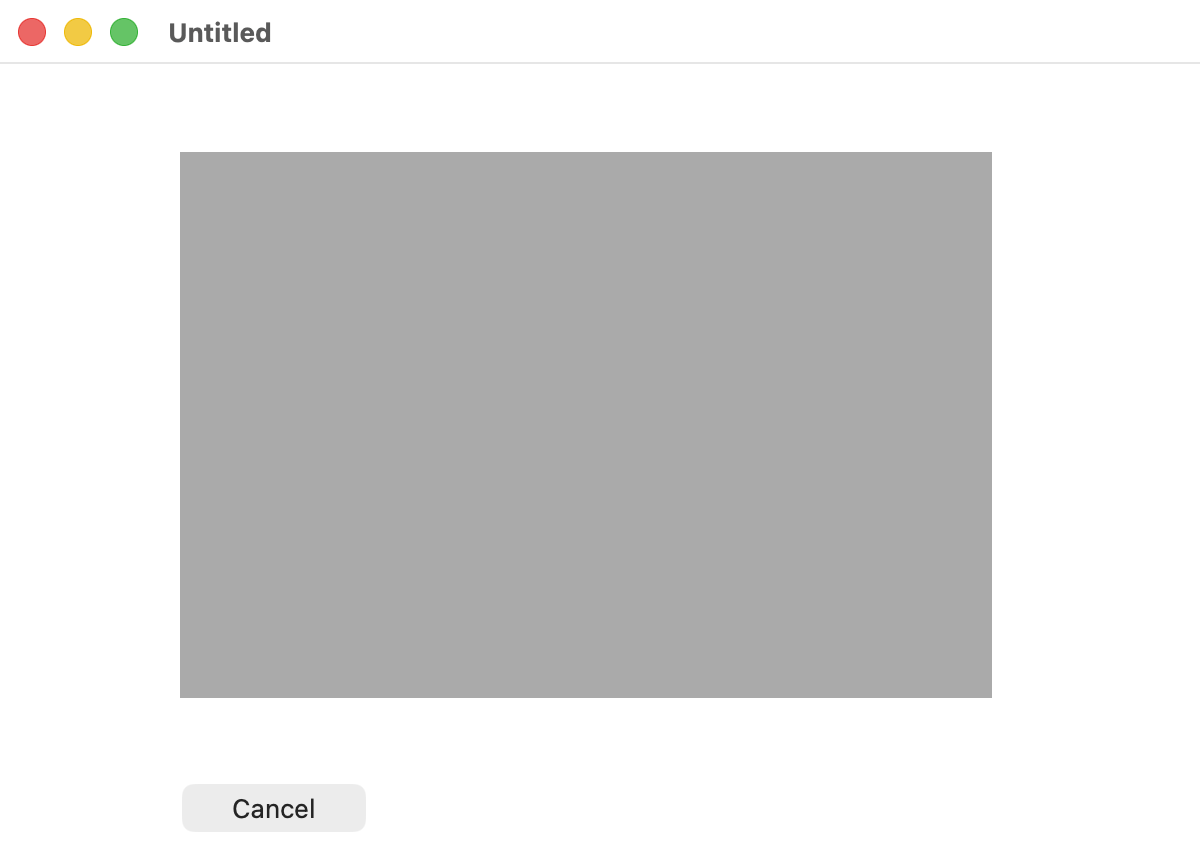
How do get the background color of a non-default PushButton? The MBS docs say to use LightGreyColor but the color is too dark on Tahoe:
dim theColor as Color = NSColorMBS.lightGrayColor.colorValue
g.DrawingColor = theColor
g.FillRectangle(0, 0, g.Width, g.Height)
color.xojo_binary_project.zip (5.0 KB)
TomE1
(TomE)
2
I have no MBS here and I was too lazy to look into declares for this. Therefore I did a quick test using SwiftUI.
I found that unemphasizedSelectedContentBackgroundColor with 50% opacity gives a good result.
Here is some SwiftUI example code:
let c : NSColor = .unemphasizedSelectedContentBackgroundColor
Rectangle()
   .frame(width: 80, height: 80)
   .foregroundColor(Color(nsColor: c).opacity(0.5))
1 Like