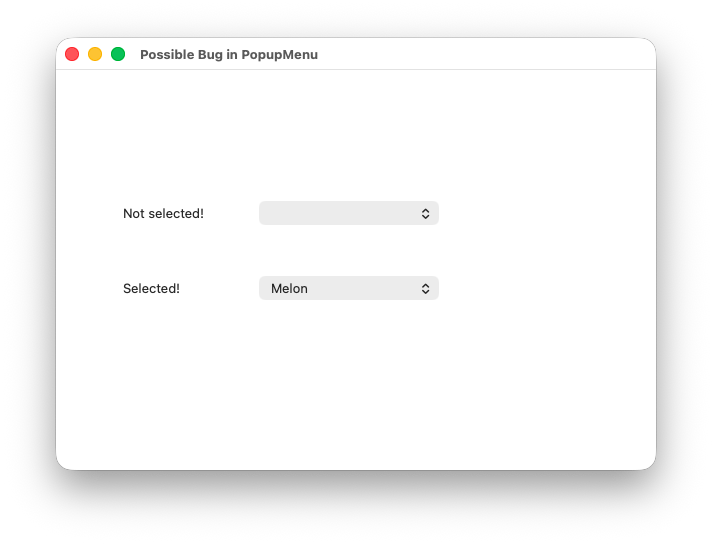
I’ve noticed behavior in the Popup Menu control that feels like a bug. As far as I can determine it is not possible to set the “SelectedRowIndex” from within a For loop. I’ve created a simple application that looks like this:
The related code from the window’s opening event is shown below:
// Purpose: This code illustrates a possible bug in the Popup Menu control
// Details:
// - The code attempts to set the state of a Popup Menu to a specific value
// - Two ways of doing this are illustrated using two Popup Menu controls
// - The code mimics the scenario of the specific value being read from a database


Var flavours() As String
flavours.Add("Chocolate")
flavours.Add("Melon")
flavours.Add("Strawberry")
flavours.Add("Vanilla")

Var flavour_read_from_database As String = "Melon"  // Imagine this being read from a database
Var current_index As Integer = 0

// This For loop DOES NOT set the Popup Menu control to "Melon"
For Each flavour As String in flavours
  If flavour = flavour_read_from_database Then
    Self.FailingFlavoursPM.SelectedRowIndex = current_index // Does not work!  Is this a bug?
  Else
    current_index = current_index + 1
  End If
  Self.FailingFlavoursPM.AddRow(flavour)
Next


// This For loop sets the Popup Menu control to "Melon"
current_index = 0
Var selected_row_index As Integer = 0
For Each flavour As String in flavours
  If flavour = flavour_read_from_database Then
    selected_row_index = current_index
  Else
    current_index = current_index + 1
  End If
  Self.WorkingFlavoursPM.AddRow(flavour)
Next
Self.WorkingFlavoursPM.SelectedRowIndex = selected_row_index
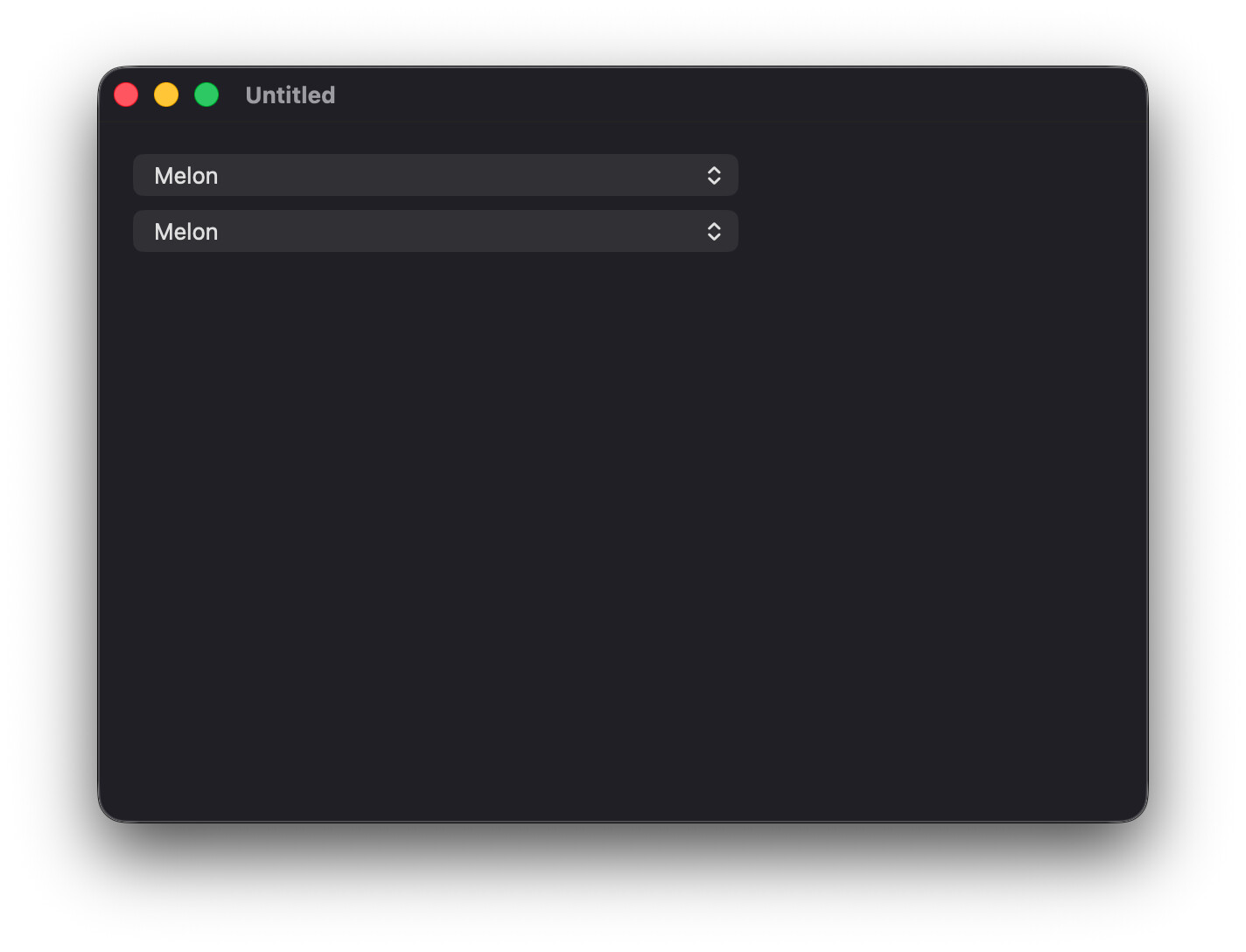
It seems to work here, recreating your example using your code without modification. Do you have other code that runs elsewhere, like the PopupMenu’s SelectionChanged event? Would be best to provide the example project you built so that we can easily reproduce the issue.
I wouldn’t necessarily count on the row tag being populated or unique. You’re likely adding another loop after the fact when you can select the appropriate row while adding the items to the control. For optimization, I’d prefer to do it in the loading loop.
That explains it, Kevin! Thanks! A bit odd that it worked for Anthony, but moving the line of code to before the If statement fixes my problem. However, shouldn’t I have got an error when setting the index to an impossible value? Maybe there is still a bit of a bug here!
There’s definitely still a bug, but PopupMenu has never raised an OutOfBoundsException (most UI controls don’t validate the way you expect and raise exceptions). Maybe it should? Either way, a case will give Xojo a chance to take a look at it and decide what needs to happen.
Indeed, a bit odd! I’ll open a case as you suggest. Kevin’s suggesting resolved this for me, but I think I should get an error if trying to set an index to a non-existent row and not a silent failure.
This is also a great example of how you can create a foot-gun when hacking out code. I started by writing the code to just fill in the control. Afterwards I added the If statement, but in the wrong place! Unfortunately, the most foot-guns have a silencer attached
I’m looping over an array to build the Popup Menu. Are you saying that it will not maintain the array index in the For loop? I like you’re suggestion to use the “SelectRowWithText”. Very neat!
The documentation does not agree with me. It says that arrays are looped in index order. I’ve seen other places suggest the opposite. I just can’t find it anymore. Besides For To… next provides the counter for you with no extra code.