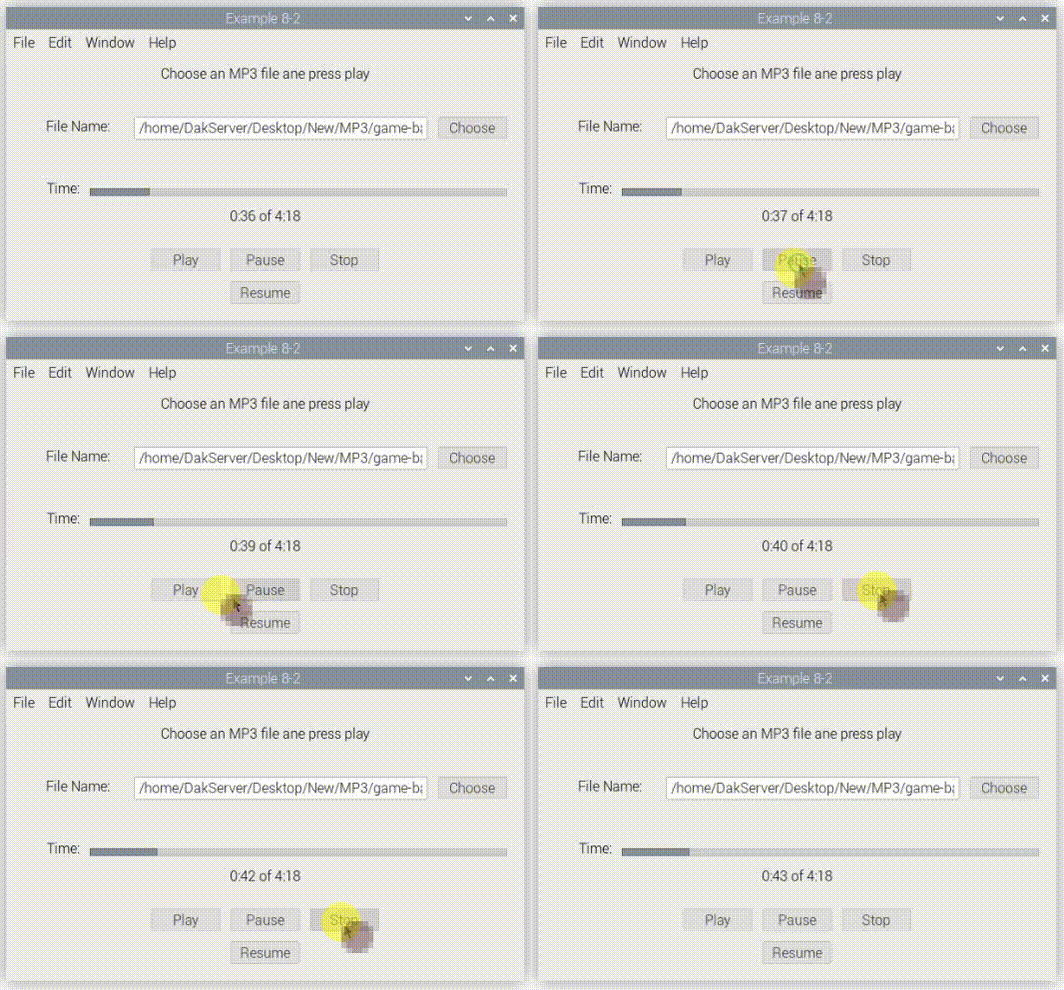
I’ve done a bunch of searching but haven’t found what I need just yet. I can get MP3 files playing on the Pi and can Mute and Unmute, but the Sound Class doesn’t have a Pause feature or ability to see its current position. I’ve seen suggestions to use the MoviePlayer which would be ok for my purposes, but while it works when run on the Mac and Windows, it doesn’t work when trying to test with the Remote Debugger. It will play in VCL outside of my Xojo app. I’d hope that Xojo would be sending the appropriate library, etc. files during the Remote Debug session.
Keeping in mind that I do not want to use plug-ins for this, does anyone have suggestions on how to play MP3 or other sound files giving the basic controls? I have no issue using the MoviePlayer if I can it working on the Pi.
Here is a quick-and-dirty MP3 player with declares for the Raspberry Pi 4 and 5.
To install the libraries on the Raspberry Pi, open a terminal and type the following commands:
Sometimes the suffix is missing, make sure it is mp3Rev1.xojo_binary_project
Start Xojo, and open the mp3Rev1.xojo_binary_project
Is your Raspberry Pi able to get through all steps?
Edit: If you have a few minutes tonight, we can setup a quick meeting and video-conference together for 30 minutes.
Edit 2: The github link contains the module with declares used in the example, the mp3Rev1.xojo_binary_project contains the code that uses the declares to create a program.
Thanks…I didn’t do all of the that. I was just trying to load the project into Xojo on my Mac. I’ll try your suggestions and then see what happens. I’ll let you know
I was hoping to find something a little more built in to Xojo. When I test my project, it works fine in windows and macOS. I hesitate to have it require special setup on the Pi.
I’m rethinking my project a bit and may just go with the Sound class and it’s limitations since it easily works on Windows, MacOS and Linux / Raspberry Pi.It’s sad that the MoviePlayer doesn’t work in the Pi as it does with the other OSs. I wouldn’t mind installing some required libraries on the Pi if that was the situation. I’m trying to keep this as straight forward as possible by not relying on other peoples code. I do appreciate you taking the time to offer your suggestions though.
Adding to this, it’s even running on Linux Mint 22.1. So it’s just the Raspberry Pi that isn’t working for the MoviePlayer. I know Linux Mint has no ARM version, perhaps a version of linux is ARM based and will run on the Pi.