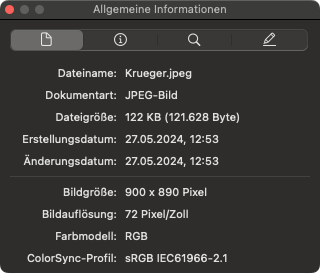
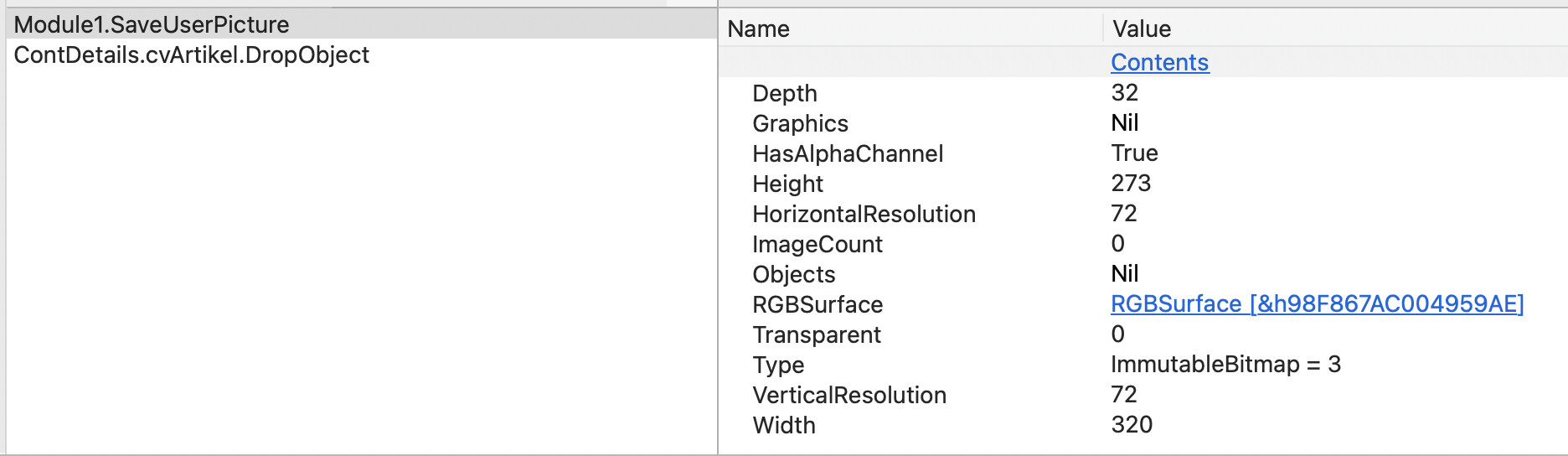
In example project (and original application) MBS is only used if the use drag a folder or an application, but in this case the user drag a PNG picture that I have send it to him.
I have run into obscure bugs on macOS where some video/picture operations fail, depending on what GPU the user has. The ultimate cause seemed to be a GPU driver bug and there was no easy way to fix it. Perhaps ask about GPU ?
OS X Version 13.7.2 (Build 22H313)
Memory 32GB
Screen 1 resolution: 2560x1440 • 24 Bit
Model Identifier: iMac14,2
Processor Name: Quad-Core Intel Core i5
Processor Speed: 3,2 GHz
OS X Version 15.6.1 (Build 24G90)
Memory 16GB
Model Identifier: MacBookPro18,3
Model Number: Z15G0008QD/A
Chip: Apple M1 Pro
OS X Version 26.2 (Build 25C56)
Memory 24GB
Screen 1 resolution: 2560x1440 • 24 Bit
Screen 2 resolution: 2560x1440 • 24 Bit
Model Name: Mac mini
Model Identifier: Mac16,10
Model Number: MCYT4D/A
Chip: Apple M4
Good info - if you are seeing this on M-series GPUs, then it’s probably not a GPU related bug. The kind of bugs I’m thinking of would only be showing up on older Intel machines.
Another idea: could this be a locale issue? Data that should be parsed as “1.234” is being interpreted as “1234” or vice-versa due to comma vs. decimal point differences based on different language/locale settings.
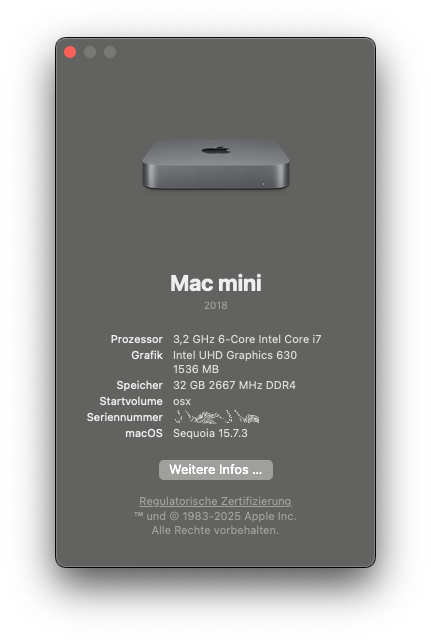
Now I run my application in debug mode with Xojo 2025R3 on an old Mac Mini (Intel Core i5) with macOS 15.7.3 with Intel UHD Graphics 630 and I got the same error:
In the documentation is an example how to save a Picture to PNG.
' Save the image out to the file
    ImageWell1.Image.Save(f, Picture.Formats.JPEG)
If I change my code to this, I got the same error.
Sub SaveUserPicture(MyPic as picture)
dim f as FolderItem
if PictureFolder <> nil then
f = PictureFolder.Child(ArtikelID + “.png”)
if MyPic <> nil And f <> Nil then
MyPic.Save(f, Picture.Formats.PNG) // Picture.SaveAsPNG) end if
else
MsgBox “PictureFolder not defined”
end if
End Sub
Just to humor us, can you try this, and see if anything changes…
Sub SaveUserPicture(MyPic as picture)
dim f as FolderItem

dim cpy as  picture

cpy = new picture(mypic.width,mypic.height)

cpy.graphics.drawpicture mypic,0,0,cpy.width,cpy.height,0,0,mypic.width,mypic.height

if PictureFolder <> nil then
f = PictureFolder.Child(ArtikelID + “.png”)

if MyPic <> nil And f <> Nil then
cpy.Save(f, Picture.Formats.PNG)
else
MsgBox “PictureFolder not defined”
end if
End Sub
I wonder if the Alpha channel is preventing it from saving. Perhaps Xojo doesn’t support this. In any case, the fix for this is what Jeff has just suggested: draw it into a new picture object and save that.