Img-Dpi.zip (7.1 KB)
and launch it. Drag&drop a Png (or Jpg etc.) on the Canvas or click the button and choose the picture file.
On Mac, you will not always have the good dpi displayed in Label2 (I open the same picture file with Preview to compare).
It seems that if the picture file has been saved with Xojo (and is 144 dpi), it will display 144 dpi in the label2. But if you select a file saved by another application (the Finder if you made a screencapture, or a picture saved by Preview or by Affinity), it will always display 72 dpi (even if in 144 dpi).
I launched my small program on window and all it is ok, the good dpi is displayed.
And more strange, if you drag and drop this picture
With Xojo 2026r1.2, the macOS red dot drag result in 144 dpi.
Bug a 96 dpi .jpg file is displayed at 72,72.
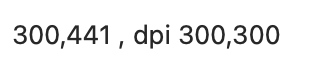
That file saved at 300 dpi with Preview (and resized at 300 pixels/width gaves:
NB: I do not looked at the code.
I forgot: at your project launch time Xojo told me it was created with a new version AND some objects will be removed (I DO NOT KNOW ANYTHING ABOUT THAT AND I THINK I READ THE RN MORE THAN ONE TIME).
The code below returns 300 dpi as I await IN THE DEBUGGER and:
Var TpBckImg As New Picture(300,441)
Var TpImg as Picture
Var  TpImgW, TpImgH as Int16
Var TpCoeff as Double

Try
  TpImg = Picture.Open(f_Elt)
  Break
  TpBckImg.HorizontalResolution = 300
  TpBckImg.VerticalResolution = 300
  Break
  TpBckImg.Graphics.DrawPicture  TpImg,0,0
  Break
Catch ' @w@a@ #76011 Il faut mettre le Catch ' Impossible de lire l'image
  TpImg = Nil
End Try
I created an issue #81650 . If you download the sample project from the issue (I updated the project I posted here yesterday), I found a workarround, I have to add “@1x” to name of the picture file in order to Xojo read well the dpi.
Well, that’s seriously odd. The resolution is just metadata waiting to be read and the filename should have nothing to do with the result. Let’s hope this will be dealt with soon.
Having said that … I’m curious why you even bother to access these values. I have often dealt with picture files in my projects but there has never been a reason to check the resolution. For example, the Exif standard for the metadata written by digital cameras and scanners specifies that the default resolution value for digital photographs should be 72 ppi, regardless of everything else. The resolution value was originally introduced with scanners in mind: When you are scanning a picture you know precisely how many pixels get scanned per inch and the resolution values are actually informative: they allow you to calculate the actual size of some image detail. With digital photographs this quite different because without knowing the distance there is no way to tell how large some subject is, and with subjects at different distances in the same image, each one would have been pictured at a different resolution. Thus the recommendation to write 72 ppi and be done with it. Some cameras allow the photographer to select a different value but this makes no difference whatsoever – the actual image data isn’t affected at all and in any case it doesn’t tell how large anything in the picture actually is. The output resolution is a different topic altogether: In the end it comes down to how many pixels are in the image and how large the picture should eventually appear on the screen, on paper or any other medium; this determines the ppi (pixels per inch) value. The dpi (dots per inch) value, on the other hand, wholly depends on the resolution of the screen, printer or whatever.
I didn’t tell in my first post what was my workarround as I didn’t know it. I explained it in my previous post: If my file’s name is “MyPicture.png” I rename it "“MyPicture@1x.png” before do Picture.open(MyFilePicture).
I made my own software to take screencapture, and depending if the guy use a high dpi screen or not I display the dpi. I can also drag&drop a picture on my window app and I display the dpi too.
I wrote a small software (I do not distribute) to check all my html files (my website) to check if a write the good size in <img src=“MyPath/MyPicture.png” alt=“Img” class=“ImgLnPgA” width=“138” height=“160” border=“0” />
because I do a lot of copy paste, I modify the picture path but I often forget to write the good width/height. And I need to know the dpi because I set the dpi to the size I want to display the picture. I know that html doesn’t care the dpi but I do.
I know. And I also know it hasn’t got anything to do with the resolution as stored in the metadata. That’s why you include this kind of data in the filename.
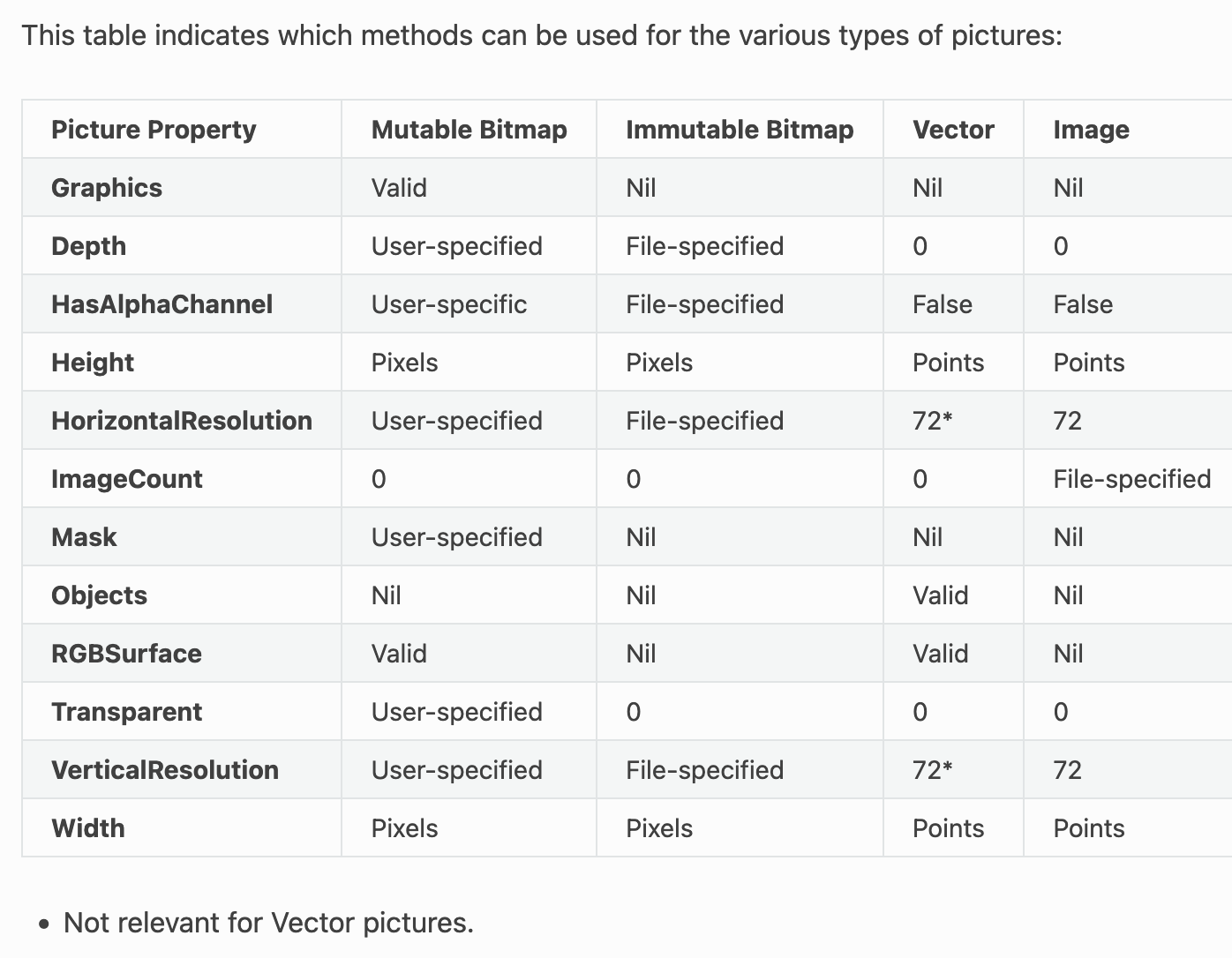
Now maybe the HorizontalResolution and VerticalResolution properties of Picture aren’t actually supposed to mirror the resolution stored in the image file’s metadata but are rather intended to reflect info contained in the filename, only there is nothing in the documentation to suggest that.
Another workarround is to read the picture as BinaryStream and do Picture.FromData.
Try StreamInBin = BinaryStream.Open(f_Elt, False) LgMbBlk = StreamInBin.Length CpMmBlk = StreamInBin.Read(LgMbBlk) StreamInBin.Close TpImgG = Picture.FromData(CpMmBlk) Catch ’ @w@a@ #76011 Il faut mettre le Catch ’ Impossible de lire l’image CpMmBlk = Nil ’ Y est déjà TpImgG = Nil ’ Des fois qu’un truc ait été mis dedans ??? End Try