In this article I want to introduce you the new functionalities from the MBS Xojo Plugins in version 26.3.
Mutex
With the release, we introduce a new helper class: AutoMutexMBS. This class makes working with mutexes safer and more convenient by automatically releasing locks when an object goes out of scope. More about this new class you find in our blogpost AutoMutexMBS: Automatic Mutex Management in MBS Plugins 26.3
For debugging, you can now also use the LockCount method from the MutexMBS class. It checks whether a mutex is locked.
// make a new mutex
Var m As New MutexMBS

// check lock count -> 0
Var l1 As Integer = m.LockCount

// we lock the mutex
m.Lock

// check lock count -> 1
Var l2 As Integer = m.LockCount

// we unlock the mutex
m.Unlock

// check lock count -> 0
Var l3 As Integer = m.LockCount
Atomic
In the Atomic section, which deals with atomic operations with threads, we have added new features. The most interesting new feature is probably the new AtomicDictionaryMBS class. It is a layer built on top of a Xojo Dictionary to make it thread-safe. A thread-safe dictionary is useful when multiple threads may read from and write the same dictionary at the same time, and you need to avoid data corruption, race conditions, inconsistent reads, and problems caused by concurrent modifications. To take full advantage of the thread safety of the list of key-value pairs, please also use the methods in this section for operations. Feel free to check out our article AtomicDictionaryMBS - Thread-Safe Dictionaries for Xojo where you will learn more about this topic.
We’ve also added a few interesting methods to the AtomicQueueMBS class. With AddIfAbsent, you can now add a value, checking first whether that value already exists in the queue; it is added only if it does not yet exist. Contains checks whether a value is already existing in the queue. With the Clone method, you can clone a queue to create a new one. In addition, the Insert method now allows you to add not just a single value, as before, but multiple values at once via an AtomicQueueMBS object or a value array.
Strings
To work efficiently with strings, we have added the StringViewMBS class and its subclass StringMBS in this release. StringViewMBS allows you to maintain a view of a string, so you can access it without copying the data. StringMBS is a class for a string of Unicode characters. It uses UTF-32 internally, so each character is one unit.
LibXL
This release also introduces new features in the XL module. Using the new methods DataValidation and DataValidations from the XLSheetMBS class, you can retrieve details about data validations. For example, you can find out which range the validation applies to or how empty cells are handled. These methods return XLDataValidationValuesMBS objects that contain this information as properties. The DataValidation method returns information about a specific validation, which you specify via an index in the parameters. While the DataValidations method returns an array of XLDataValidationValuesMBS objects containing all validations in the sheet. For XLSX files, you can query the number of data validations in a worksheet by retrieving the value of the DataValidationSize property from the XLSheetMBS class.
We’ve also added new functions for working with the AutoFilter. Using the IsAutoFilter property from the XLTableMBS class, you can check whether an AutoFilter already exists. The RemoveFilter method removes the AutoFilter from the sheet. The SortLevels property returns the number of sort levels. The GetSortEx method from the XLAutoFilterMBS class returns the zero-based index of the sorted column in the AutoFilter and its sort order.
CURL
The new NetworkChanged method from the CURLSMultiMBS class notifies CURL of a network change, allowing it to discard connections or DNS cache entries. This method can be called at any time and multiple times. Each call affects only the currently cached connections and DNS information. In the same class, we also have two new properties. The QuickExit property allows you to set whether to perform a quick exit and not wait for DNS resolver threads. The other property is ResolveThreadsMax, which specifies the maximum number of threads used with a threaded DNS resolver.
Another new method in this section is GetInfoSizeDelivered from the CURLSMBS class. It queries the number of bytes that were delivered to the client.
Window
If you want to find out the class name of a Windows control, you can use the WinClassNameMBS method from the Window and DesktopWindow classes. The result is returned as a string.
DynaPDF
In DynaPDF, we have introduced the new ConvColor method from the DynaPDFMBS class. It converts a color from one color space to another. We have also added two properties to the DynaPDFColorSpaceMBS class. AlternateHandle holds the internal reference to the alternative color space. DeviceNAttributesHandle holds the optional reference to the attributes of DeviceN or NChannel color spaces. Another interesting property is JBIG2Lossy from the DynaPDFImageMBS class. It indicates whether the JBIG2 image stream was compressed using lossy compression. This is an important special case because “lossy” means that symbols with no exact match were used to compress the image. This improved compression rates but sometimes caused unacceptable errors in the resulting image, such as changing text or, even worse, changing numbers.
For DynaPDF, we’ve also added the Sauvola filter to convert grayscale images to black-and-white. To go along with this, we’ve added the Contrast property in the DynaPDFOptimizeParamsMBSclass. This property specifies the contrast used by the Sauvola filter. The default value is 0.34. You need to decrease it if text disappears and increase it if the output becomes too dark.
LCMS
The LCMS2 section, which allows you to perform color matching without ColorSync using the LCMS library, has been enhanced with three new properties. The HeaderCMM property from the LCMS2ProfileMBS class lets you query the CMM field in the header of the Color Management System. In the LCMS2TransformMBS class, we have added the TransformGamutCheckPipeline property, which queries the gamut check pipeline, and the TransformPipeline property, which queries the optimized pipeline within a transform.
New functionalities for Mac
The MBS Xojo Plugins in version 26.3 offers some more new features for Mac users.

Natural Language
The NLLanguageRecognizerMBS class allows us to determine the language of a text. An NLLanguageRecognizerMBS object automatically detects the language of a piece of text. It identifies the language based on the dominant script used in the text. Some languages have a unique script, such as Greek, while others share the same script, such as English, French, and German, which all use the Latin script. It also identifies the language itself. You can determine the most likely language by querying the dominantLanguage property. Alternatively, you can specify a certain number of languages, which you provide as a parameter to the method, and the method will return the most likely languages for that text. In this case, the return value is a dictionary. The key corresponds to the language code, and the value corresponds to the probability as a percentage.
Var recognizer As New NLLanguageRecognizerMBS

recognizer.processString("Hola amigos, cómo están?")
Var MainLanguage as String = recognizer.dominantLanguage
Var hypotheses As Dictionary = recognizer.languageHypothesesWithMaximum(3)
Var text as String =""
For Each entry As DictionaryEntry In hypotheses

  text = text + entry.Key+": "+Format(entry.Value.DoubleValue, "0.0%") +Chr(13)
Next
MessageBox "MainLanguage: "+ MainLanguage+ Chr(13)+Chr(13)+ text

Scroll Views
The NSRefreshControllerMBS class provides a controller that offers pull-to-refresh functionality for scroll views. The NSRefreshController allows users to trigger refresh operations by pulling down on scrollable content. You can add a refresh controller to an NSScrollView to provide this functionality on macOS Golden Gate.
Vision
The Vision classes have gained new features for recognizing human body and hand poses. The new observation classes provide the points for the joints. Vision detects a network of individual points that it can identify. For example, the hand consists of 21 points (4 per finger plus one for the wrist) that can be detected and queried by Vision. You could then use these points, for example, in combination with other LLMs for pose recognition.
System Info
The new MacOS 27 with the name Golden Gate will be launched this fall. We are already prepared for this and you can use SystemInformationMBS.isGoldenGate to check whether the new operating system is running on the computer.
New functionalities for Windows
Last but not least we offer new features for Windows users
WinSparkle
The WinSparkleMBS class has a new event: CanShutdown. This event is may be triggered on a non-GUI thread. The return value of this event can be true if the application is allowed to shut down, or false if, for example, a document is open and being edited.
WebView2
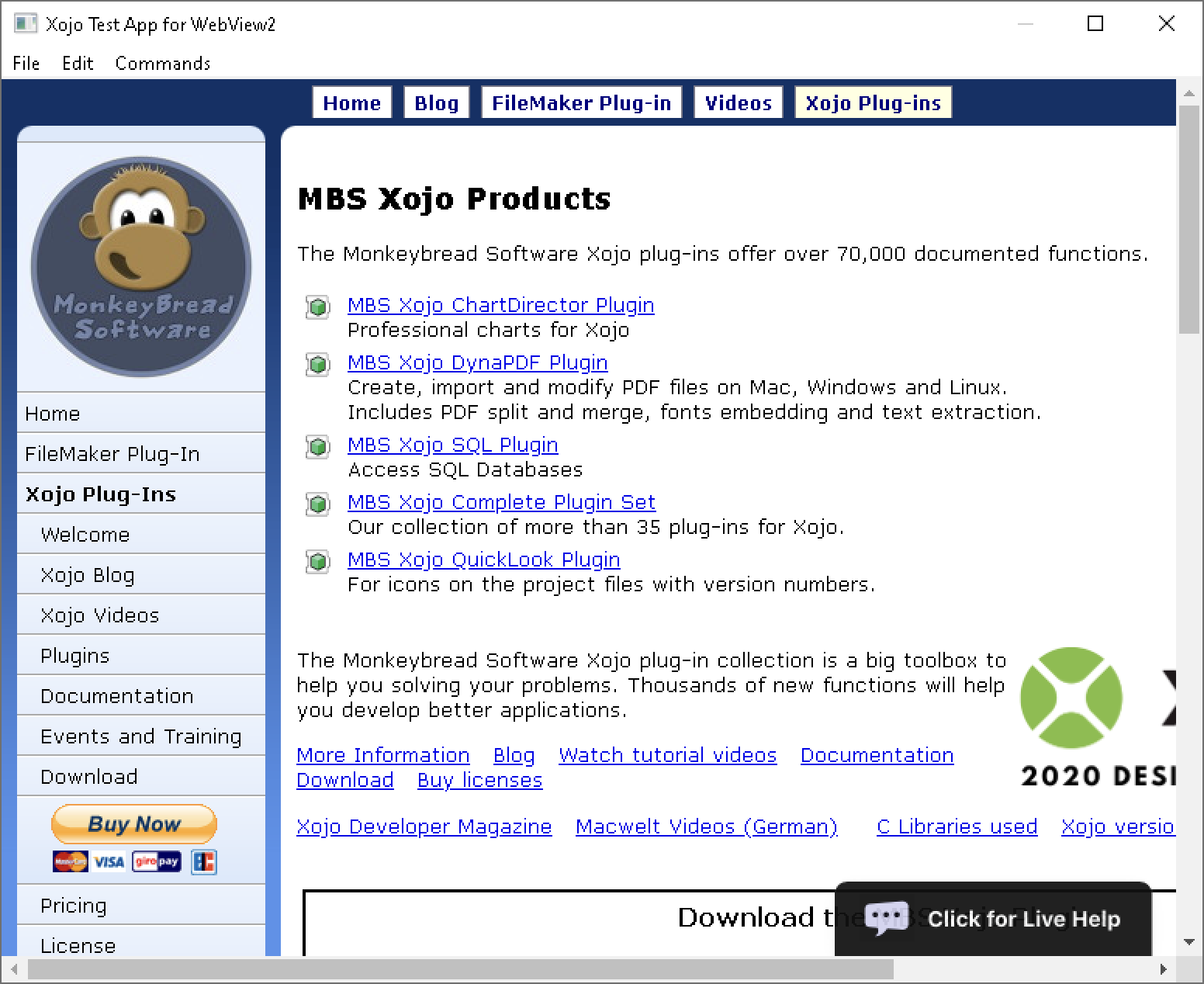
The WebView2BrowserMBS class allows you to use the same methods for both WebView2ControlMBS and a Xojo HTMLViewer that uses WebView2. To support this, we have added two new properties to each of the DesktopWebView2ControlMBS and WebView2ControlMBS classes. The Browser property queries the browser object for the WebView2 control. The IsInPrivateModeEnabled property checks whether private mode is enabled. The new WebView2BrowserMBS method in the HTMLViewer and DesktopHTMLViewer classes queries the browser object for a given HTMLViewer. If you’d like to see this method in action, feel free to check out the WebView2BrowserMBS example.
Enjoy the new release! And feel free to let us know what else you could need.
Licenses are available for purchase as well as through OmegaBundle 2026.