Hi!
I don’t know what i did wrong on Apple Store Connect and/or on Apple Developer site.
I replicate the steps i did before, to include another game.
Now, i’m getting this error:
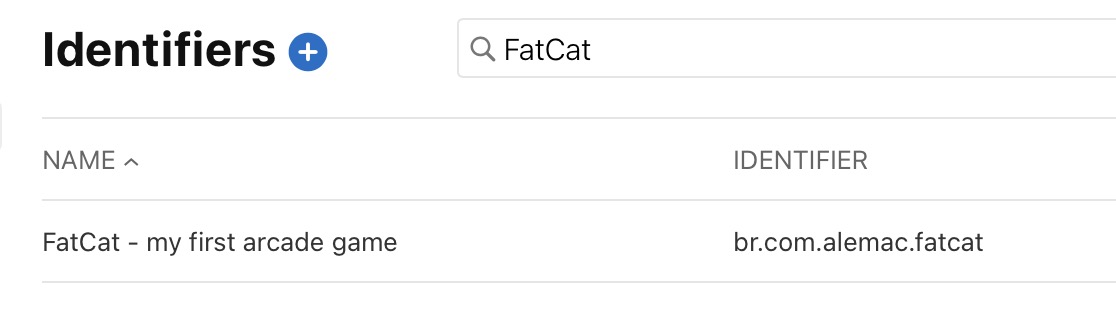
Make sure there is an App Store Connect record using the same Identifier that the one set for the project. http://appstoreconnect.apple.com
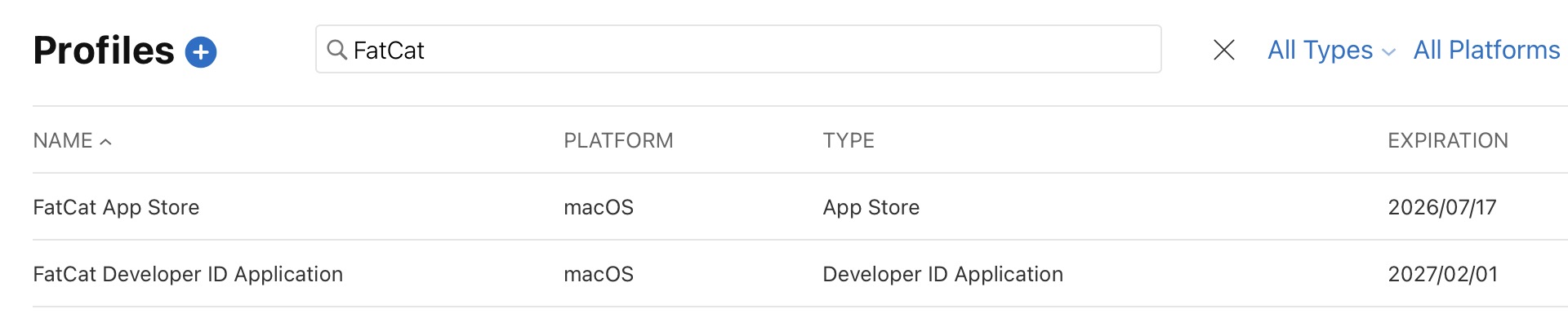
So, lets review all i have:
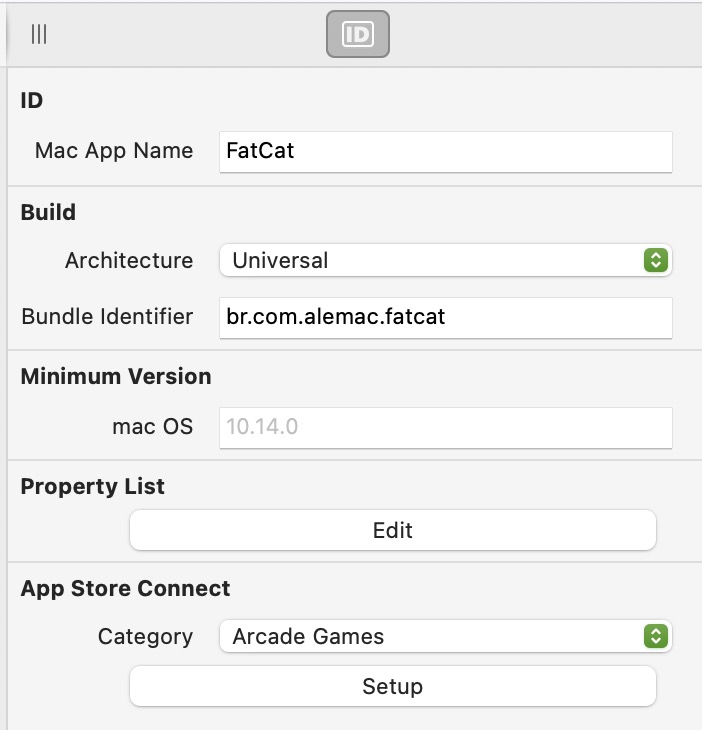
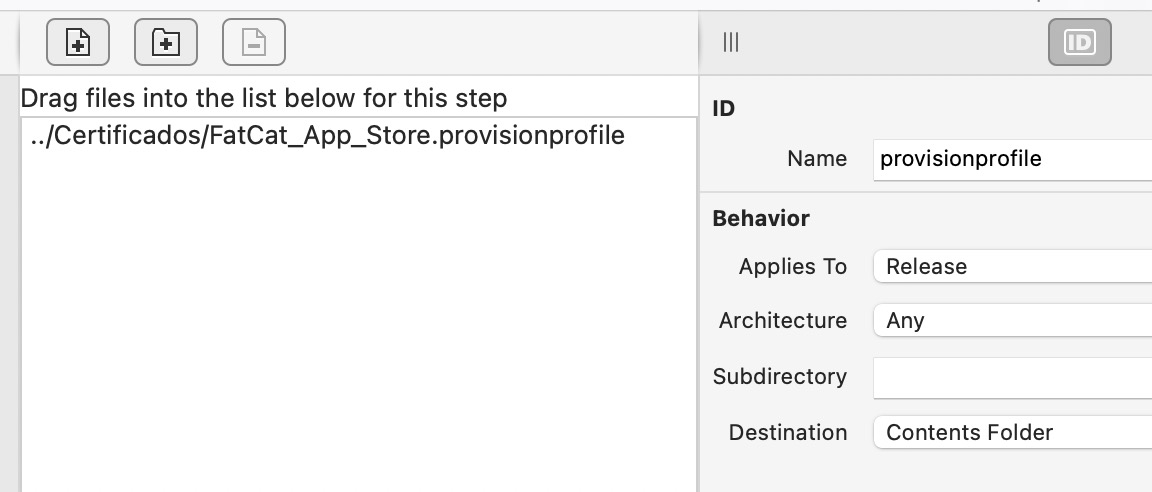
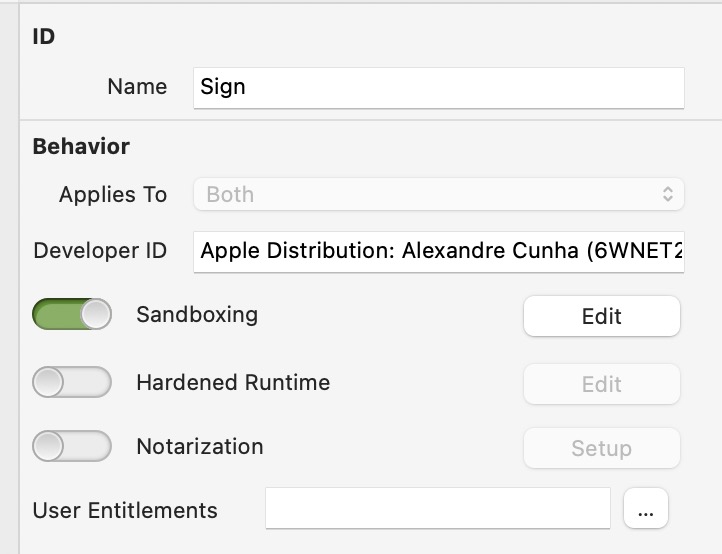
on xojo, i have:
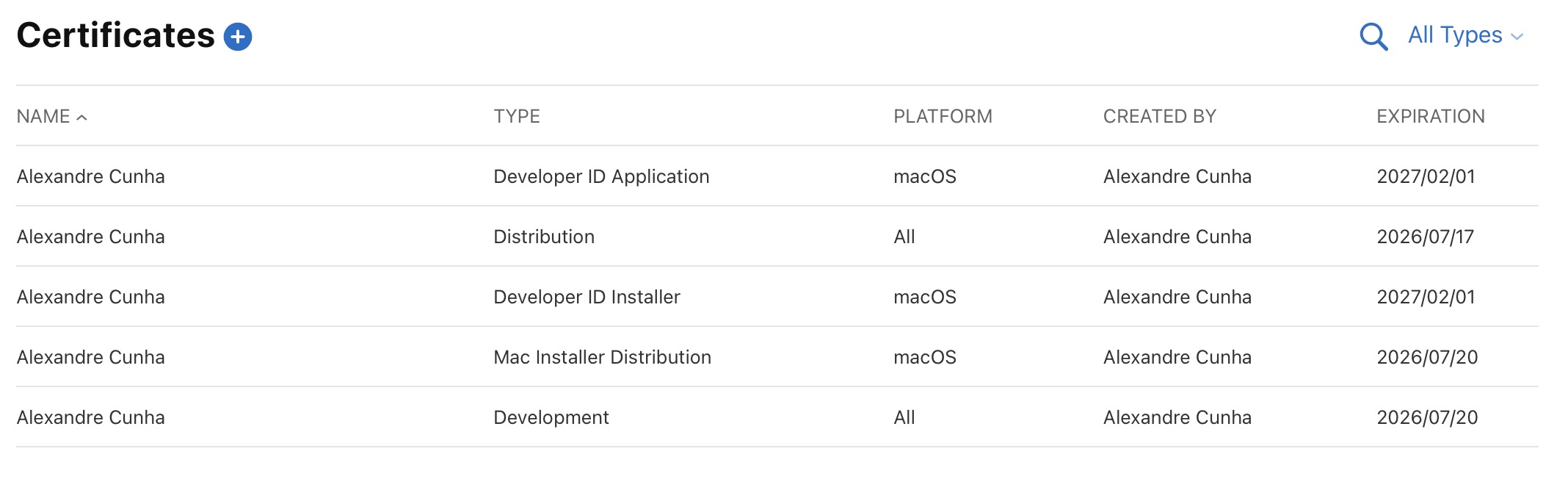
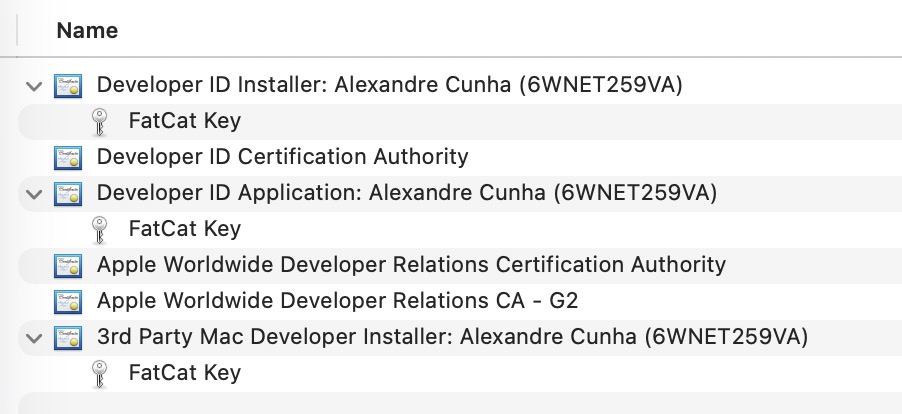
on keychain…
all valid!
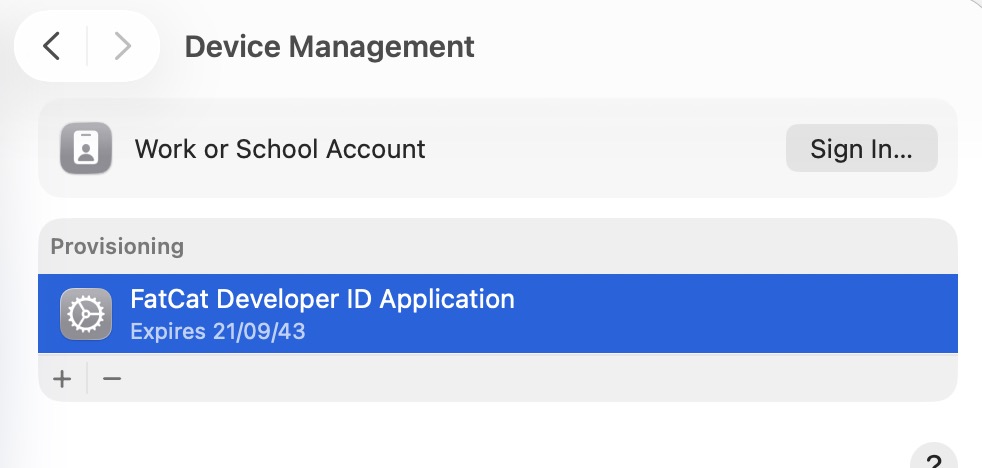
And on System Settings:
Any help will be great!
Alex
I create a build on xojo (sand box active)
productbuild --component FatCat.app FatCat.pkg
then dragged to Transporter and it uploaded to Apple…
and it’s gone!
what kind of problem could have on xojo?
2 new informations:
1 - on first successfully submit (a month ago, using macOS Sequoia), i did using: br.com.alemac.fatcat on xojo.
i’m not sure at the time, on the certificates the internal value was just
2 - i’m using macOS Tahoe 26… maybe this is the problem…
i tried both… did not work anyway:
The signing documentation says to remove the “Apple Distribution: “ part in the developer ID field. If that works, please make a note of it in the issue you filed because Xojo should really take care of that automatically.
Greg_O
September 27, 2025, 2:19pm
5
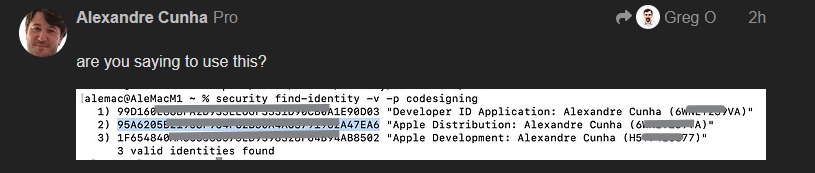
Actually… what you should be using is the hex hash of the certificate. The reason for this is every time your certificate is about to expire, you have the possibility of having two with exactly the same name and Xojo can’t tell which one it should use. The hexadecimal hashes are unique and are completely accepted by the Xojo IDE workflow. I only wish there was a way to copy them out of keychain without the spaces…
You can get them from the command line:
security find-identity -v -p codesigning
hi.
no, this is needed! a month ago i had this problem because the missing “Apple Distribution” text…
are you saying to use this?
but the error i’m getting is this: (related to Bundle Identifier)
Make sure there is an App Store Connect record using the same Identifier that the one set for the project. http://appstoreconnect.apple.com
Right?
Nothing about the Developer ID. (i guess…)
Avoid exposing so much info to the internet… like this:
yep, the values are fake.
Fair enough. It looks like the Xojo blog post says to include it but the documentation says to omit it. I’ll file an issue for that inconsistency.
It’s Xojo’s incompatibility with tahoe
That‘s to be expected with a major OS and Xcode upgrade. Better wait for a Xojo version, that Xojo claims is compatible.
I see no mention in your op you were running on Tahoe.
Hi
It’s above:
And i send my question directly to @Javier_Menendez , he confirmed this bug.
Alex