When I define an input type of NUMBERS on iPhone it only shows the numbers and delete key.
How does the user remove the number input entry? There is no Done or Return
Move to the next field
If you set it to decimal instead of numbers, you should see the delete key.
Using iosdesignextensions, you can add a Done button to the field.
Thanks Greg but it didn’t make any difference.
I looked at the latest but it just had a Hide Toolbar button and my top toolbar is full. I couldn’t see how you could add a Done button to the field.
In the end I put a TF.clearfocus in the other control that was visible assuming the user would work that out 
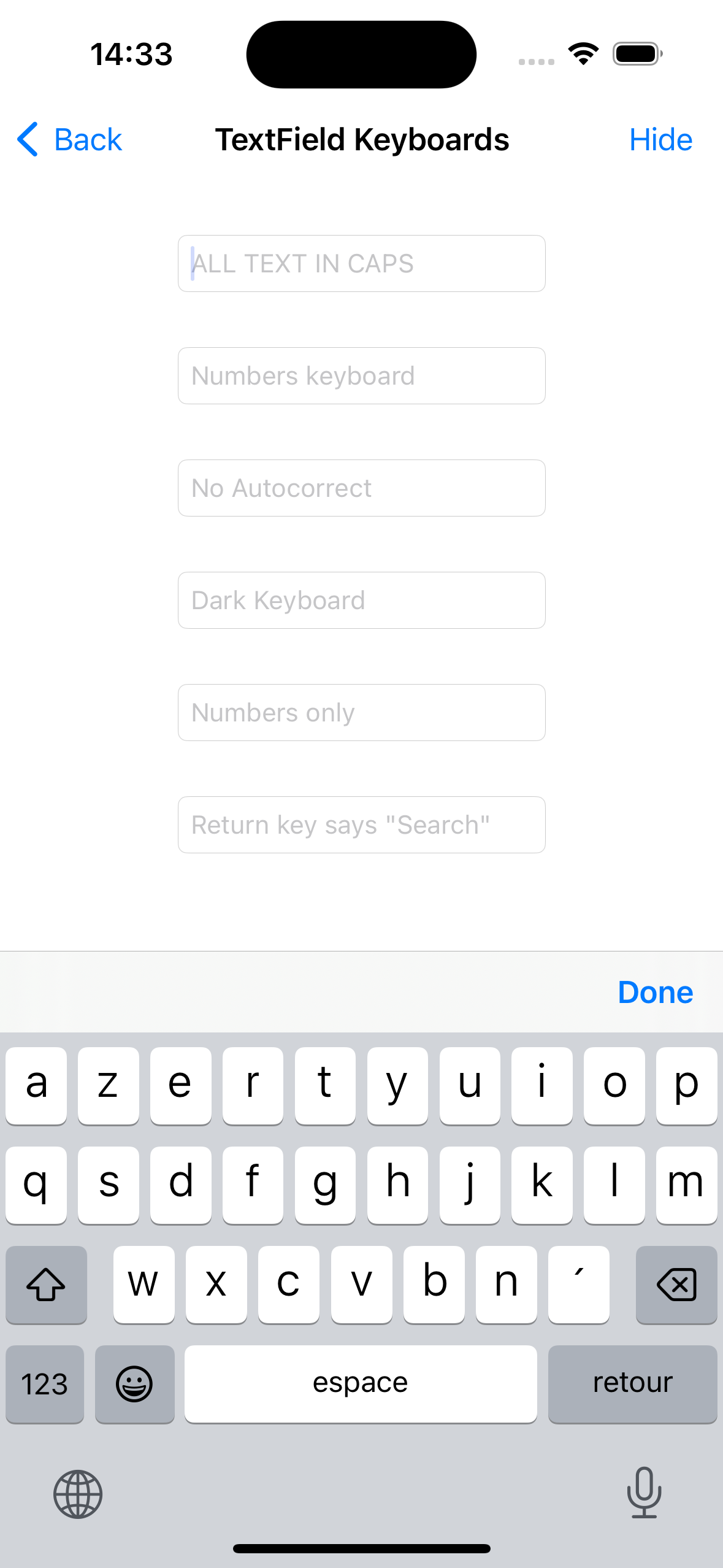
The latest version of iOSDesignExtensions now has a TextField.AddDoneToolbarButtonXC method.
Using that method allows to clear the focus with a Toolbar item above the keyboard.
Thanks Jeremie,
Hi.
Using but now I am getting a blue checkmark instead of done. And when I click on the checkmark nothing happens. Looks good but not working.
Did you add code in ToolbarButtonPressed to handle the nil button?
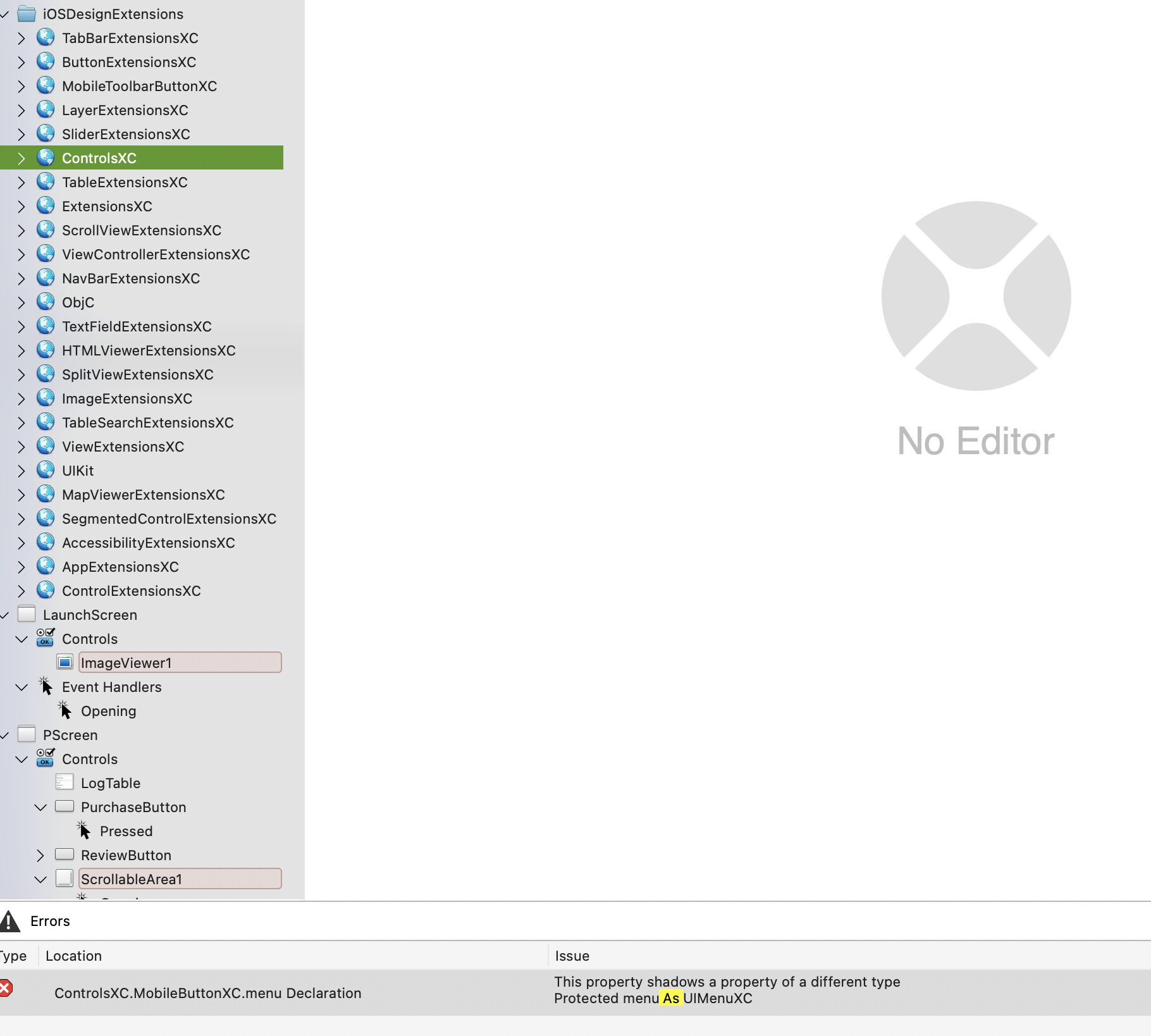
Thank you for reporting, I’ll fix this before the end of the day.
Should be fixed now.
Please download the latest version of iOSDesignExtensions