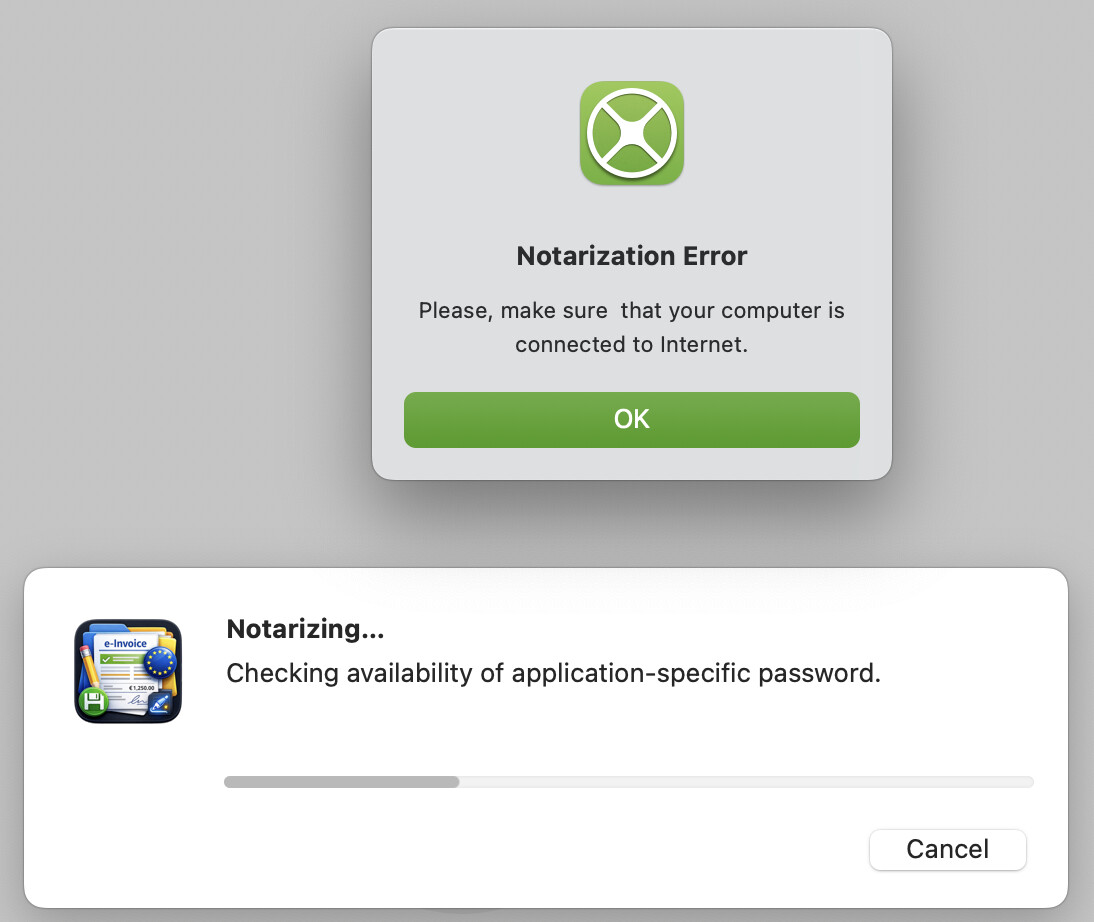
I have this weird notarize error
the signing process seems to be done correctly
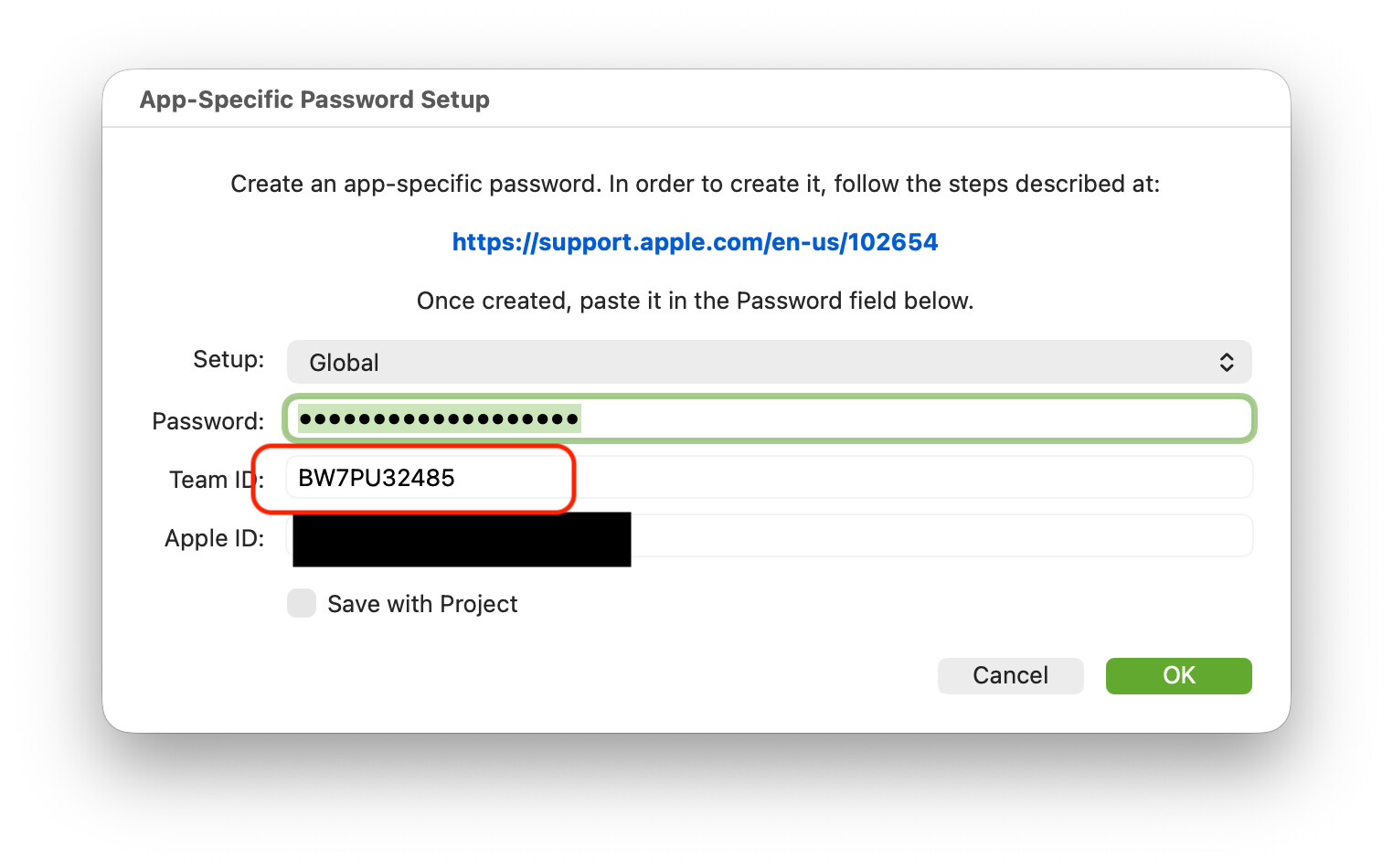
I have setup the notarize panel with the app specific password and developer id
(the first day of receiving my certificate the notarize setup gave an error)
I only have my apple dev certificate 2 days ago, is there some time needed to have the notarize process working ?
all certificates have been downloaded from xcode into the macos keychain
if anyone knows what it comes from I would be very grateful !
thanks.
ps: anyway the error message seems not right ! @Javier_Menendez
I am connected to the internet …
Other than that… it could be some transient error in the internet connection or the Notarization service at the Apple side? Have you tried again with the same error / results?
It also would help to know the Xojo version you are using, macOS version, etc.
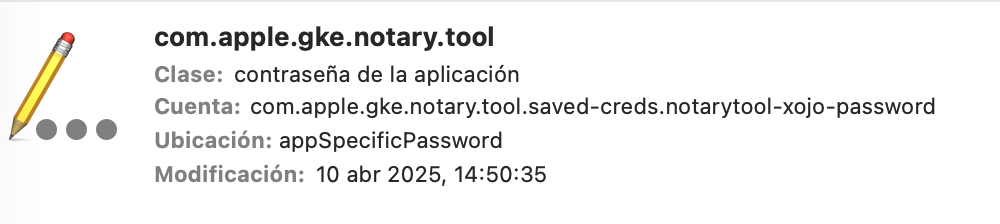
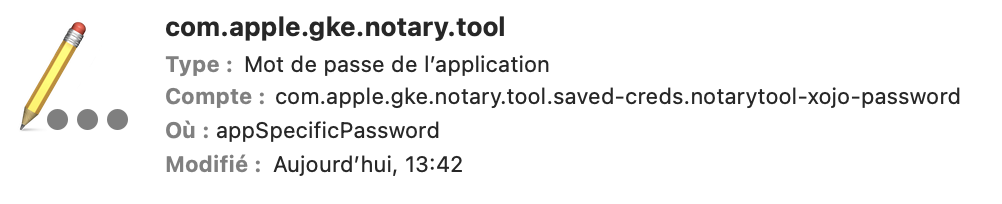
I have only one password saved in the keychain, the one with the dev id at the end.
I don’t have a keychain entry with …notarytool-xojo-password only at the end.
using macos 15 and xojo 2025r31
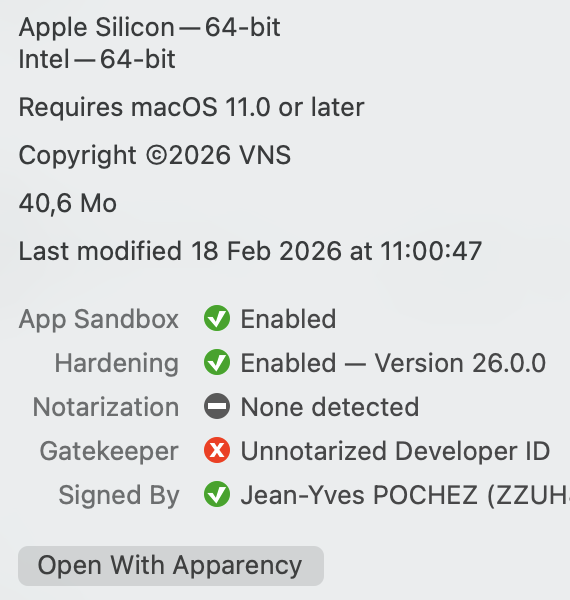
if I look at the xojo build app with the Apparency app it gives me this message:
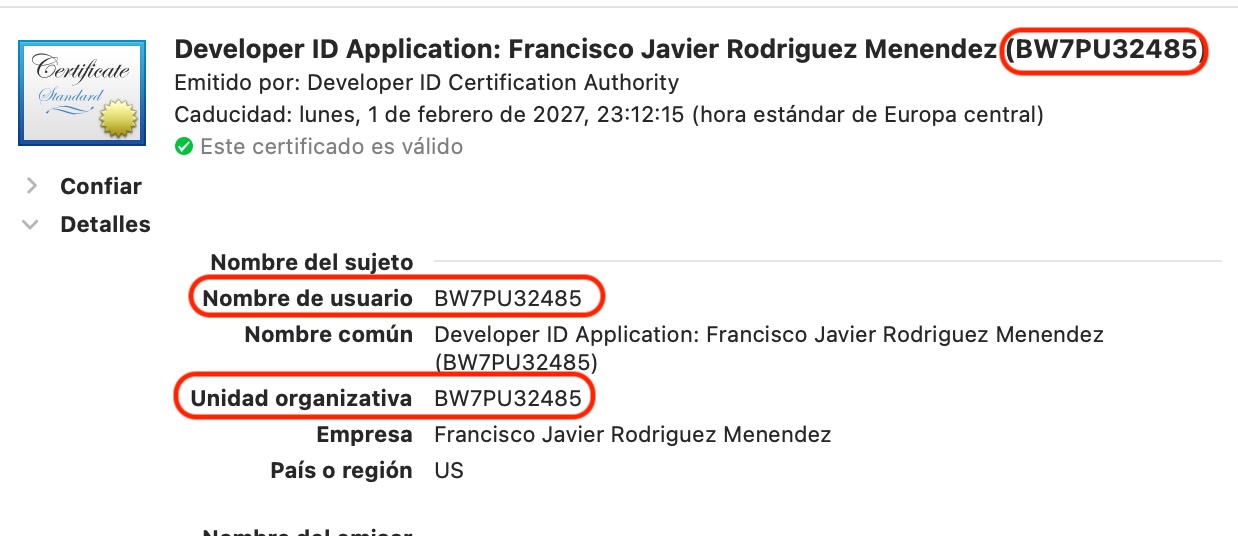
Yep, @Greg_O I’m aware of that. The only one where the Developer ID (User Name) differs from the Team ID (Organizative Unit) is for the Apple Development certificate. Others do share it:
hello @Javier_Menendez
I’ve just had the same stupid error from first post “are you connected to the internet” …
the certificates are good. I use xojo 2025r31
I know you’ve changed things for 2026r1
in fact I updated my xcode and did not run it
that was the problem…
once you accept the licence of xcode, then you can notarize again…
just for you to check on 2026r1 if the same could happen ?