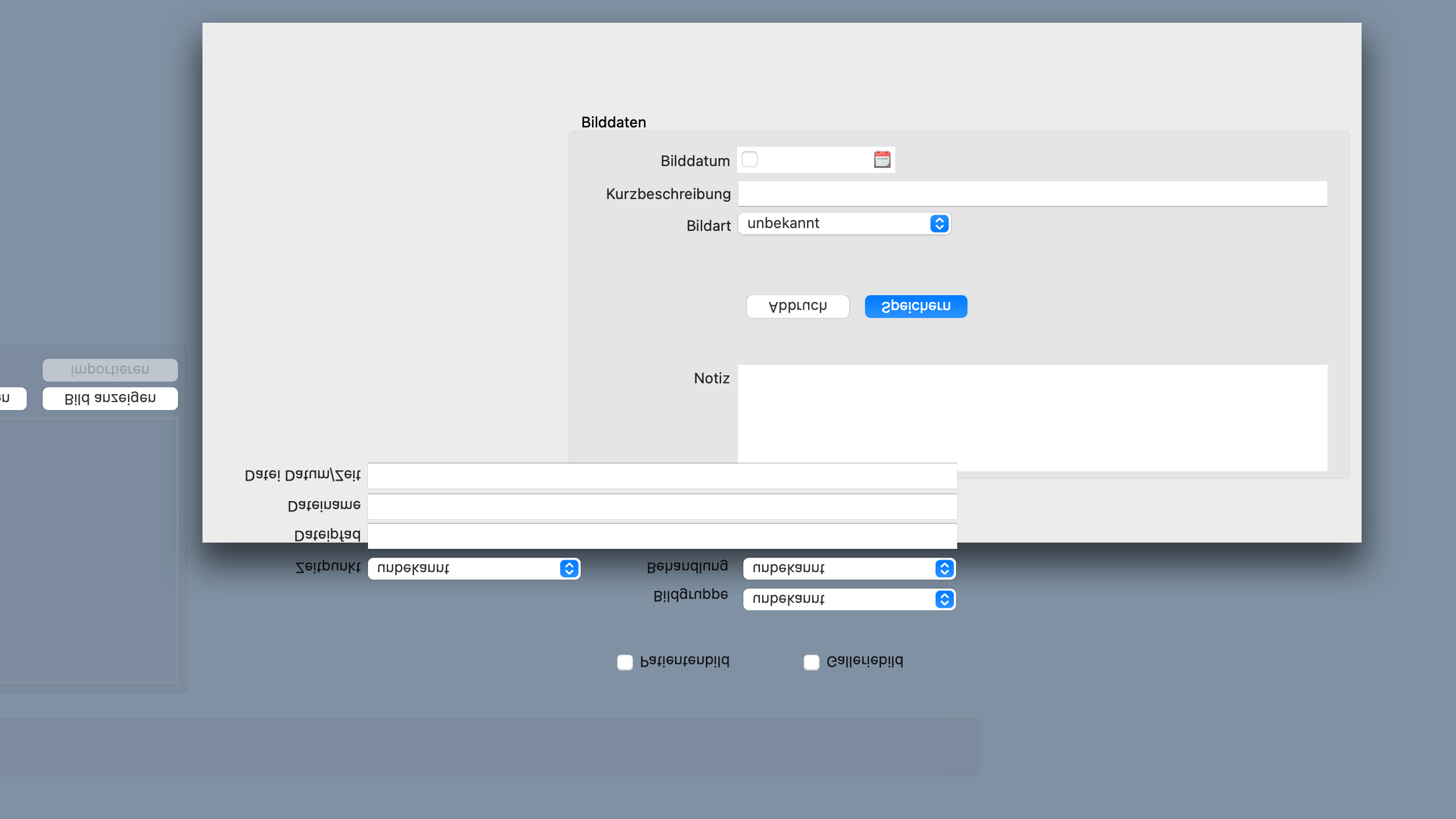
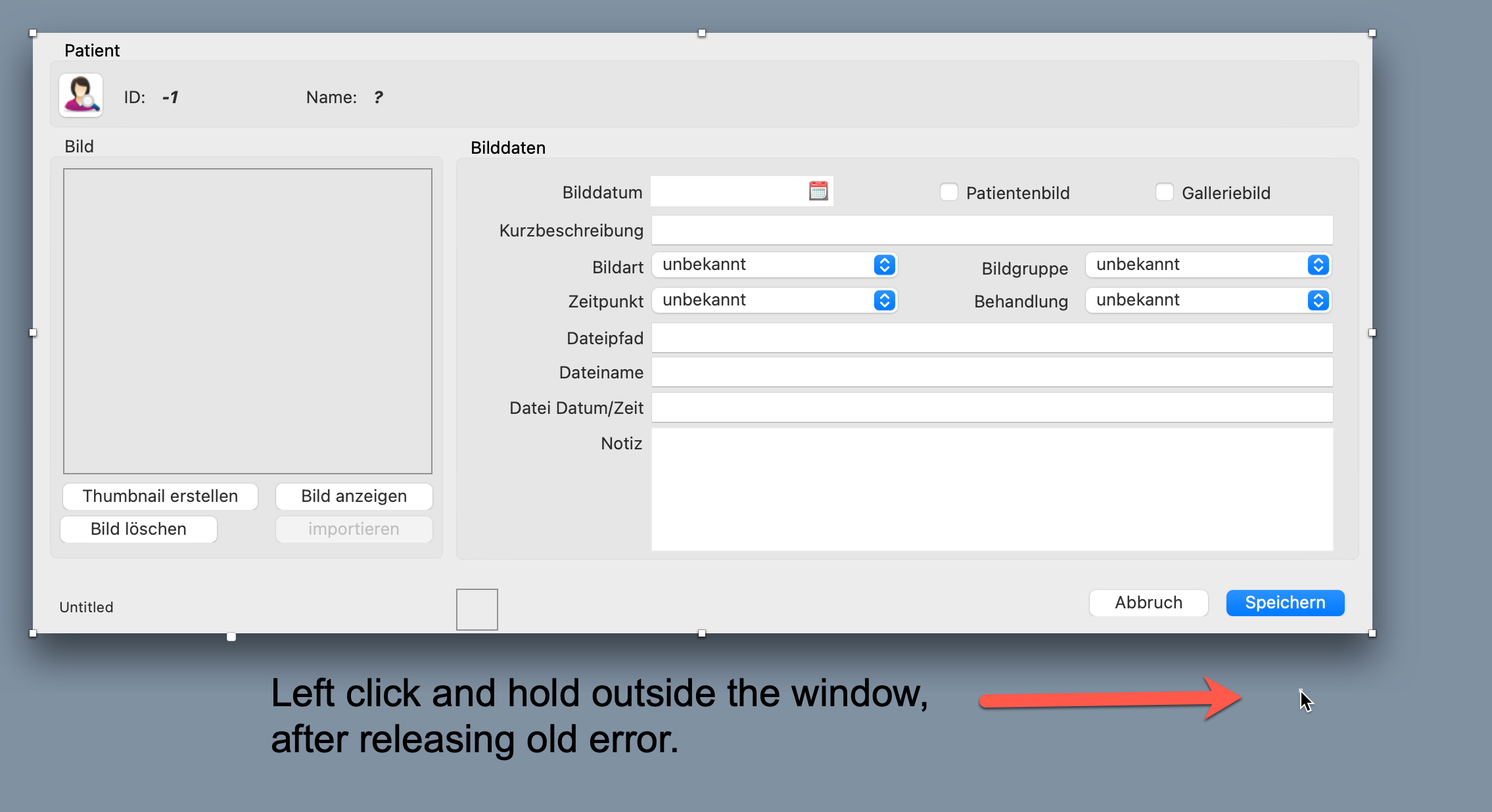
After updating from Big Sur to Monterey some of our windows are not editable anymore. Parts of the components are drawn outside the Windows and rotated! It is not possible to work with components. If we click outside the window all components are drawn correctly while clicking left. If we compile (without saving) the app is fully functional. Any ideas?
Dont use Mac 
Try on another machine?
Clean install of OS?
If is a Xojo problem, wait for an pdate…
Interesting, but I don’t see it here on my Monterey machine. Some more info would be needed:
- Xojo Version
- ARM or Intel
- System Language/Locale
- And possibly more
Your best bet is likely to be to replicate it in a simple project (try copying one of the windows where you see this to a new project) and open a feedback case and include system info.
- macOS 12.0.1
- Xojo 2021 R2.0 and 2021 R2.1
- iMac Intel 5K 2017 40 GB RAM
- not seen with Monterey Beta
Yeah, I would open a Feedback Case and include a project that shows the issue. If this were a widespread issue, I’d bet there’d be a post about it by now.
THX Anthony. I was hoping that someone has the same problem and knows a solution. I first looked in the feedback cases but found nothing similar. Creating a feedback case with an example project is very time consuming and has often not been helpful for me in the past. Tomorrow I will try Xojo on a M1 Mac. If nothing helps I will wait for a Xojo update or go back to Big Sur.
The best I can say is that I don’t see it on my M1 Mini with 2021R2.1. Sorry I can’t be of more help.
Does it draw differently if you change the screen resolution? Or do you have another monitor? If nothing else, use (OS) Settings > Display then try another scaled resolution.
The usual? Clean out the project cache, restart the computer, put the iMac back round the right way  …
…
Maybe something in his project ? I do not get anything like this either.
Yeah, very probably some (odd/unusual ) code that triggers this.
Actually, looking back at the original images, this appears to me to be a case of the windows being different widths. I’d check the lock settings of the controls which appear wrong in the top image. Perhaps they are locked to the right window edge, and were originally placed when the window was wider.
And when you drag the window wider, the controls appear in the expected position.
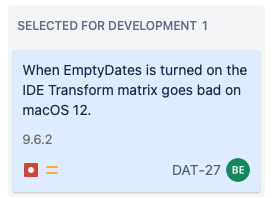
Its the DateControl from me that causes it. Something has changed it seems.
To fix then Set EmptyDates = false in the IDE.
And in the Open event you can set it to true.
Since it seems to be IDE only problem.
This workaround should work for now until this is figured out.
(And its filed and ready to get investigated)
4 Likes
That’s why I didn’t update to Monterey. 
1 Like
I am waiting for Monterey 12.1 to update my MBP 13" M1.
Thank you very much Björn. I will try this today  .
.
I have severe slowness when “saving” and moving in the navigator about 1/2 of the clicks
I will have update for this today. Though it will go on the Xojo Beta list since our code main line for most User interface controls has things that disclose things in the Beta. So you will either need to grab it from the Beta list or wait a little bit until they decide to make the Beta into official release.
2 Likes
Many thanks for the quick help.
We have pushed out the fix on the Xojo Beta list. To get it if not on their beta list then you will need to join their Beta program or wait a little bit until they make the Beta into Release.
This is because the new versions are disclosing info that is specific to the new Xojo Beta which only belongs on their Beta list until they decide to make it into release.