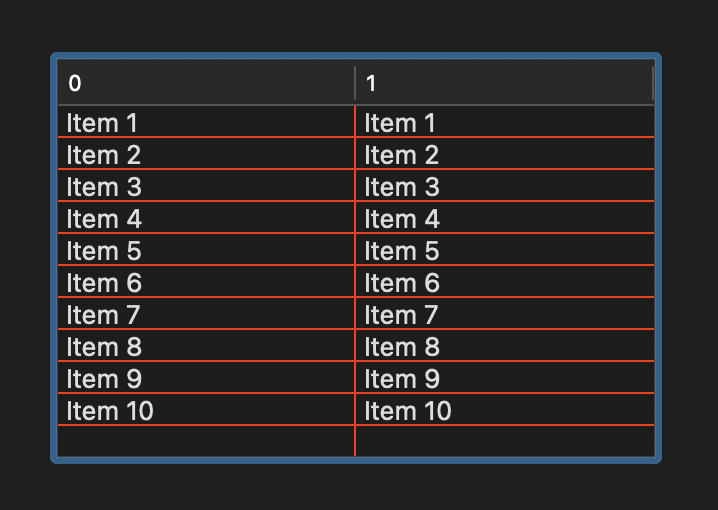
Neither Google nor Jade have been my friends today (and yesterday). They provided me with several answers that mostly compiled fine but didn’t work at all.
I want to change the gridline color (horizontal and vertical) on a Listbox (all the gridlines). I’m not touching the background color. No alternating colors. This sounds like it should be simple.
I have gotten some decent code from Jade since I started using it a couple weeks ago, but it was just making up stuff today like it had never heard of Xojo before.
Using MacBook M4 and Xojo 2025 R3 on Desktop project.
Thank you. I did consult this documentation entry but I found no examples I could use (not an advanced listbox user). Good point about shutting off the gridline style to none. That may be where I went wrong earlier.