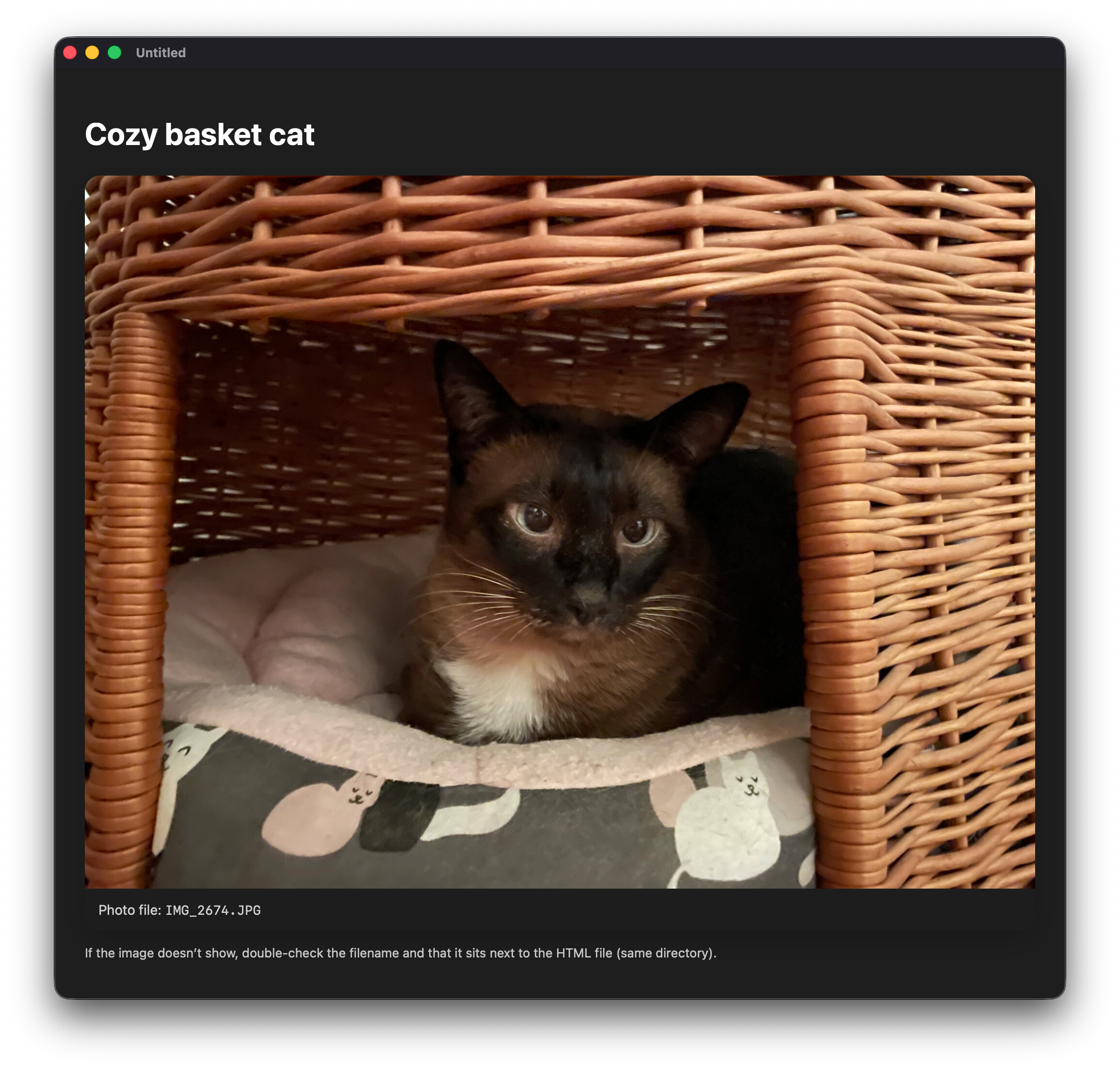
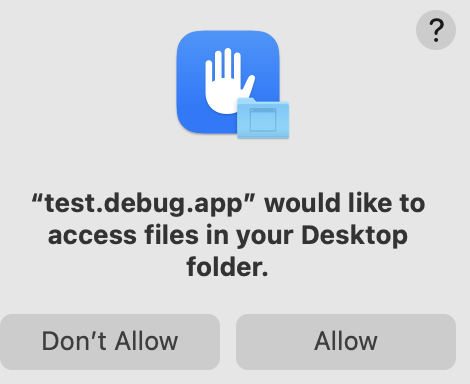
I have problems with my html to pdf code. It doesn’t always include all images even though the data is okay. ChatGPT suggested that I do not embed the images in base64 but load them from a file. This didn’t work at all because the images weren’t loaded into the html.
Dim baseFolder As FolderItem = SpecialFolder.Desktop.Child(“html”)
Dim htmlFile As FolderItem = baseFolder.Child(“cat.html”)

HTMLViewer1.LoadPage(htmlFile)
For testing using LoadPage is fine but as always my app may write lots and lots of files.
Can you provide the HTML you’re using in both instances (along with the image) and an example project so we can test? What are you using to convert your HTML to PDF?
I haven’t got a solution I’m afraid, but just to say you’re not alone in this. I have never been able to get relative URL resources to load from html supplied as a string when using:
LoadPage(source as String, base as FolderItem)
In my case, I didn’t even get as far as images. I was unable to load a custom “bootstrap.css” file in my base folder. Regardless of whether I pointed “base” at the parent folder or a “index.html” beside the css file, none of the following html lines worked:
I gave up and embedded the css directly in a block, but obviously it might not be ideal to embed images, particularly if you have a lot.
One thing to note is that when you load html as a string this way, it gets loaded into the viewer as a data: URL. Looking online it seems that (in web browsers at least), html loaded with the data protocol is prevented from accessing relative url’s, in part for security reasons. If the CEF framework powering the HTMLViewer is enforcing this then that may be why it doesn’t work. However, the Xojo documentation seems to imply it should so this is very confusing and therefore needs clarifying IMO
I assumed you provided the test project with the code that failed (and was to be tested) being the active portion. I see now that wasn’t the case.
This is a security limitation. Specifically we need to set the WKWebView preference allowFileAccessFromFileURLs. Xojo doesn’t give us that ability directly, and one would need to craft the appropriate declares.
Here’s a way to do it that works in my testing. YMMV:
Public Sub LoadLocalContent(extends control as DesktopHTMLViewer, source as String, f as FolderItem)
  var tempPath as FolderItem = SpecialFolder.Temporary.Child( Random.UUID )
  if tempPath.Exists = False then tempPath.CreateFolder

  if f is nil or f.Exists = False then Return

  f.CopyTo( tempPath )

  tempPath = tempPath.Child( f.Name ).Child( random.UUID + ".html" )

  var t as TextOutputStream = TextOutputStream.Create( tempPath )
  t.Write( source )
  t.Close

  control.LoadPage( tempPath )

End Sub
I do not understand this thread contents since the first post.
I took a minute to seek the documentation and came with this code (Copy / Paste in your example)
Var f As FolderItem

f = FolderItem.ShowOpenFileDialog("text/html")
If f <> Nil Then
  HTMLViewer1.LoadPage(f)
End If
Yes, I get an Open Dialog, and I did not found the one without dialog.
and that works fine in macOS 26.3 + Xojo 2025r3.1 (all last released versions, no ß nor RC nor…).
Honestly, there is still something I do not understand.
Example: me.LoadPage(cat, SpecialFolder.Desktop.Child(“html”))
you named a file “html” with no extension ?
(yes, your example comes from a folder named “html”; this is something I never do; I would use “html data” instead, just in case.)
I did some testing with the written html files and my §$%& pdfs still aren’t any better. I have enough of that topic right now and need to take a break.