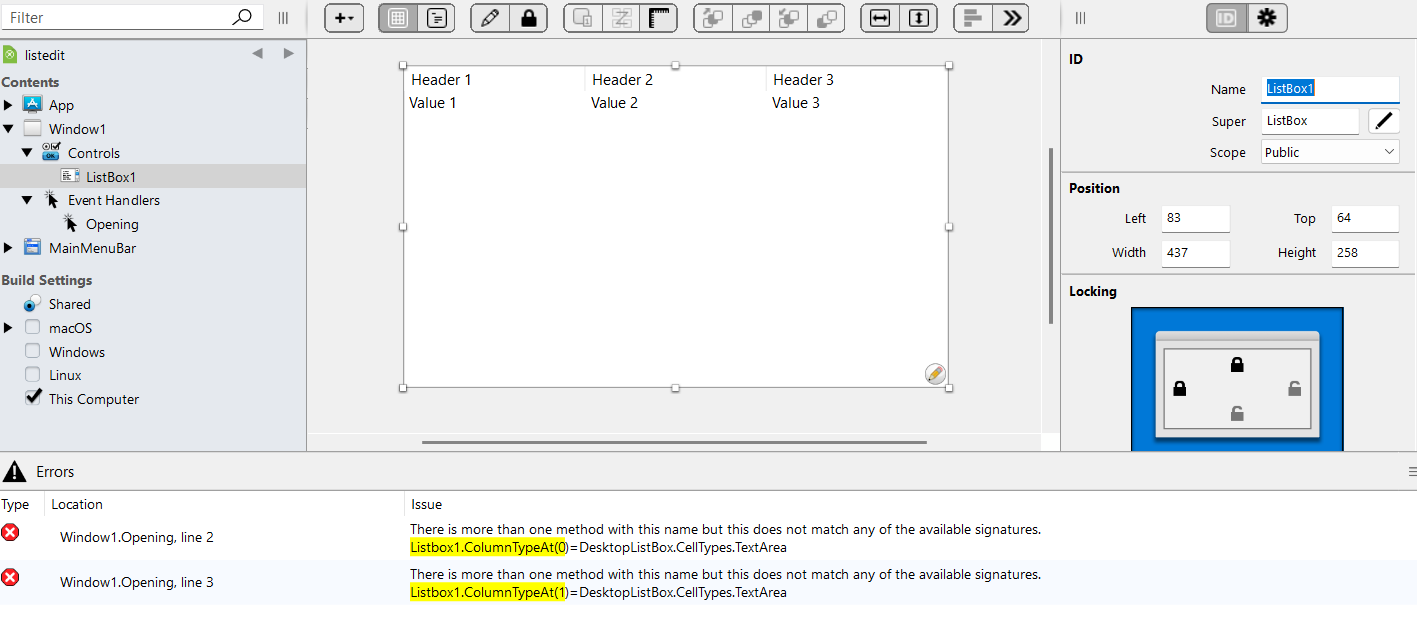
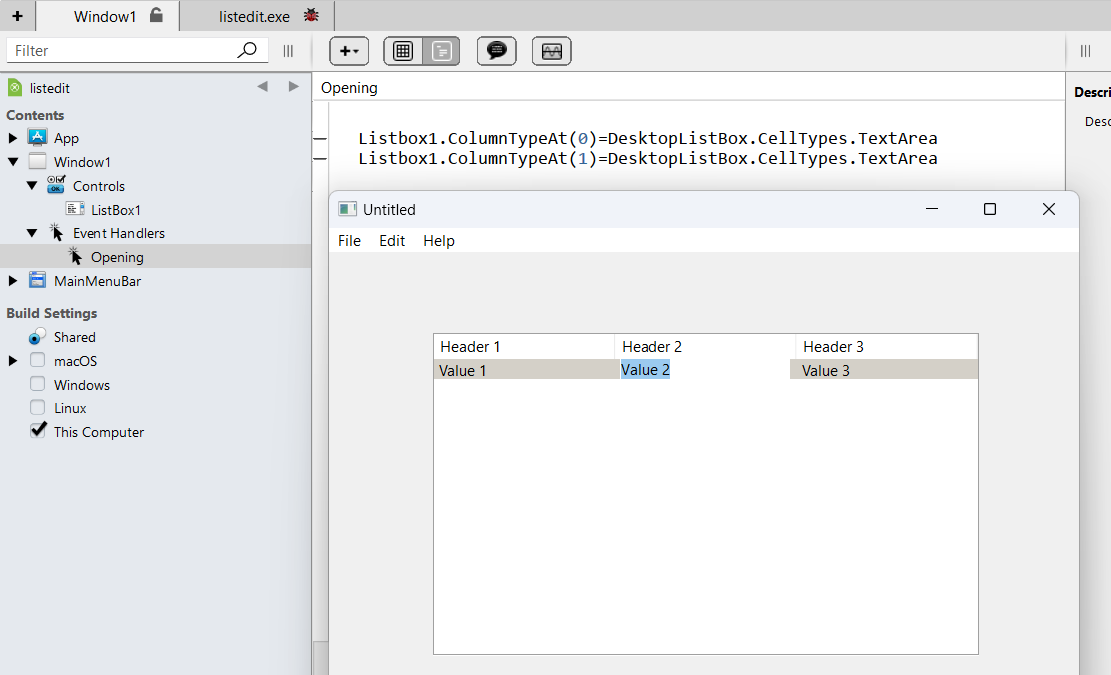
I would like to be able to type text in into the cells of the 1st and 2nd column of a listbox, but I can only do this in the first column with this code. Why is that?
Sub DoubleClick() Handles DoubleClick
  //
  // Allows the user to Edit the Row,Cell where the DoubleClick was done !
  //
  //
  Var Row, Column As Integer

  // Get the Row,Column where the user clicked
  Row    = Me.RowFromXY(gX,gY)
  Column = Me.ColumnFromXY(gX,gY)

  // Edit the Cell at x,y
  Me.CellTypeAt(Row, Column) = ListBox.CellTypes.TextField
  Me.EditCellAt(Row, Column)
  EditON = True

  Exception
End Sub
Are you trying to move using the Tabulator Key from Column 1 to Column 2 or are you clicking twice in Column 2? I am asking because Xojo does not automatically add the “logic” needed to tell the Listbox what should happen if you press a Key within a Cell.
Is it possible you mix DesktopListbox and Listbox or in other Words Xojo API 1 and Xojo API 2?
And i assume you have the below Code in the Opening Event of this DesktopListbox, correct?
Not sure what the error was. I also created an empty project for testing and I was able to type into the cells. I fixed to by deleting the listbox and added a new one with another name. All is well! Thanks all.