I’ve never ‘done’ JSON, preferring XML
However, I’ve been given a JSON file to interpret , and it’s not going well.
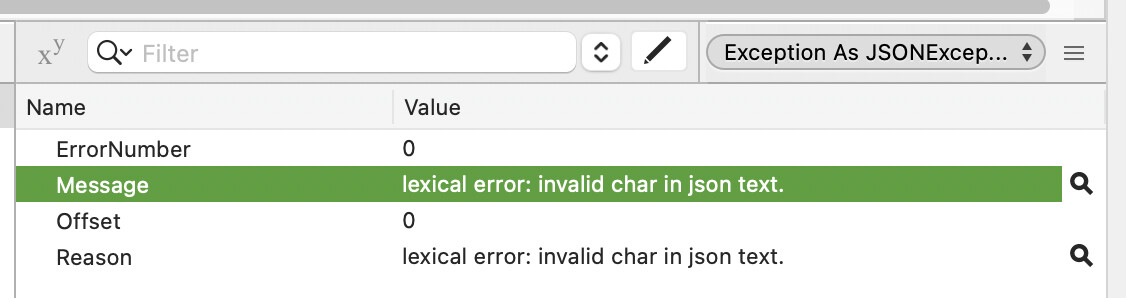
When I feed the file into Xojo’s JSON class, it fails due to an ‘invalid character’ - but I can’t spot what it might be complaining about.
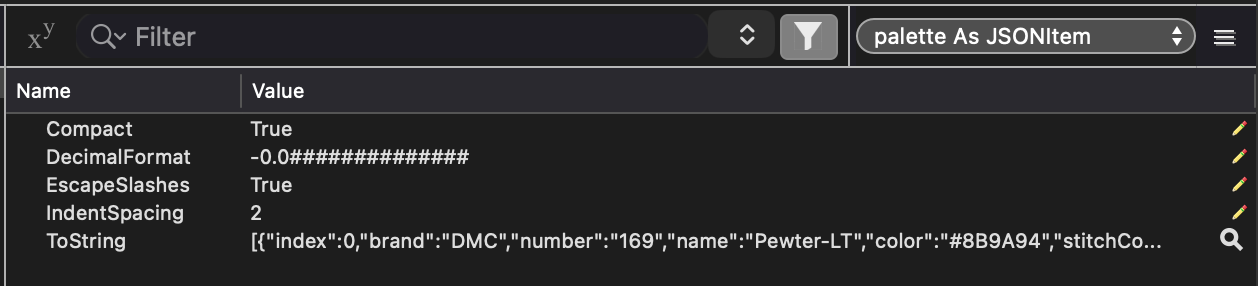
If I use Kem’s JSONItem_MTC, it will read the file, and I see some data presented in 7 dictionaries.
However, one important dictionary of the 7 - ‘Palette’ - despite being populated, doesn’t appear to show up with actual data and I do not understand why.
The JSON appears to be valid.
Can anyone fluent in JSON and JSONItem_MTC tell me why this might be?
samplejson.txt.zip (84.4 KB)
I had no trouble using the file provided with Xojo’s built-in JSONItem in 2026R1.1:
var dlg as new OpenFileDialog
var f as FolderItem = dlg.ShowModal
if f = nil then quit

var t as TextInputStream = TextInputStream.Open( f )
var jsonString as String = t.ReadAll
t.Close

var j as new JSONItem( jsonString )

var palette as JSONItem = j.Child( "palette" )
break
Interesting..
I am using an older Xojo at the moment, I’ll retest
Did you make sure, the JSON-String has an Encoding?
Which JSON-Interpretation-Method did you choose in which Xojo version and on which operating system?
In Xojo 2023 (I own later, but for now…)
The sample I posted earlier works with Xojos built in JSONItem.
I was sent several files, most of them fail with this lexical error
Here is one that fails
WM2603270602-28M11_35X45.txt.zip (77.3 KB)
I have tried defineencoding as UTF8 on it without success.
That’s a lot of JSON. I see the issue with this latest file.
Looking at the contents, I don’t see any problems. I honestly think it might be the size of the JSON. I had one online validator kick back an error on line 79996, but I think that’s just the timeout (or line/character limit) for validation as there are no apparent issues there. All other validation techniques say it’s valid.
1 Like
When I was writing some code for the IDE Communicator, I did run across the case where the IDE included Null terminators in its response JSON, and JSONItem would choke on them where trying to parse. Stripping out all the Chr(0) fixed the issue.
Maybe it’s something like that? A character that JSONItem can’t parse, but all those online validators can…
Some of them have a BOM at the beginning, despite not having any non-ascii characters…
Chr(0) is the packet terminator. You should be splitting the data using that character and handling full packets denoted by the terminator using a buffer. Unrelated to this topic, but thought you should know.
The posted JSON text file does indeed have a BOM. I can load the JSONItem by discarding the first three bytes of the file.
var t as TextInputStream = TextInputStream.Open( f )
t.BytePosition = 3 // skip BOM
var jsonString as String = t.ReadAll
t.Close

var j as new JSONItem( jsonString )
2 Likes
Weird. It didn’t show up for me.
I’m using the second file that was posted (WM2603270602-28M11_35X45.txt). The first file (samplejson.txt) doesn’t have a BOM and JSONItem loads it fine for me.
Maybe I checked the first and not the second, assuming they were created using the same means. Oh well.
thanks, @Anthony_G_Cyphers. That makes sense.
1 Like