This is not the first time this occured.
Back to the basics:
I add a window in a larger project to automatically resize to 250 px (larger) images files (choose source, folder, resize the sources images and save them in the destination folder).
Previously, when this is noticed, I simply load the file(s) in Preview and resize, save them from there.
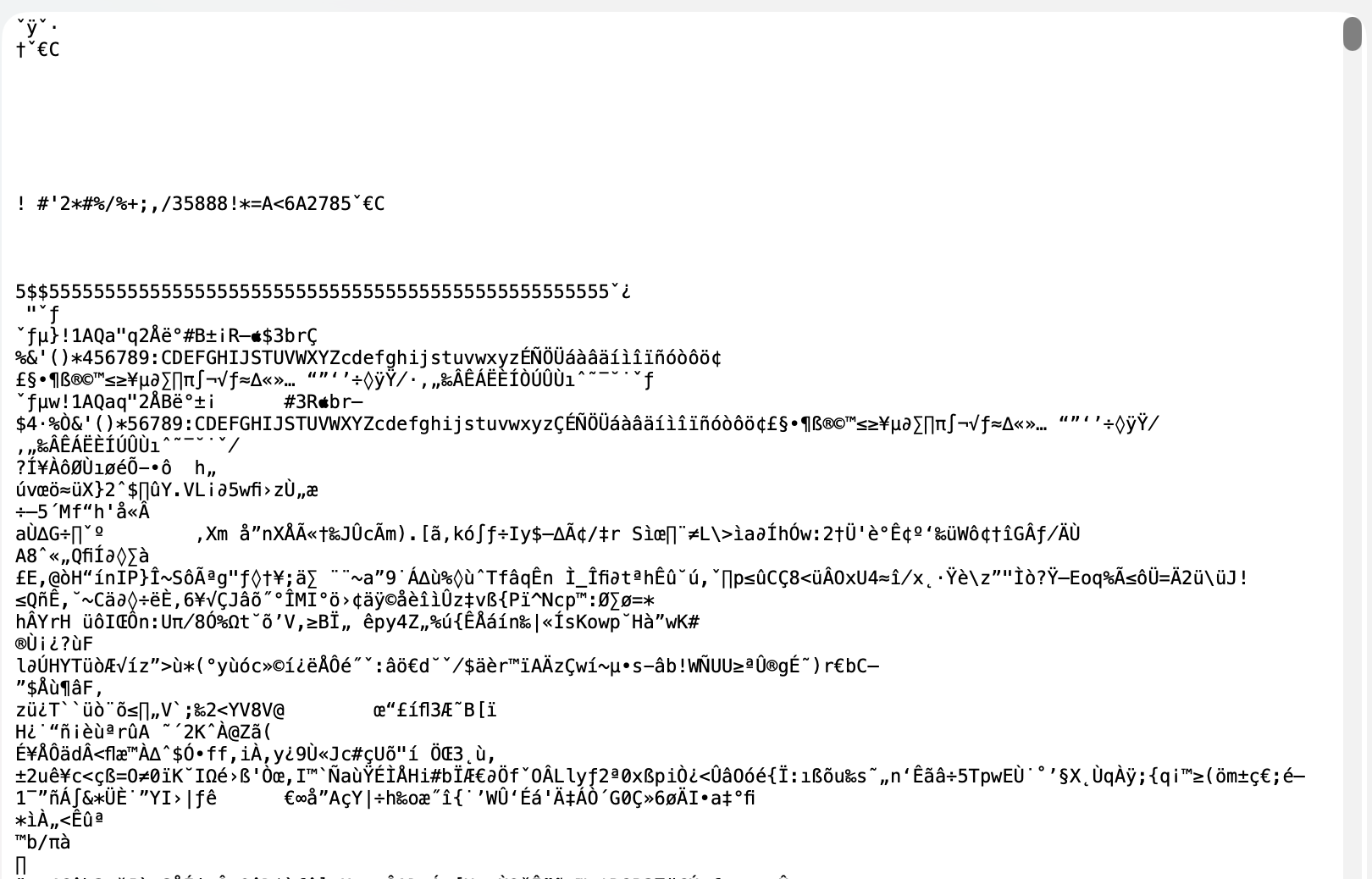
Not today, I checked the image to see what is inside, and I do not found the .jpg magic tag (jfif), no magic tag at all.
I add that file below. BUT, I zipped it and WARN you to not load it if you are not sure / do not want to fall in a bad file (file with virus or whatever).
I do not know, and I never read something about that, so PRUDENCE.
Beginning of the image:
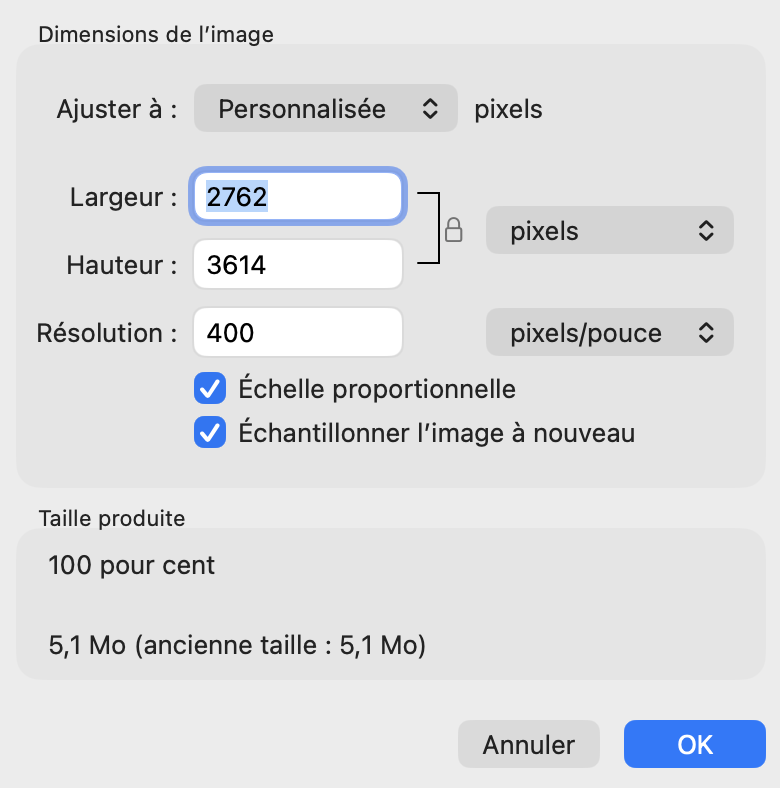
File Resolution:
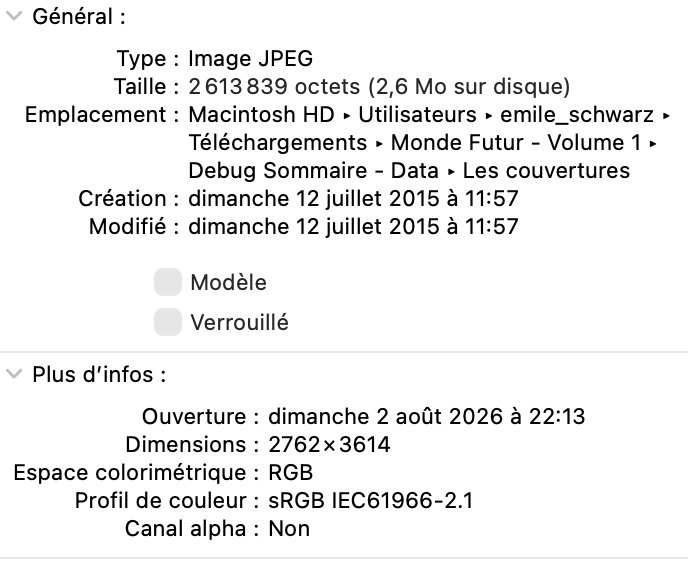
This is the Get Info window for the image.
Monde Futur v1-16.jpg.zip (2.5 MB)